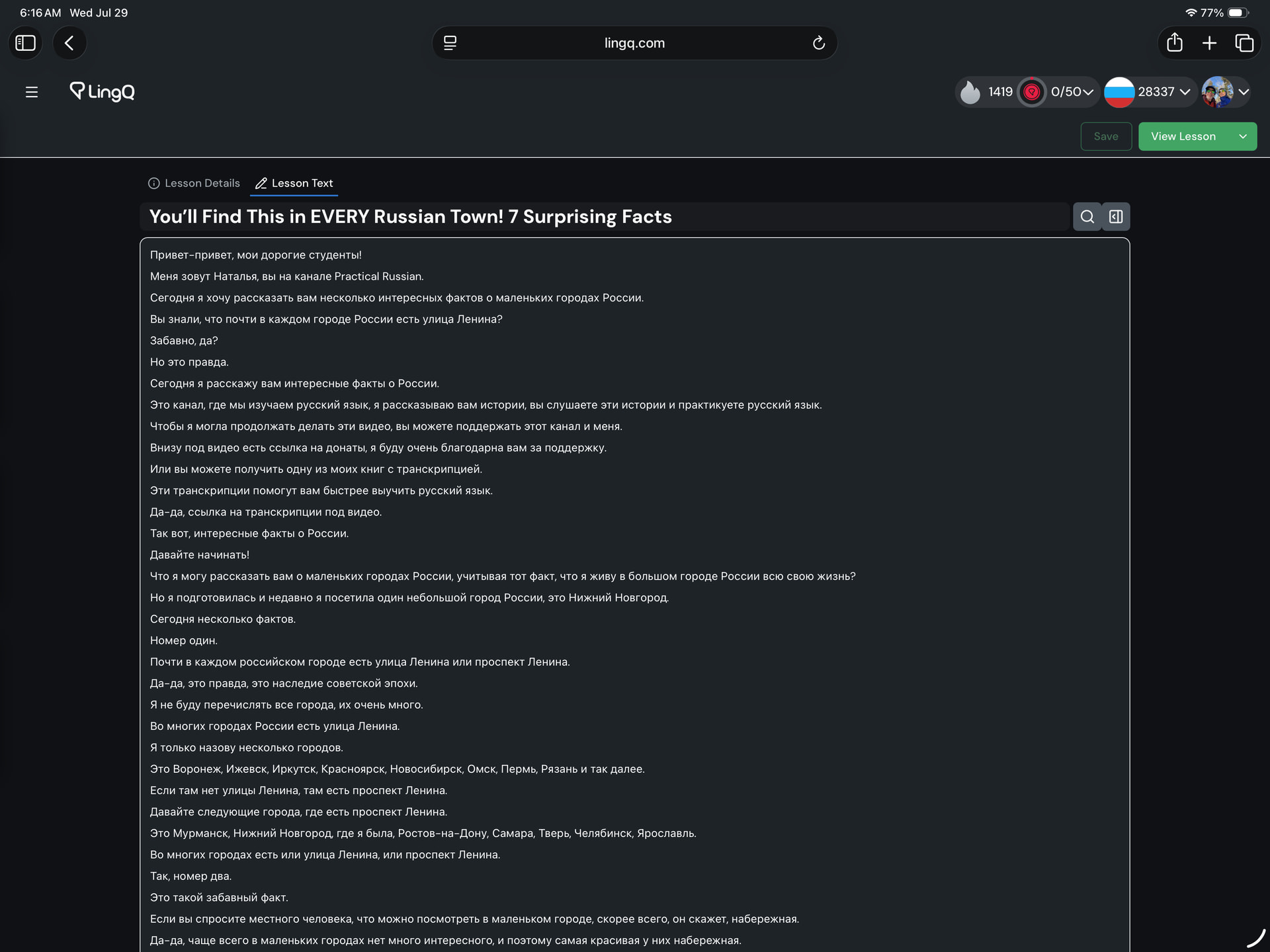
Starting today, I notice that “edit lesson” immediately goes to the edit text view. This is new and inconvenient. While importing new lessons, there are details you cannot enter from the start. After importing a new lesson the first view needs to be editing the details of the lesson — as it has been for quite some time.
Particularly after a bulk import, the first thing that must be done is add a url to ever new lesson.