Problem:
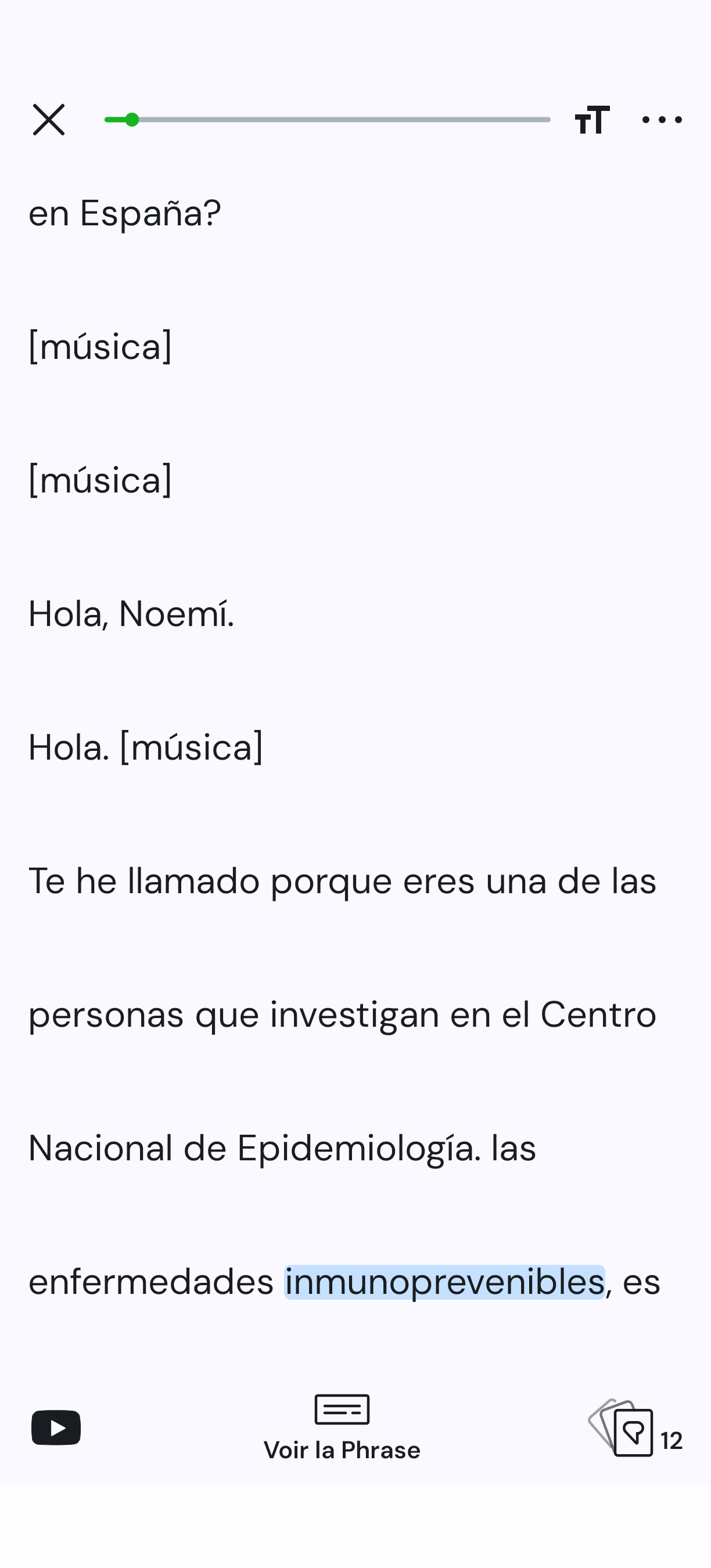
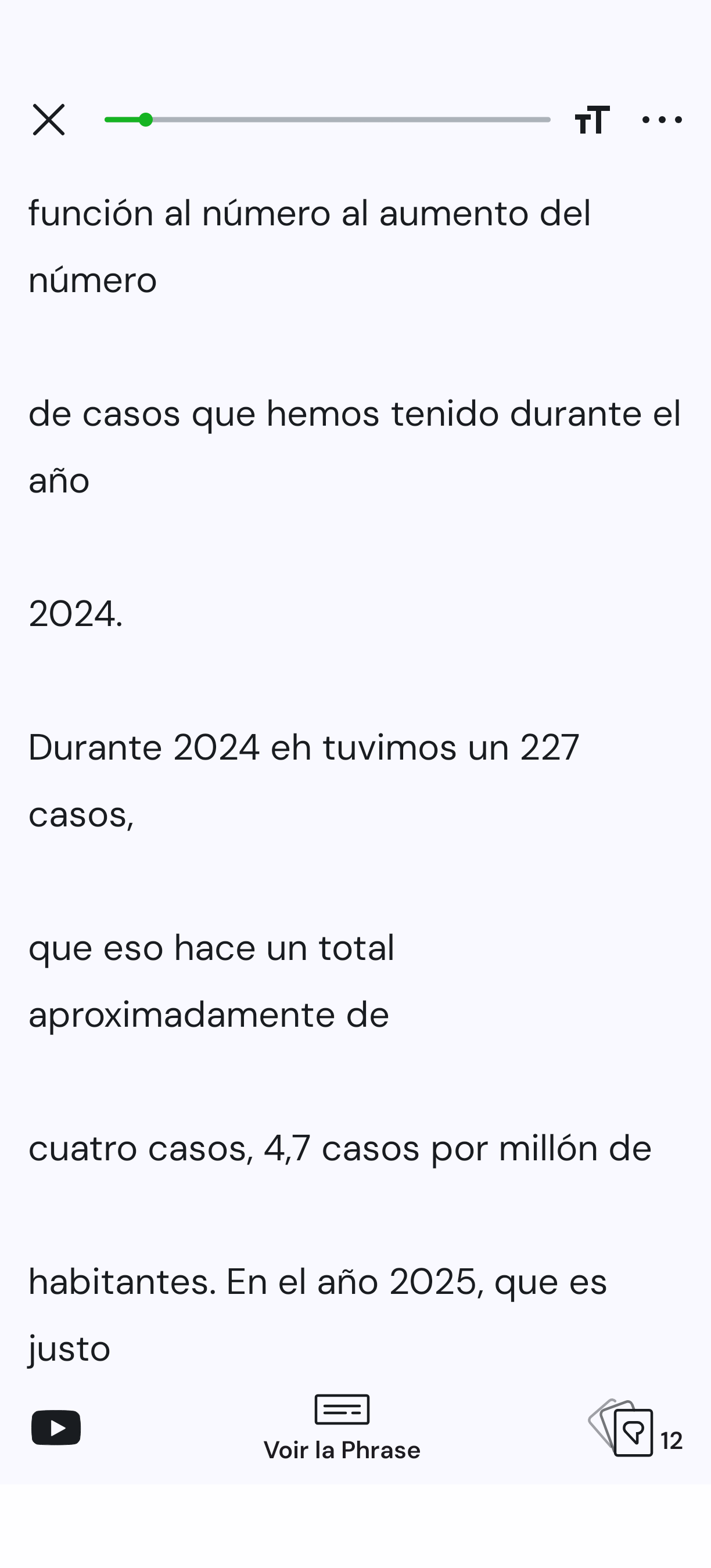
After import, the “Hoy en el país” YouTube podcast shows a white line after each line (see images below).
In sentence mode though, those white lines don’t appear.
Source: https://youtu.be/g3beaGWWW60?si=iK2334jjLuysTg_H
Screenshots:
Problem:
After import, the “Hoy en el país” YouTube podcast shows a white line after each line (see images below).
In sentence mode though, those white lines don’t appear.
Source: https://youtu.be/g3beaGWWW60?si=iK2334jjLuysTg_H
Screenshots:
Not much we can do here, unfortunately. This is related to formatting of the subtitle file that is attached to a video. Our importer just grabs it and make a lesson of it.
@zoran
A basic “hide/merge blank lines” option for the reader would do the trick; or am I missing something?
Q: Is there a simple way to import podcasts on Android?
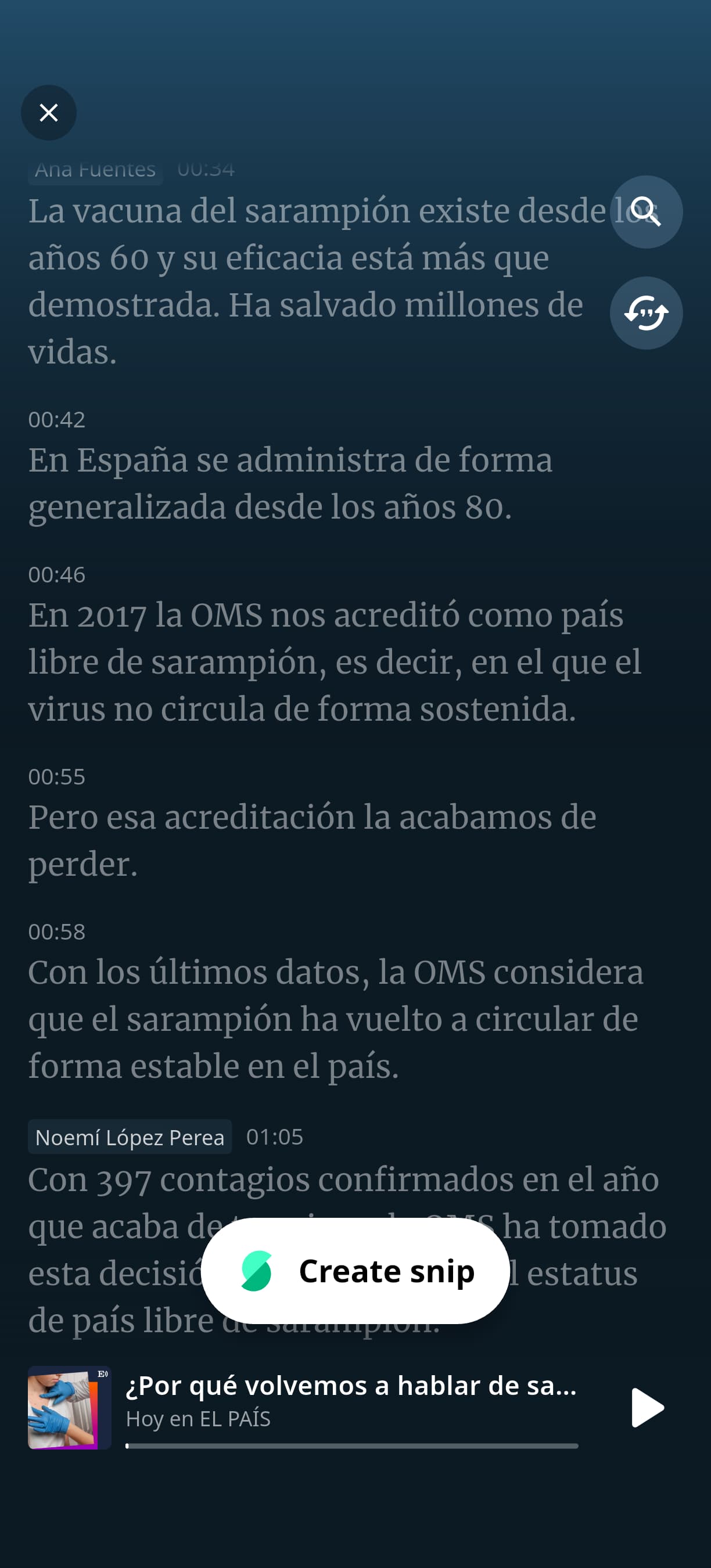
Below: the same podcast’s beginning as viewed in the Snipd podcast reader (text is also synchronized with audio), vs in the LingQ reader.
@alainravet1 We will try to find a way to make improvements here. Appreciate your feedback.