I agree but in this case you are mostly reviewing the words you created in the lesson, in the context of language learning inst this a good thing?
Un the plus side, there is a button right on the top where I can directly jump to the next lesson. So one can eather look at that (in strangely overblown size on the web version) or ignore it. Nothing wrong with providing options.
However, there is a delay of quite a few seconds until this appears (at least on my web-version). This is what sadly gets in my way and slows my process down.
I have to say, I really do not understand what’s supposed to be the problem. It takes no time whatsoever to click through, and unwanted words ending up in your known list has been a problem forever. (Yes, even for those of us who like “paging moves to known”, we sometimes slip up.) A final review of these words is not just good but great.
There are problems with LingQ’s user experience, but this is most definitely not one of them.
4 Likes
I think the classic way is to write that word without the “-”. 
That beeing said, as long as the distraction is kept to a acceptable minimum (I know, a subjective term) and considering that some users seem to value that feature, my conclusion is that the OP’s incentive only represents a part of the users, and therefore this doesn’t necessarely has to be considered an issue.
Maybe the LingQ staff will come up with an implementation that better gaps the bridge between those who like and dislike this feature (or Verschlimmbesserung). But for now, as a disliker, I’d say there are other things more important, aren’t there. I am still longing for a fast way to modify word splitting in Japanese or reusing definitions of words with the same word stem  . That would speed things up far more than the feature discussed here is slowing it down.
4 Likes
It just fucked up my word count again by adding words I don’t want at the end of a lesson. Stop this stupid bug.
1 Like
Yes, there are more important things. And they increase with each new unnecessary update, like how the new import broke how html is interpreted, and this finishing screen apparently is breaking the statistics. And I wish it was as quick to dismiss as people are saying, it always lags and sometimes the button to move forward is just not present, just a “quit” one.
LingQ should just fix everything that has to be fixed before adding anything new. I don’t know if LingQ will get any new users for this screen, but from the forums it seems it lost a few because of changes in Japanese parsing.
1 Like
yeah i noticed this i think with bigger lessons which is not good. When its fast its fine
for me thats the my biggest issue with LingQ, the bugs. IF the features worked as intended they would be great but they really need to focus on some QA before rolling out new stuff and the Japanese parsing feels like a losing battle you either just have to accept it the way it is or move to a different app i guess. That topic and been talked about for years from me and many others and i think its clear its just gonna stay the way it is sadly.
3 Likes
I’m voting - get rid of this “feature”.
How anyone can imagine that after reading / listening to a transcribed podcast, I want to plow through 271 words taken out of context, with no reference sentence or phrase, is simply beyond me.
It shows a complete misunderstanding of target language vocabulary building.
3 Likes
WTF-ing bikeshesding is happening here?!
I don’t get it: if you don’t want it, click+click and you’re done. Half-a-second max (on a tablet).
Me, I really really like this feature. I import 3 to 6 news articles per day, and those 2 lists are typically 5 to 15 words long. The extra review they offer is really welcome.
When I import a podcast episode or a long YouTube video, I may skip the first list, if it’s too long, but never the second one.
4 Likes
As you indicate, learning isolated words is generally a bad idea, especially verbs, where meaning is context dependent, and they work in partnership with prepositions and other words.
I do use Anki - I can hear the booing as I write - but usually phrases not words.
I think the problem here is that harvesting a word list is a fairly simple job, whereas creating a phrase list would be much harder to implement, and probably drag in more bugs.
There is a simple way to show blue and yellow words in context:
1 Like
I use LingQ every day as a source of written Turkish content at the A2/B1 level. I read each article. That is my only use of it. It is not a “lesson”. LingQ has no instruction.
Before this feature (before this week) when I finished a lesson clicking on ‘>’ went to the next lesson. Now it goes to a page THAT I CANNOT LEAVE. No matter what I click on, I remain on that page. How am I supposed to get past it? All I can do now is close the browser and re-start LingQ.
2 Likes
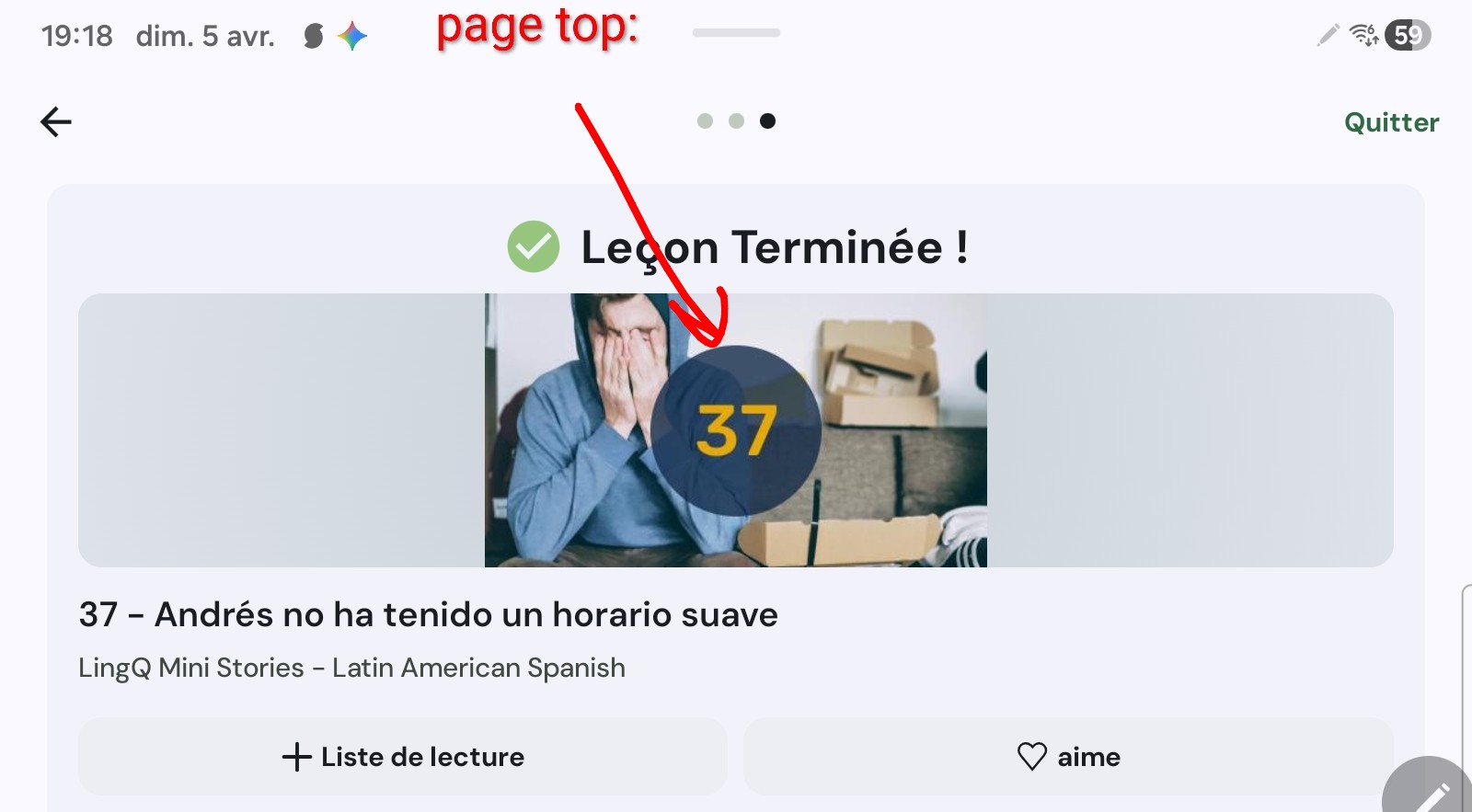
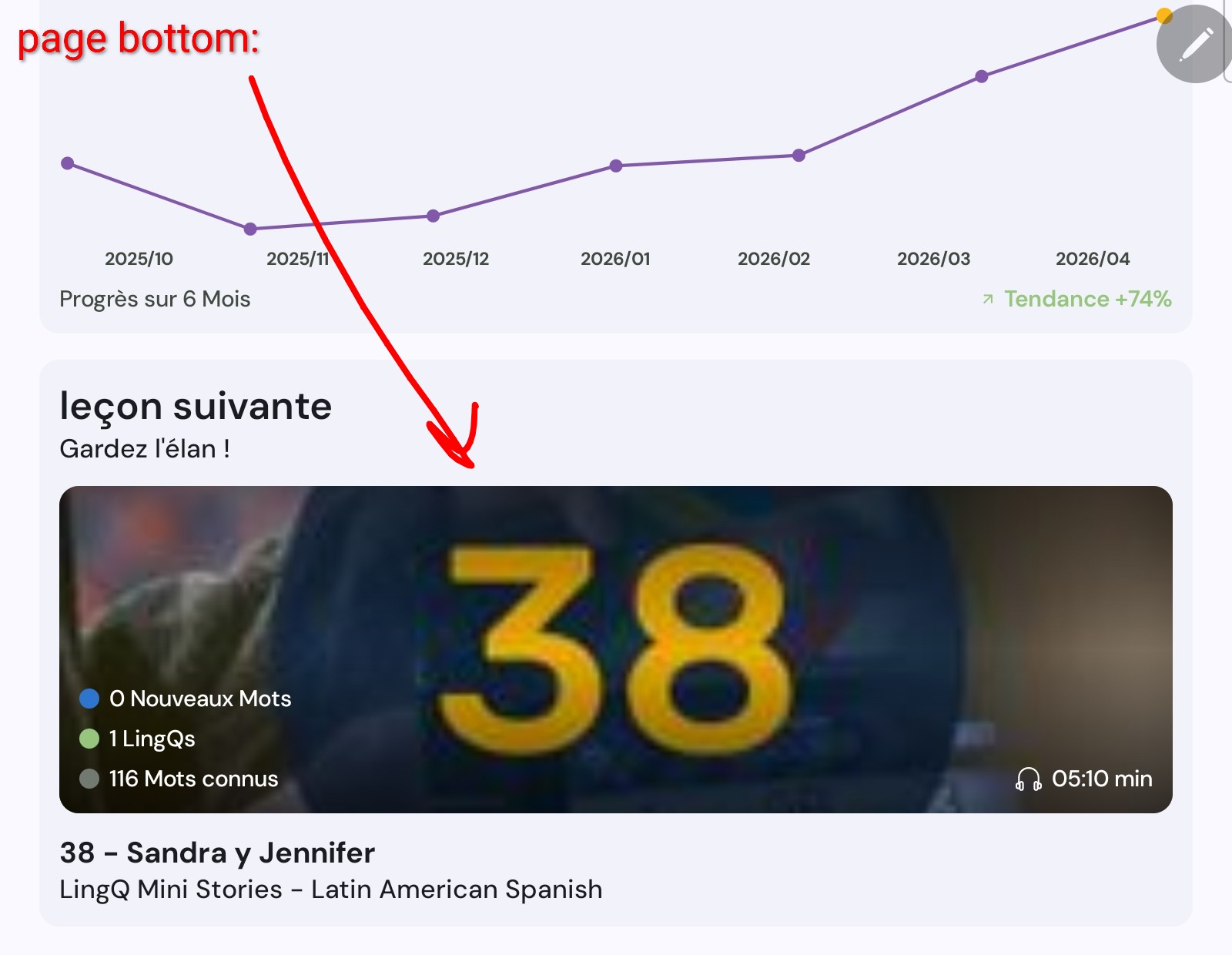
Agree. I used to just skip through the whole lesson then click “review lesson” and basically have all the functionalities of premium besides saving LingQs. I could click for definitions and easily trash words that weren’t Italian words. Now it’s all on the end screen like mobile. I get I don’t have premium but dang it I liked my old strat.
Talking about bad ui decisions, is there anyone who actually likes the new importer? It didn’t solve any of the issues the old one has (still to bulk import), it actually seems to take more clicks to get the work done and as I am not able to use middle-click to open several import dialogs importing several items in sequence requires me to move back pages in my browser.
But hey, it looks fancy 
1 Like
I usually just go through the lesson then review it page by page to create lings so I dont think it is neccessary for me. I think it is useful sometime but there should be a skip function
Edit: I think the bug I mention here is related to the new hyphenated word bug…
Sorry if this has been mentioned, but yea this end of lesson thing has some anoying bugs for instance, i just completed a lesson and then am met with this message
“Complete your lesson - These words will be marked as known. Click a word’s status to adjust it.“
Then a list of words that I had set to “Ignore“ during the lesson, now I have to go through all of them again and adjust them from “known” back to “ignore“…?
Also there is an option at the bottom right that says “Skip this step in future lessons“. Will this remove this step completely, or will it make it auto mark these words as known? I would just want to never deal with this page again, and have what I specifically did during the lesson to remain as is… If i marked something as known… leave it as known, if i marked something as ignore, leave it, and if i left something as blue, leave it as blue.