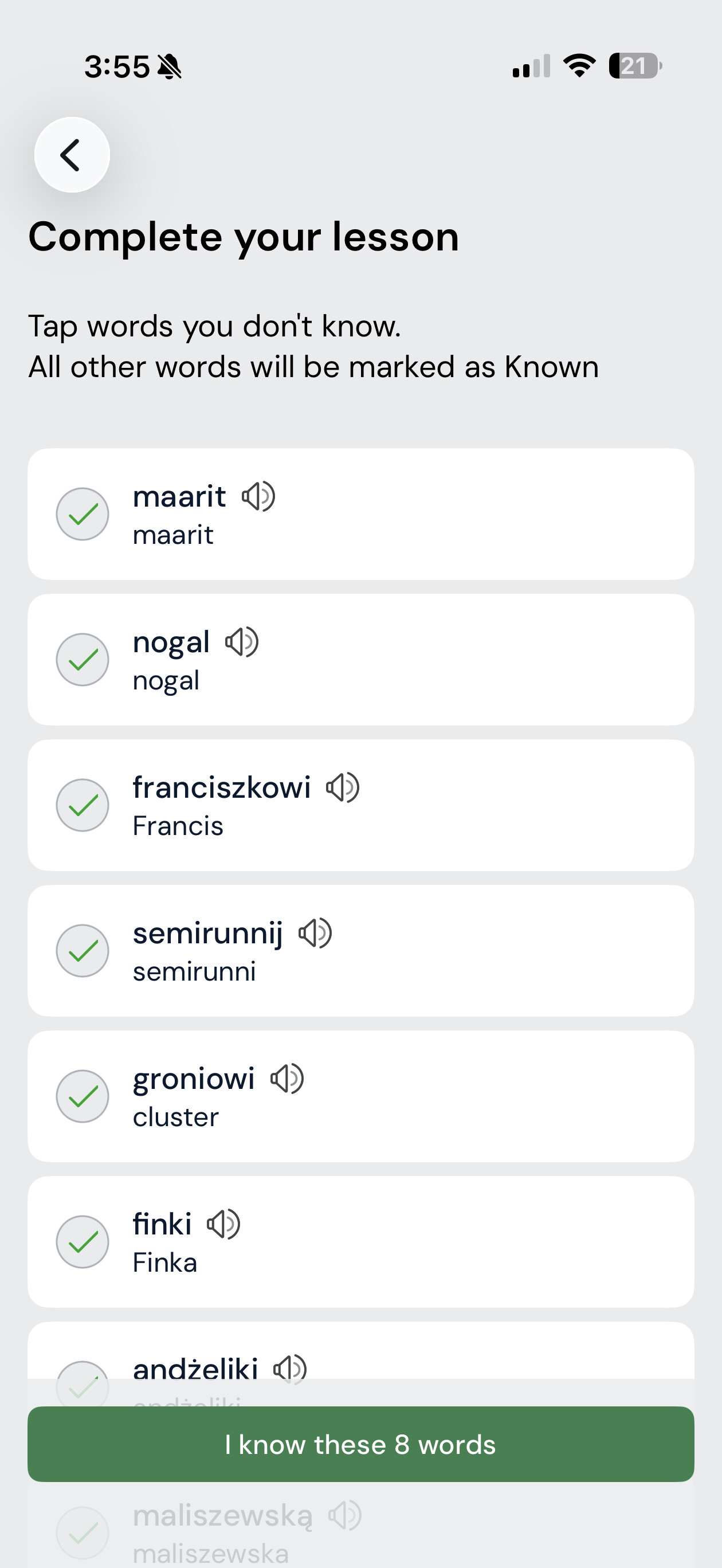
On my app I would always complete a lesson and leave names, english words, and other words blue as I finished a lesson. It would always have these words show up after I clicked “Finish Lesson” where I could then tap very quickly the garbage can/ignore to not have them added to my known word count on the “Complete Lesson” page. Now today I finish a lesson and it automatically adds them as known and I have to individually click each word and change it to ignore. Just a bit annoying because I don’t think it’s fair to have thousands of peoples names and random English words as learned words, so I don’t know why that would be the default. I don’t have the paging moves to known selected.
I usually mark those words as garbage when I read through the text. But sometimes I accidentally miss doing this and they end up in my word list. Still, it’s not a big issue for me.
It is iOS. Oddly on my older iPhone it works as it used to, but my new iPhone Air it has changed. To clarify it used to work on the iPhone Air as well, but now it does not.