The focus doesn’t advance to the next word when making a blue word known or ignoring it. This used to happen, I don’t know if this is an intended change.
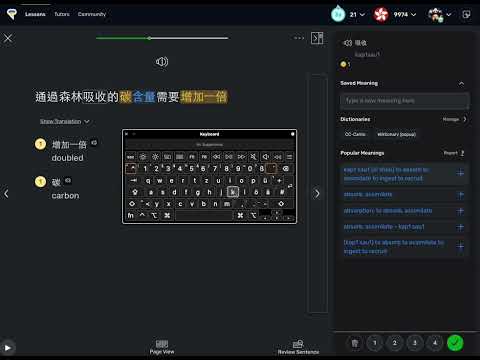
The iPad app still advances automatically to the next word (landscape mode + sidebar), the behavior is now inconsistent across platforms.
Well, I might be misremembering, but I’m pretty sure that I was able clean up sentences using only the x/k buttons on the keyboard, now I have to press the right arrow key in between.
I think the iPad has always behaved slightly differently, but I just checked again, and when selecting a blue word, I only need to tap the checkmark, then it auto-selects the next blue word. Here is a video, it doesn’t show where I tap, but I assure you I only hit the checkmark icon. ipad auto advance - YouTube
It’s actually a feature I was missing on iPad and one I liked on the web (you could get really quickly through text, especially if it’s full of words you just want to ignore) but I just assumed it didn’t work the same as on the web.
 Very weird!