CANNOT downgrade to free account?

I have a yearly subscription before and now I want to cancel it. In help page it said I have to downgrade to free account first but there is NO SUCH button !!!

And I checked all my apple acount and it’s not in any of it. I must have subscript it from website. Therefore even Apple cannot help me.

Today is my renewal day but I CANNOT UNSUBSCRIPT IT BECAUSE YOU DON’T EVEN GOT THE UNSUBSCRIPT BUTTON ON THE WEBSITE!!!

Please downgrade me to free acount and don’t charge me for the coming month.

Hi - We raised this multiple times with LingQ but they don’t believe in a clear cancel button. Hope this helps.

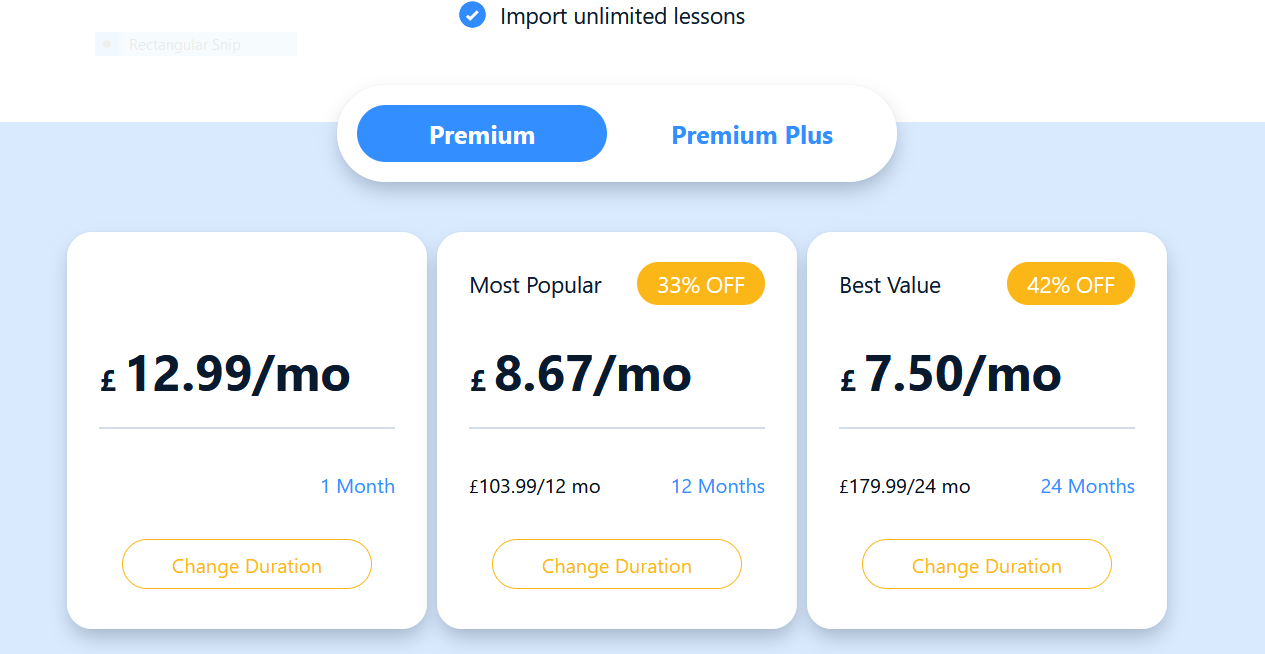
If you signed up through lingq, go to settings>>account>> change plan

That brings you to this screen, (or a version of it). You can see the button in the third tile (I use the annual plan). If you click on it, it asks you to confirm your downgrade.

@lokwanmelody You did cancel successfully and your account has switched to Vacation plan today. Everything seems fine.

Hi, there is no such bottom line in my account. :(I also would like to downgrade my account. I can’t even cancel my account!

@ewabuchner You canceled your subscription successfully and your account is set to drop to a Free plan on February 9th.

Hi. I also would like to downgrade my account to free but I cannot find the downgrade to free button. Please help

@DC No problem, I took care of it for you.

I still don’t see the option to downgrade to a free account and my account has not been downgraded

I am in the same boat it does not give me the Conrad’s options, did you manage to sort it out?

@DC As I have mentioned in my previous reply here, I did already cancel your subscription manually and your account will revert to FREE plan on your next billing date - May 5th.

@Hollykelly11 I canceled your subscription manually too.

Hi, I would also like to downgrade to free and also don’t have the option to do so in the “Change plan” screen.

@vonPeterhof I’ve canceled your subscription manually now.