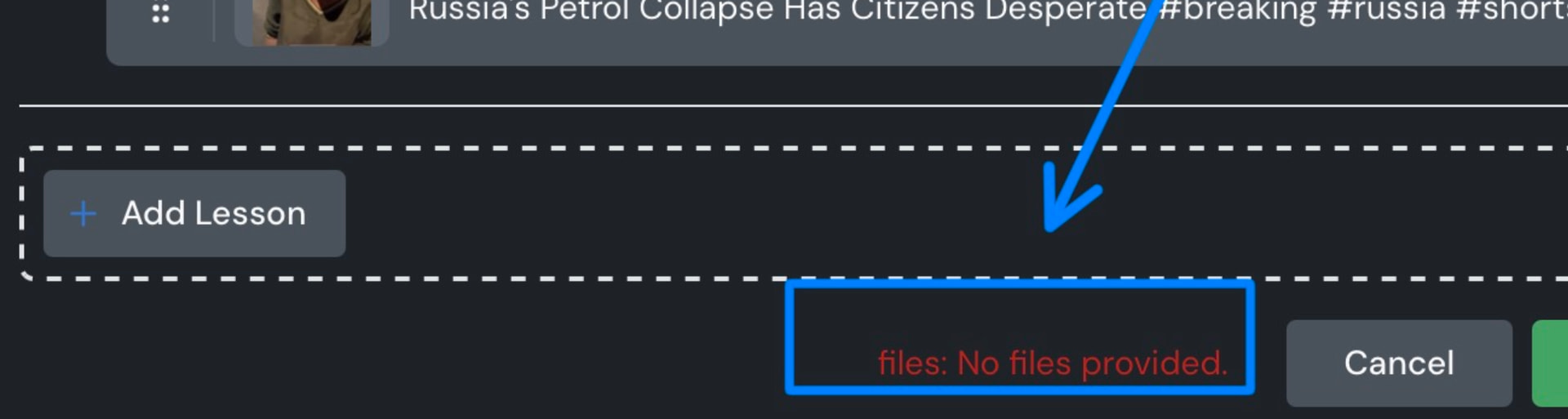
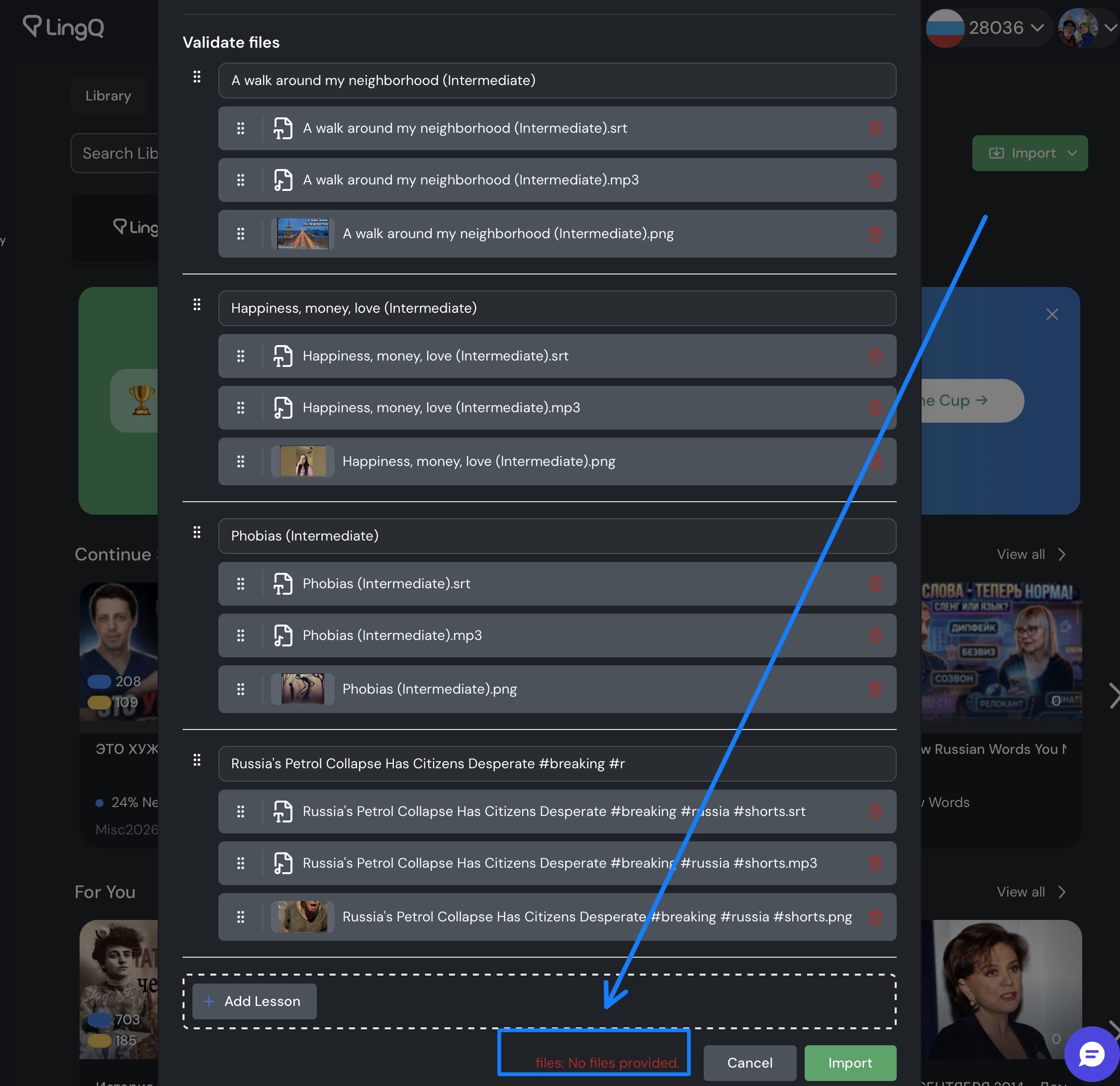
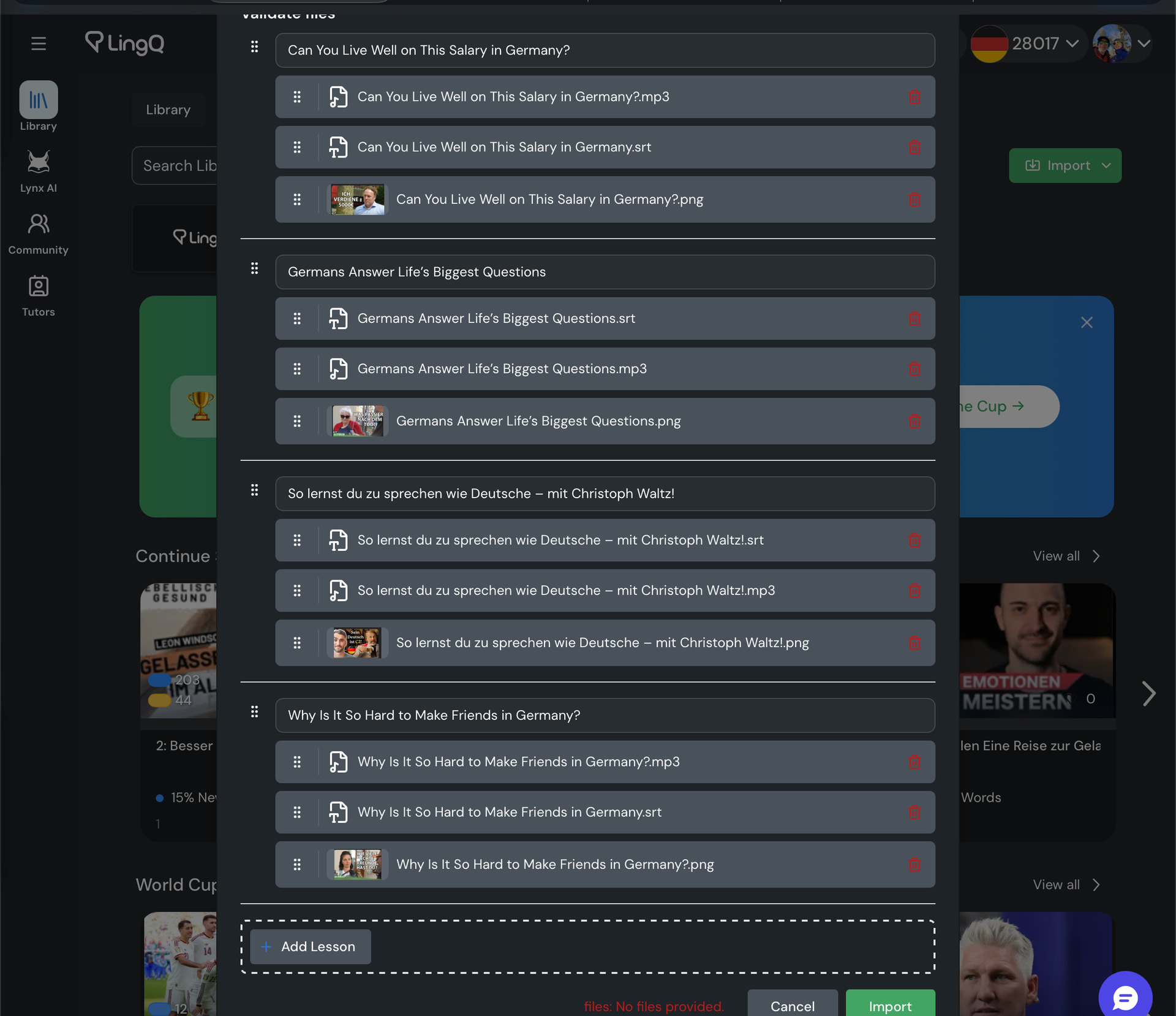
As seen in this screenshot, I have clearly provided files to import. However, clicking the “Import” button results in an error message:
files: no files provided
I have tried several times, and I even cleared browser cache just in case. Same behavior each time. I cannot import lessons.
@zoran
I continue to try a number of things to get the bulk import working. I tried importing just one new lesson instead of several. Same error. I switched languages from Russian to German. Same issue. Would really like to see this working again.
@zoran
I can’t even import a lesson the “old fashioned way” (non-batch import).
It is not just bulk importing that stopped working. Everything was fine until a couple days ago, but importing no longer works. I have tried doing it within a group, and that does not work either. It usually looks like it worked but when you try opening the file, you get an error.
Good to know. I was beginning to think it was some problem on my end.