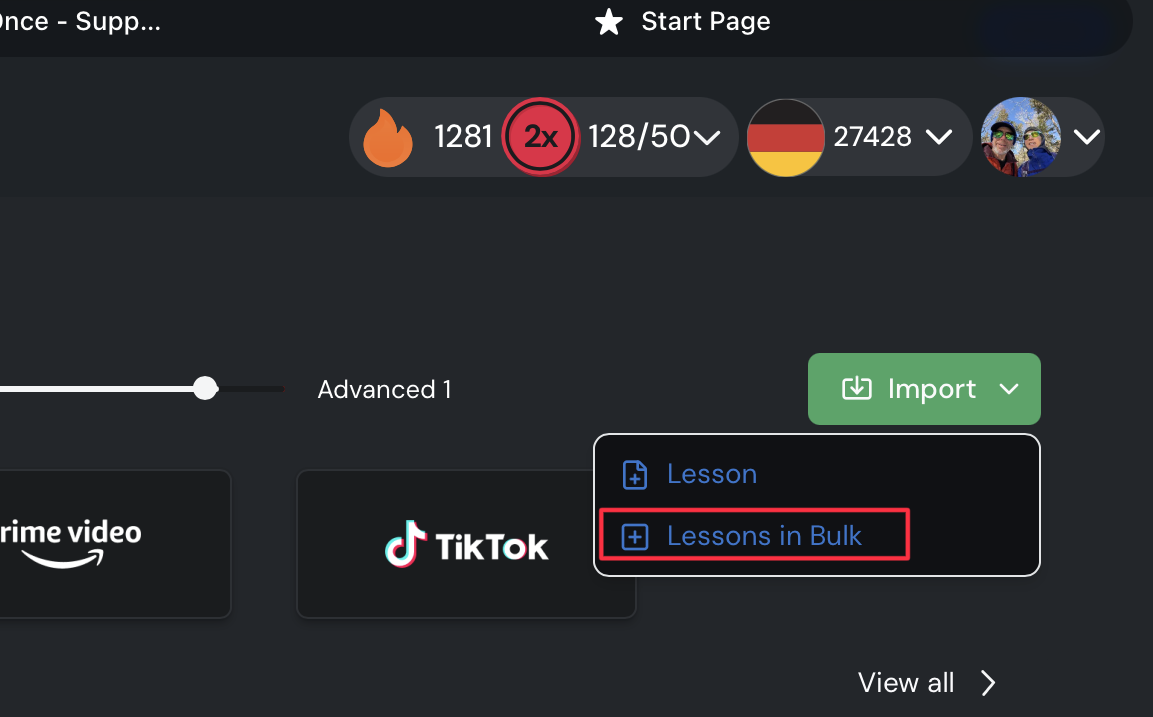
Currently, importing multiple lessons into a course requires uploading them one at a time, which is very time-consuming for books, podcasts, or large content collections.
Proposal: Add a bulk import feature for courses that would allow:
Selecting and uploading all text files at once
Selecting and uploading all audio files at once
Automatically linking same-named text and audio files together
Auto-populating lesson names from the filenames
This would save significant time for content creators and users importing large sets of lessons.
If you upload a single large text file, an ebook file, or if you copy-paste all the text in at once, it does bulk upload the text, and it automatically splits the text into multiple lessons. So you can do a whole book with just one upload that way, and LingQ will automatically split it into lessons for you, just not at the chapter marks.
When your files are already separate, all you have to do is merge them into one file before uploading. So for example, merge 10 subtitle files (in the correct order, obviously) into one large text file, then upload it. This only takes a few seconds to do. You can either just do Copy All, then Paste into the end of the previous file to make one long file, or you can use a website which will merge all the text in order according to filename, etc.
If you absolutely need every lesson to start and stop at a certain point, like exactly where the book chapter or episode begins and ends, I agree that it’s annoying the way things are now.