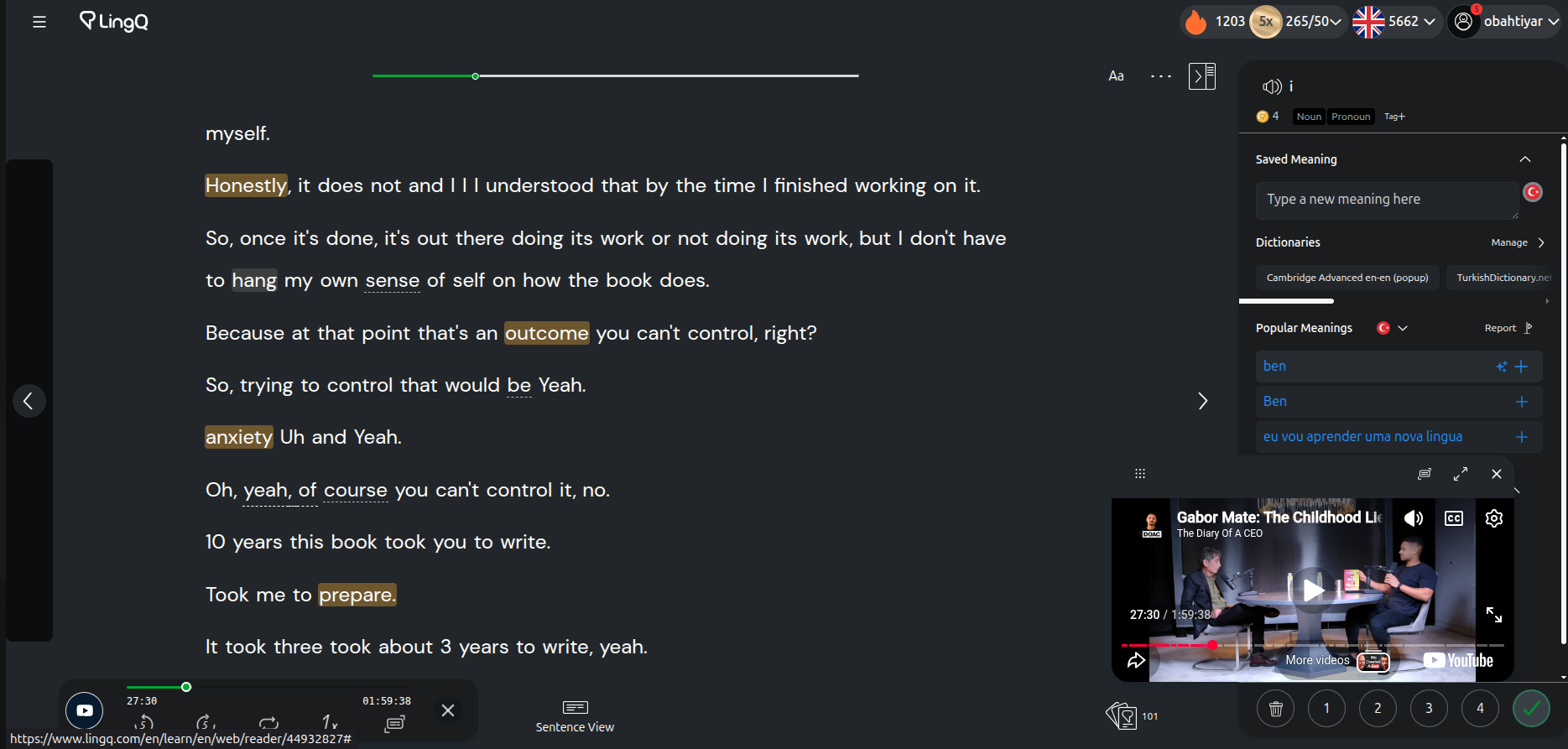
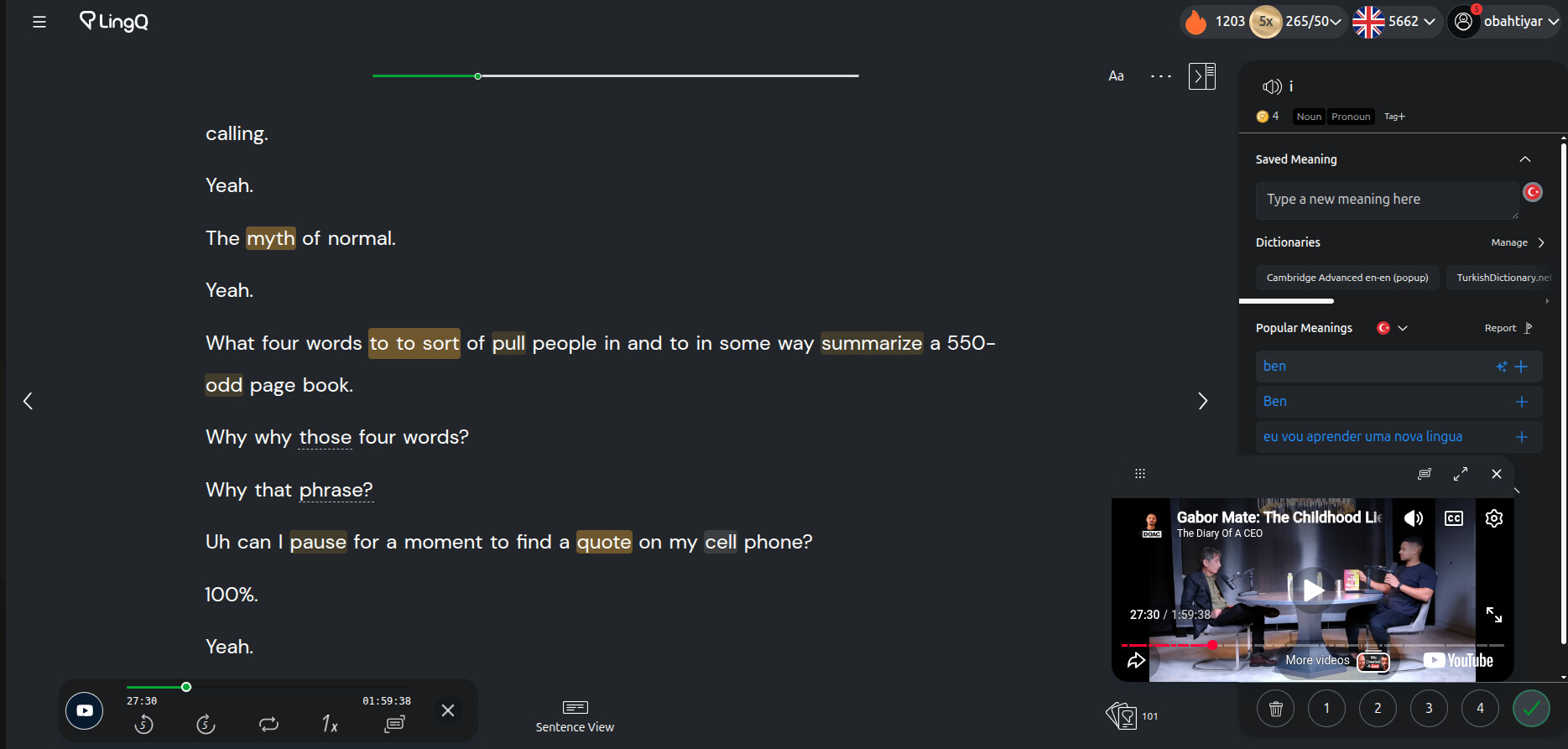
Platform: Web browser (Brave), Desktop
Summary: In long lessons, a sentence that sits at the page boundary is swallowed — it does not appear at the end of the previous page, nor at the beginning of the next page. The speaker continues talking but the corresponding text is missing.
Steps to reproduce:
-
Open a long lesson (e.g. 1h+ YouTube import) in Page View on the web
-
Navigate through pages using the arrow buttons
-
At some page transitions, one sentence is missing from both pages
Expected: Every sentence should appear on exactly one page.
Actual: One sentence disappears entirely at the boundary between two pages. The audio continues normally — only the text is missing.
Workaround: Refreshing the page brings the missing sentence back, but the problem recurs after a few more page turns.
Notes: This seems to happen more frequently in very long lessons. Changing font size does not reliably fix it — it may work for 1–2 pages but the issue returns.
Screenshot: [attached — showing end of page N and start of page N+1 with a sentence gap]