Both Migaku and LanguageReactor differ from LingQ in that they can be used in real time while watching videos on Netflix, YouTube, etc.
What is Migaku?
Language Reactor Getting Started
LingQ currently requires that all content be imported before use, while LanguageReactor and Migaku do not.
I feel that LanguageReactor is a better representation of features compared to Migaku, as it’s easier to use—one click captures audio, video, and a screenshot in the background. With Migaku, you have to replay the video or audio to capture it (which it does automatically, but the video has to reply what is being saved).
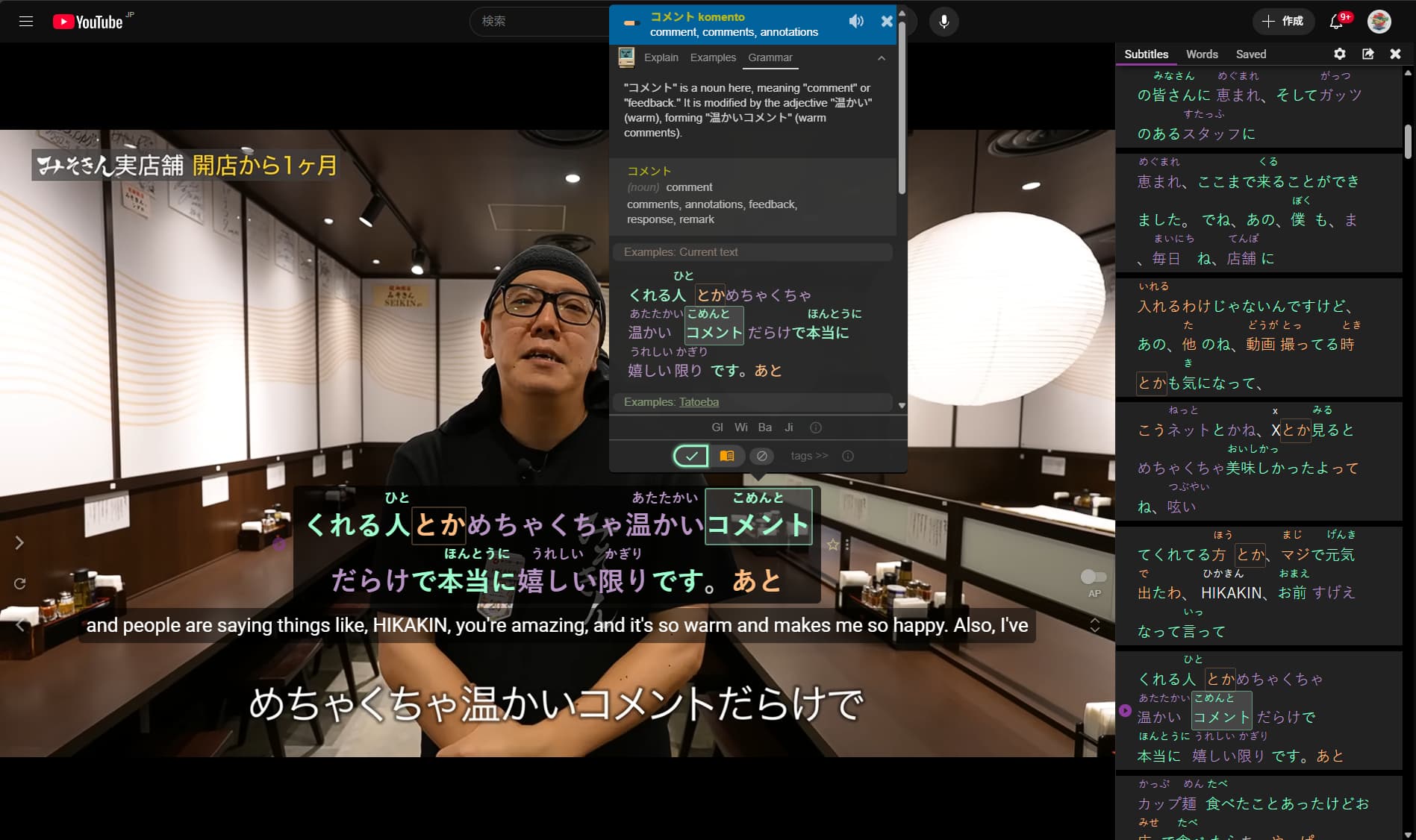
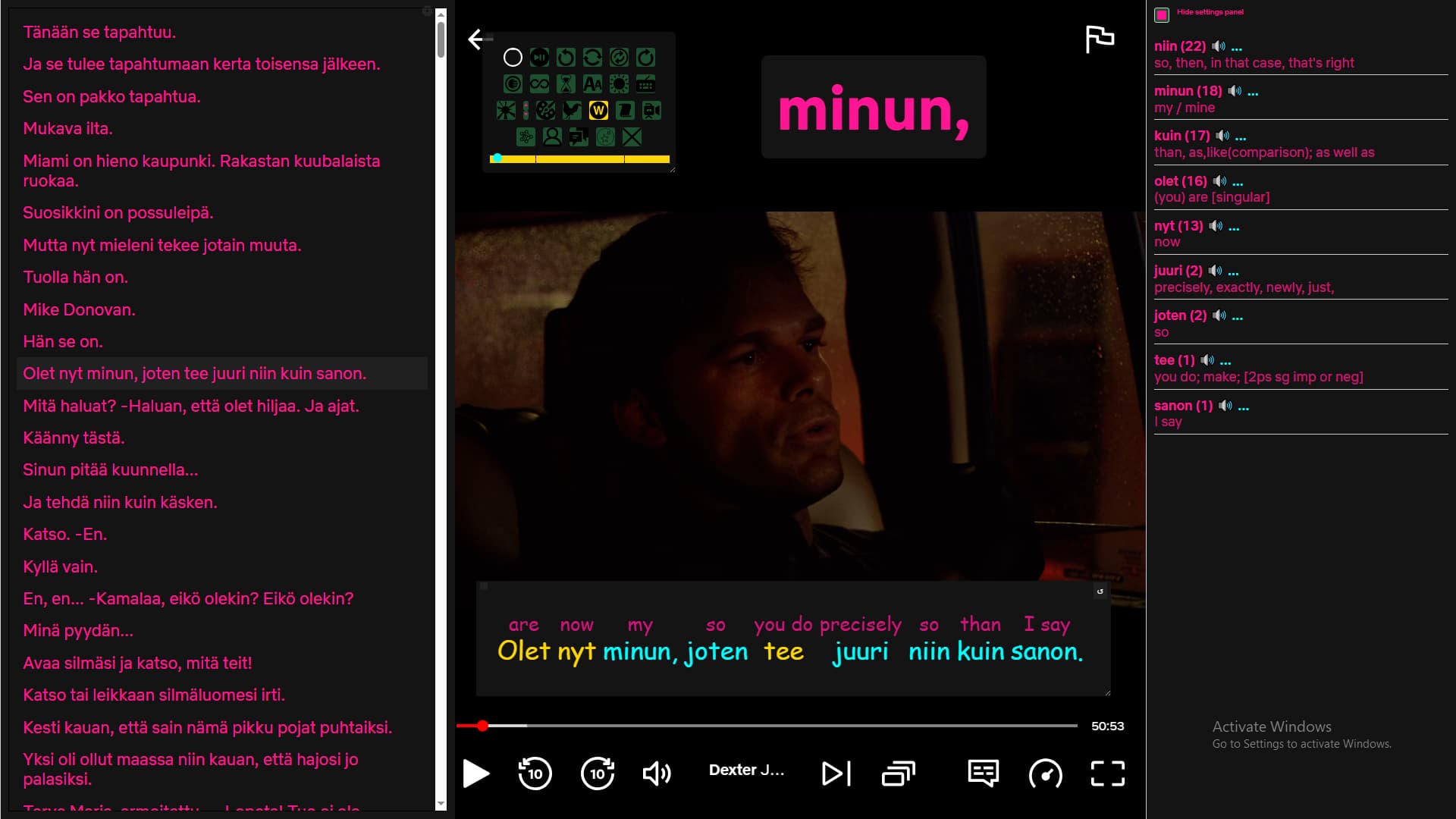
Here’s an example of using LR directly on YouTube.
Subtitles are interactive with a popup dictionary, and you can enable a side pane on the right to display them as well. Clicking a word to mark it as learning automatically captures a screenshot, audio, and text—everything needed to create a card for your favorite SRS system. Or, you can import the text into LanguageReactor’s Reader.
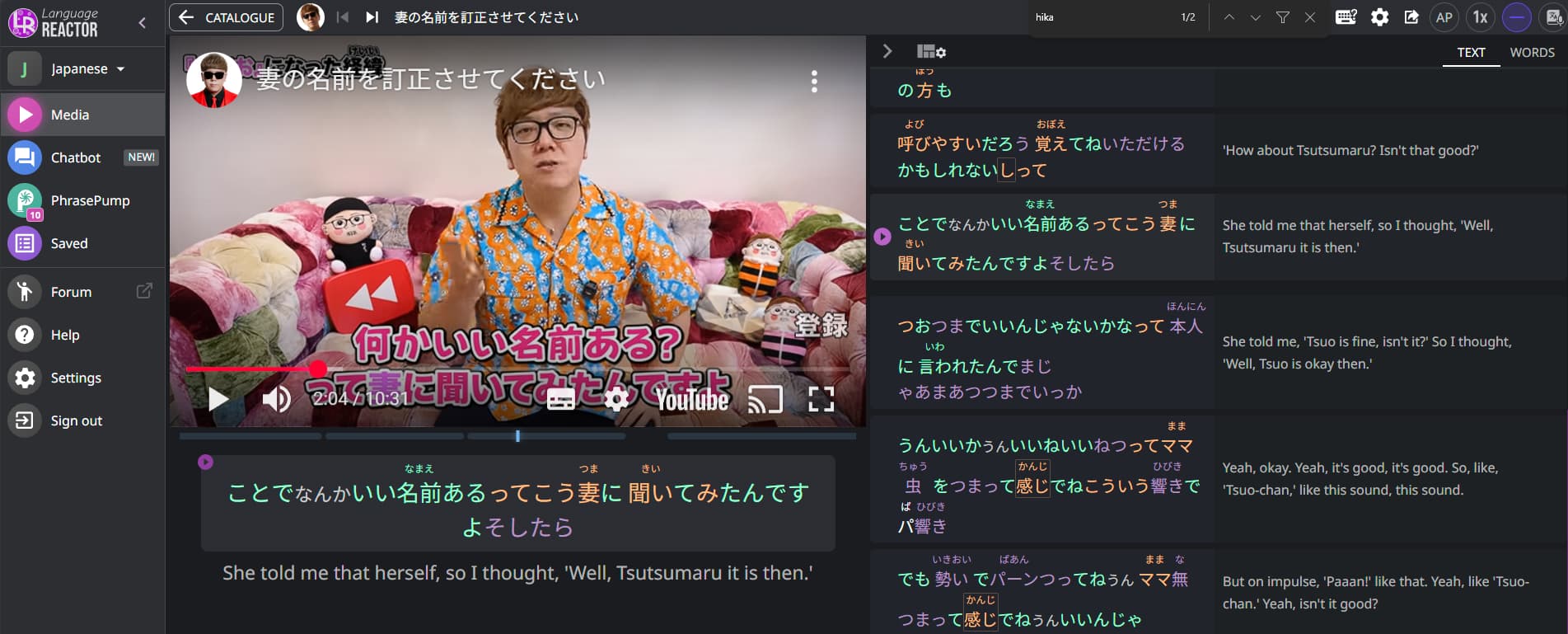
LanguageReactor also has a YouTube media browser accessible from LR’s website, and it’s laid out in a way that feels more user friendly. This all works in real time and doesn’t require importing.
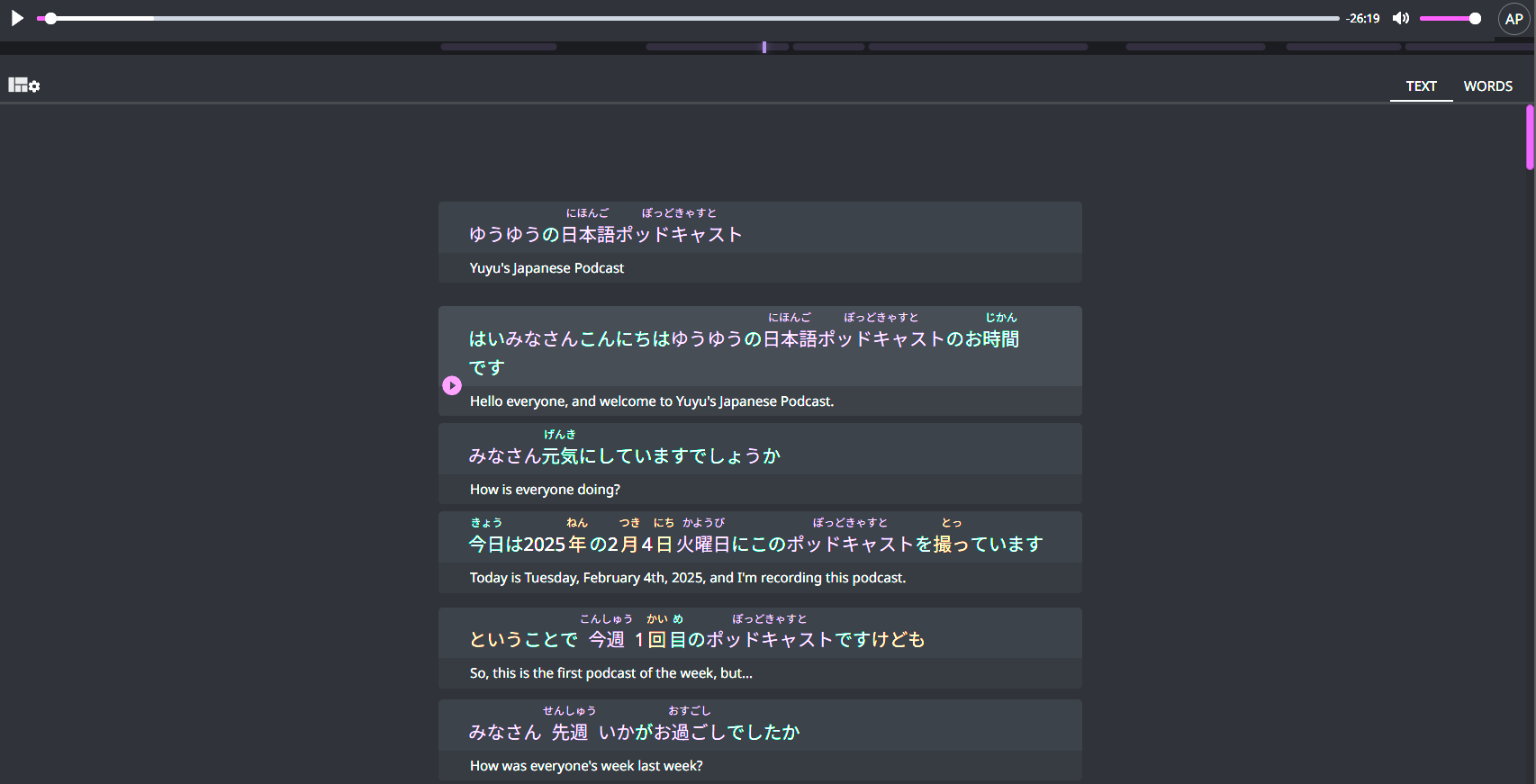
Podcasts are a delight to listen to and study within LR. The interface is clean and much faster than LingQ.
Here is a quick video of watching a video using LR
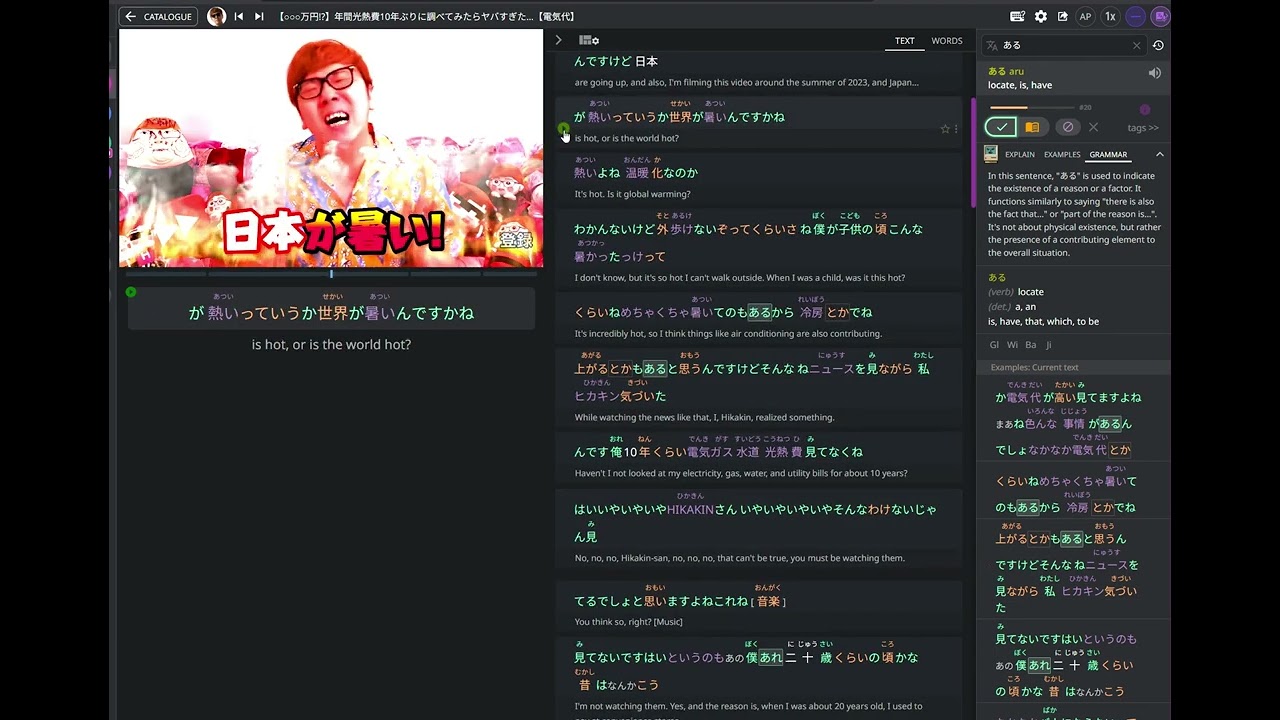
I guess this is a mix between asking for support—hoping LingQ considers upgrading their addon to work with real-time video watching—and highlighting LR’s interface advantages. Honestly, it just feels better than LingQ’s right now.
If LingQ could combine its lesson importing capabilities with real-time use like Migaku and LR, it would be the most unique learning tool available today. There wouldn’t be another option offering the same robust feature set.
Here are a couple of feature suggestions that can be upvoted in favor of adding something like this to LingQ


 Pretty impressive.