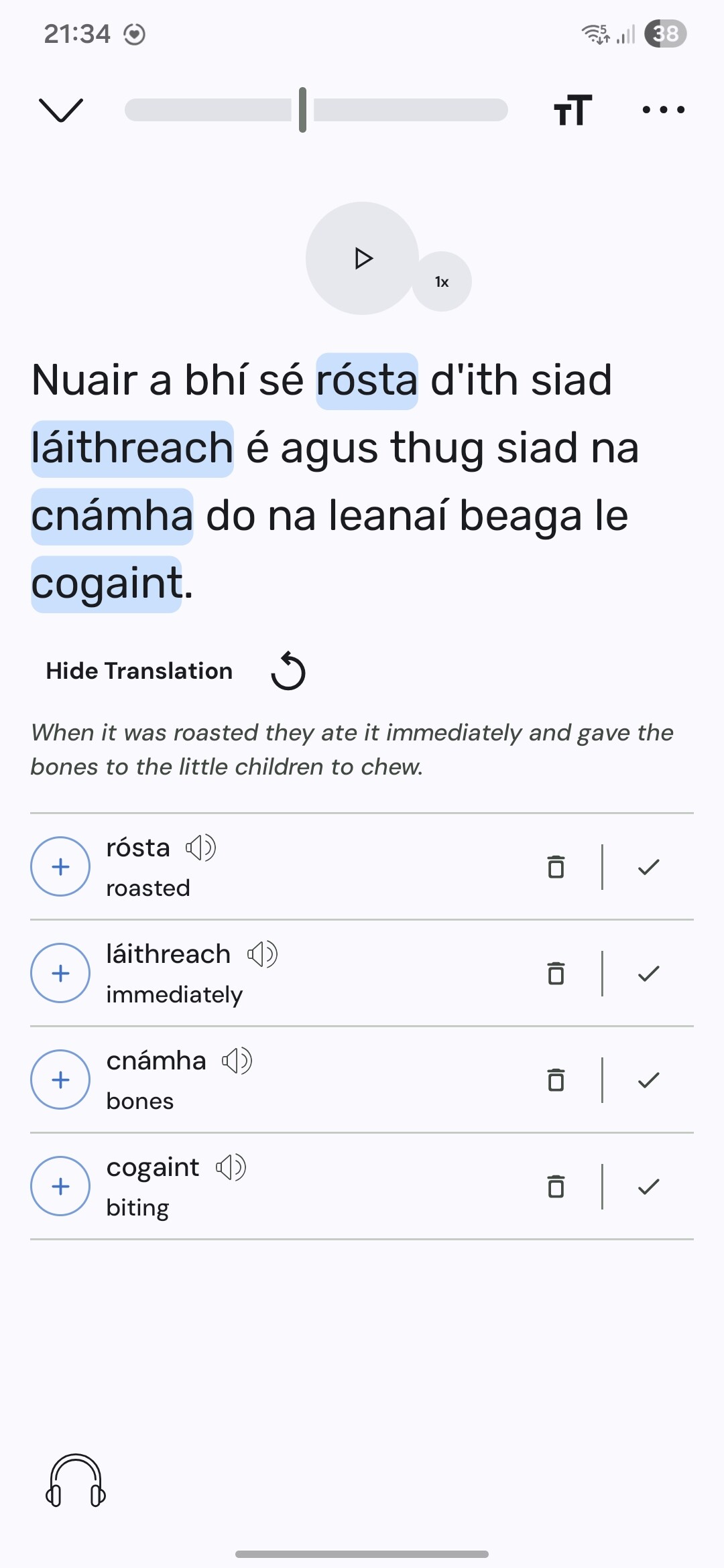
Problem: After updating the beta app to v6.1.21, I can no longer edit sentences, unless (see details below) I modify them first on the previous beta app version (on another device).
I only updated the beta app on my tablet. My phone still runs 6.1.19, and doesn’t present this problem.
How to reproduce:
Part 1: fails on the latest beta
Open a lesson with the v6.1.21 (new beta, on tablet)
Call “modify sentence” on any sentence
Insert a character at the front of the sentence
Save the change + the refresh sentence page
==> ERROR: the sentence is unchanged
Part 2 : succeeds on the PREVIOUS beta
Open the same lesson with v6.1.19 (previous beta, on phone)
Repeat the same steps as in Part 1
==> SUCCESS: the sentence has been changed
Part 3: now it succeeds on the LATEST beta
Reopen the lesson with the v6.1.21 (new beta, on tablet)
I stopped using the video mode in the app because it’s fairly hard to ifnd Greek videos. It used to be only videos with true Greek subtitles would work . Now some videos with ENG>Greek or maybne translated Greek subtitles work . Great if this is the general case as more videos will be available.
The video sometimes flips constantly betwene prtrait and horizontal mode. It’s not clear how to reset it but some sort of back swipe seems to do it (Samsung S7).
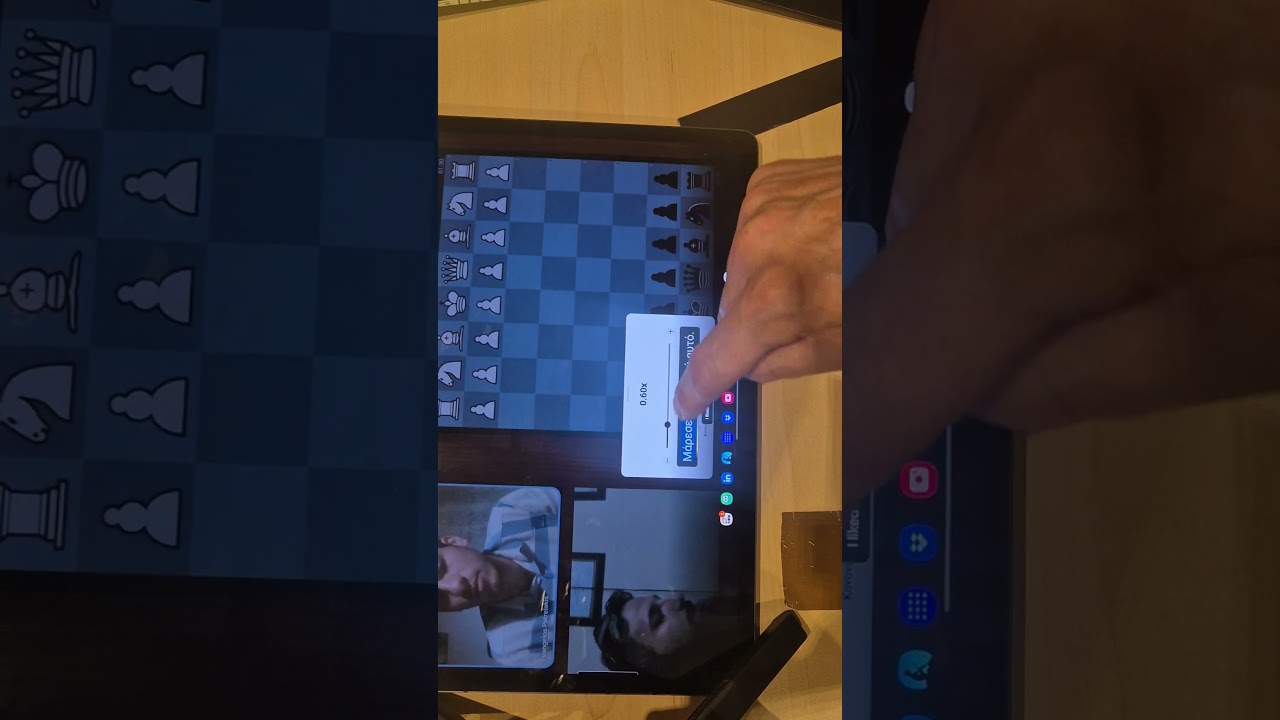
My videos played immediately at 0.50 speed (too splow). It’s really hard to change this with som many (wanted) subtitles in the way). Posible but fiddly.
All on version 6.1.21
20 minutes later: I’ve given up again. I went to my tablet. Unwanted vocbaulary is there. Translations were hard to find. It’s too fast and hard to slow the speed of the video. it kept going to you tube but Lingq. Please make choosing the options simpler.
Attempt 3: the speed control on my mobile is in a completely different place to the tablet.
.5 is too slow . .75 is to fast. No other options are available but were in the full screen version if I could get to the controls.
Shortcuts should work for stopping and speed as well as umping forward and back.
Translation text is tiny in the tablet full screen version.
Thank you for your feedback. Can you provide screenshots of everything broken you see so I can quickly fix it? Its a bit hard to understand exactly what the problem is. Speed controls are both accessible on the app UI, surrounding the player in the video scroll mode, or on the video itself.
On a positive note,
“Auto text-to-speech” and “show sentence translation” let me fully read sentences as I like without excessive clicking. This is a variation of what I have asked for for ages. I focused on shortcuts and they would be helpful, but this goes a long way. It’s also what I neede to advocate for Lingq.
I can’t see what “Always show status does”. I can’t see my coins or “wrods read today” on th eapp on my phone (coins are visible on Chrome).