I have a batch of SRT files and matching thumbnails. I wan’t to batch import them and generate the audio later. I can foresee the time I may not even want to generate the audio. Why am I required to have audio for the batch import? It’s not required to import an individual lesson. It’s also not required if I have just the text or just the audio. In this case I want to import a thumbnail along with the text of the lesson. So, why not?
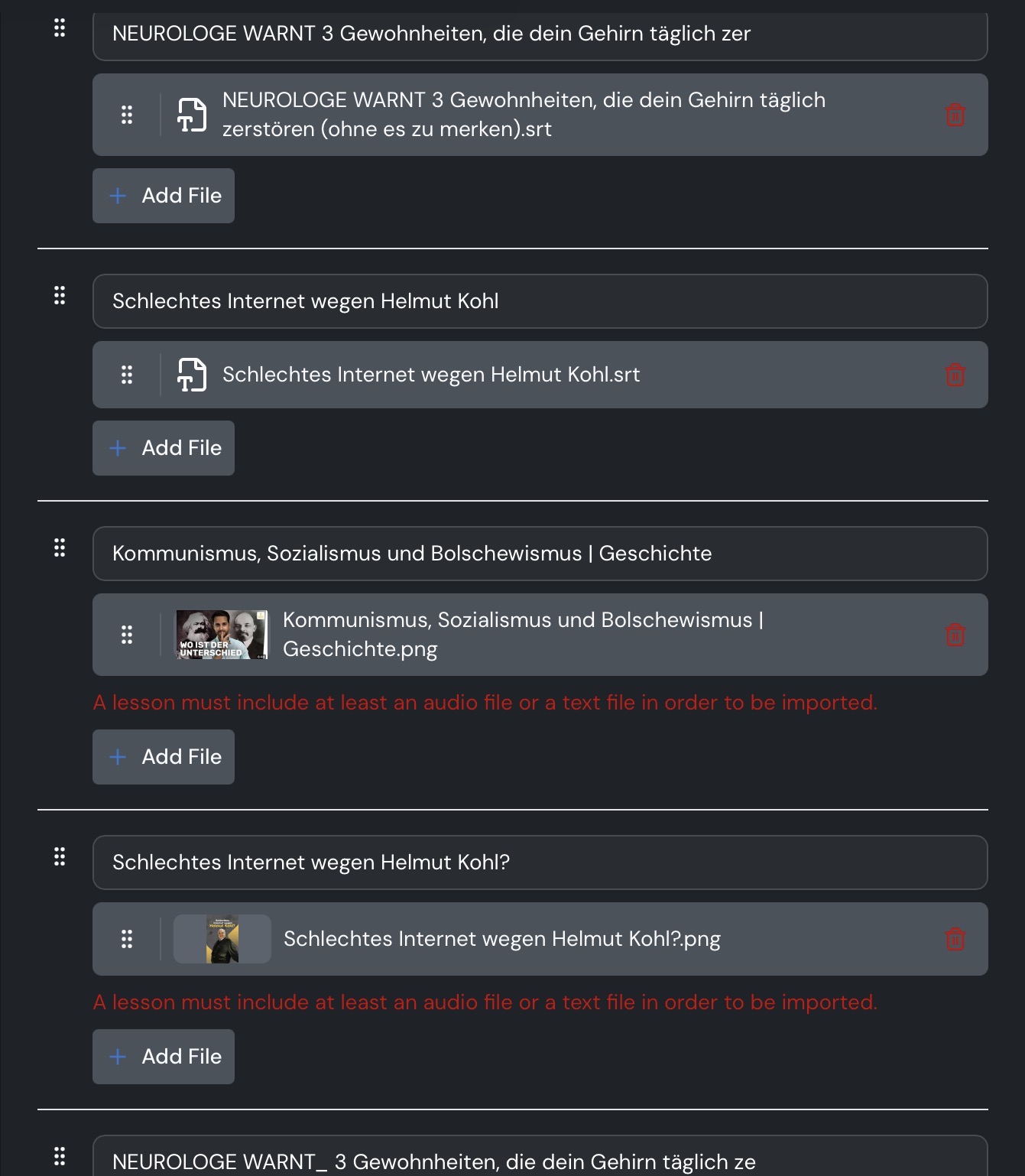
@vernmartin you are trying to add two image files. Look at the extension of the files (.png is not .srt)
If the app would allow it, I would slide the png file up to group with the appropriate SRT file. The batch import will not allow that. The error says: “A lesson must include at least an audio file or a text file in order to be imported.” I obviously have an SRT file. I have two, and I have two png files.
Previously I had sets of SRT and audio files, and the app let me drag the image file up into the appropriate pair of files and then import.
There’s some errant logic in the importer.
After importing, the course editor opens and you can add an image to the course and to individual lessons if necessary.
Sure, but the benefit of the batch update is to do as much in batch as possible.
Well, what about timestamps? In your import lessons, are they correct?
That’s the issue. For some strange reason in this instance when I tried to drag the thumbnail where it belonged it wouldn’t go there. That’s all. That is the issue I was trying to explain. I just did a poor job explaining it.
I understood you perfectly. My problem with Lingq is uncorrect timestamps in my import lessons, that’s why I asked you.
I have no issues with timestamps, but I provide the SRT file. Lingq is not transcribing anything for me. How are you creating lessons?
I download mp3 files to trancribing. The use who lownloads text and audio file has the same problem with timestamps. about this problem
OK. Haven’t notice that at all. If Lingq does not mess with the audio/text synchronization and just does what the SRT tells it, perhaps it’s not a problem.
Thank you, now I know another way to use Lingq
This was either a fluke, or it has been fixed. Glad it worked today.