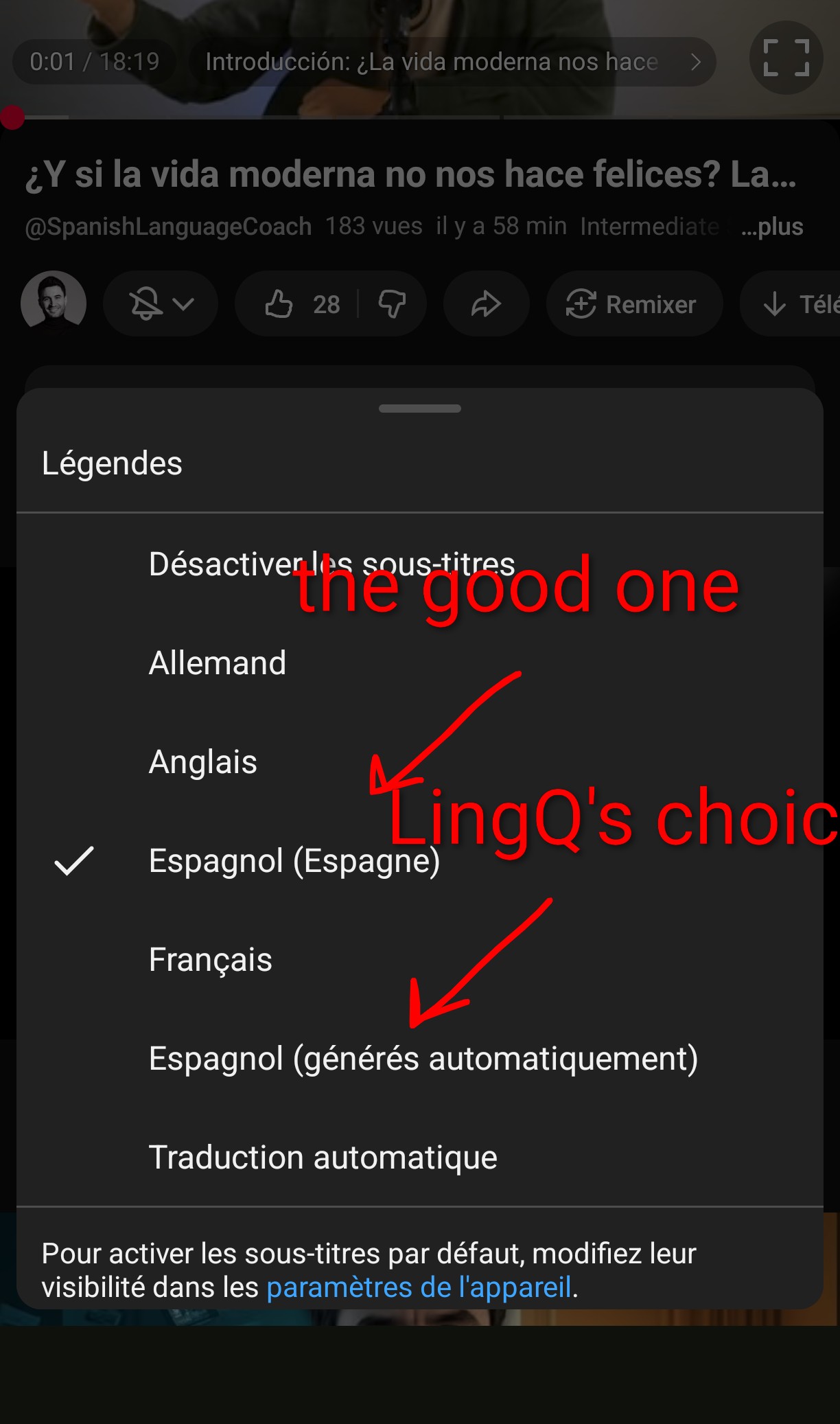
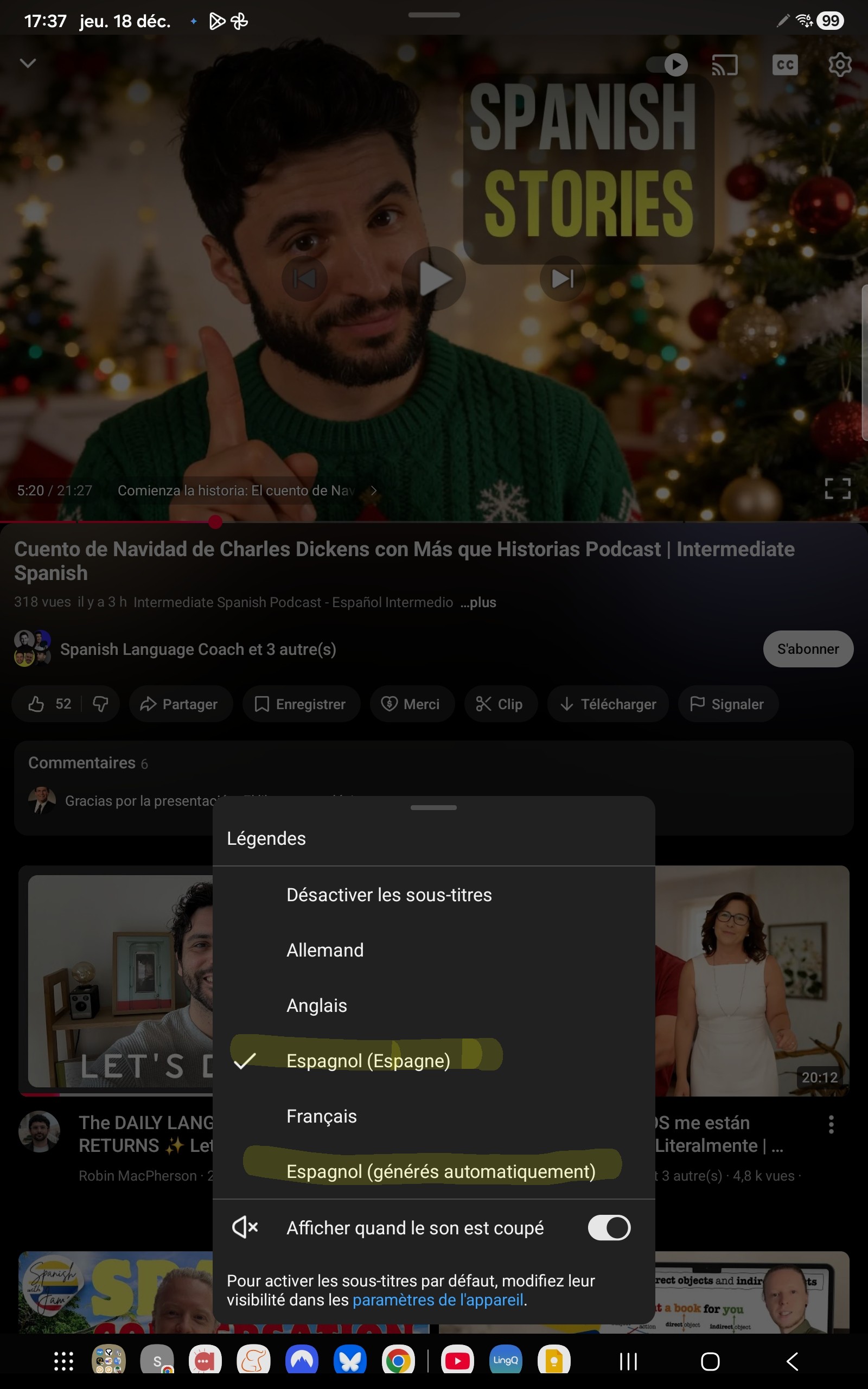
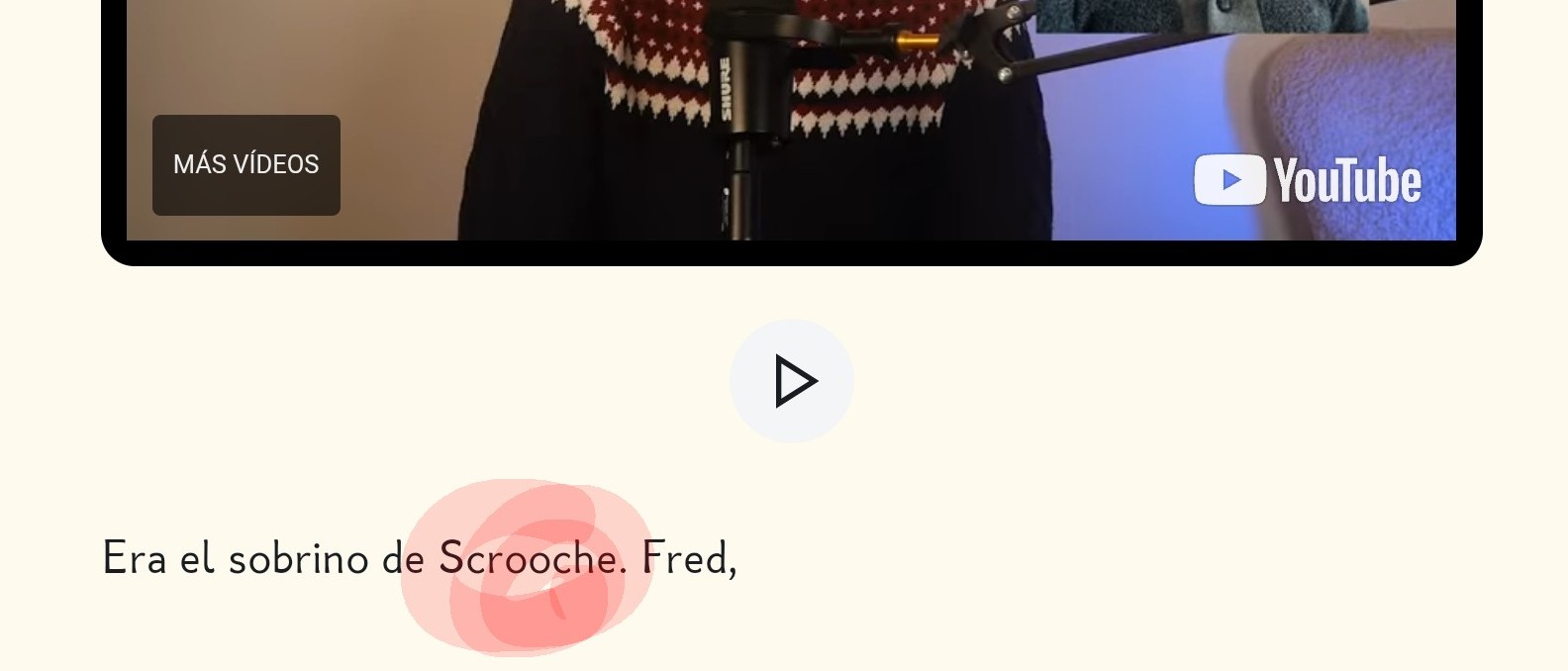
I’m experiencing this issue as well (when attempting to import from ICI Tou.tv on YouTube. Professional subtitles exist, but the auto-generated ones are imported. Makes the import unusable.
I am having this same issue as well with some YouTube videos. Instead of the “French (France)” subtitles, the “French (auto-generated)” subtitles were imported.
If the user cannot select a specific SRT file, can the extension do a better job of selecting the subtitles of the target language if they exist and only if not, select the auto-generated ones? (Just an idea.)
Thank you, @at24601, for bringing up this topic. I have experienced this problem as well. It sometimes occurs with content from the same YouTube channel. For example:
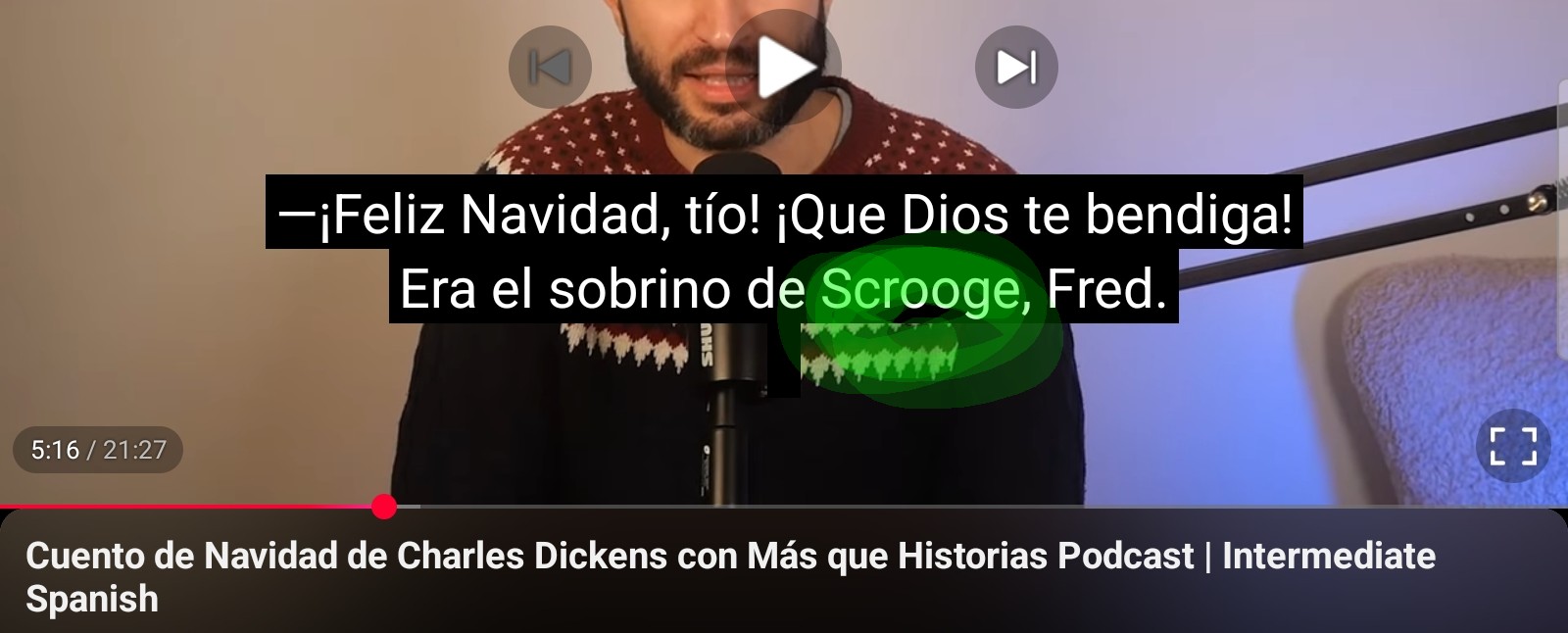
This video imports correctly into LingQ with professionally edited closed captions:
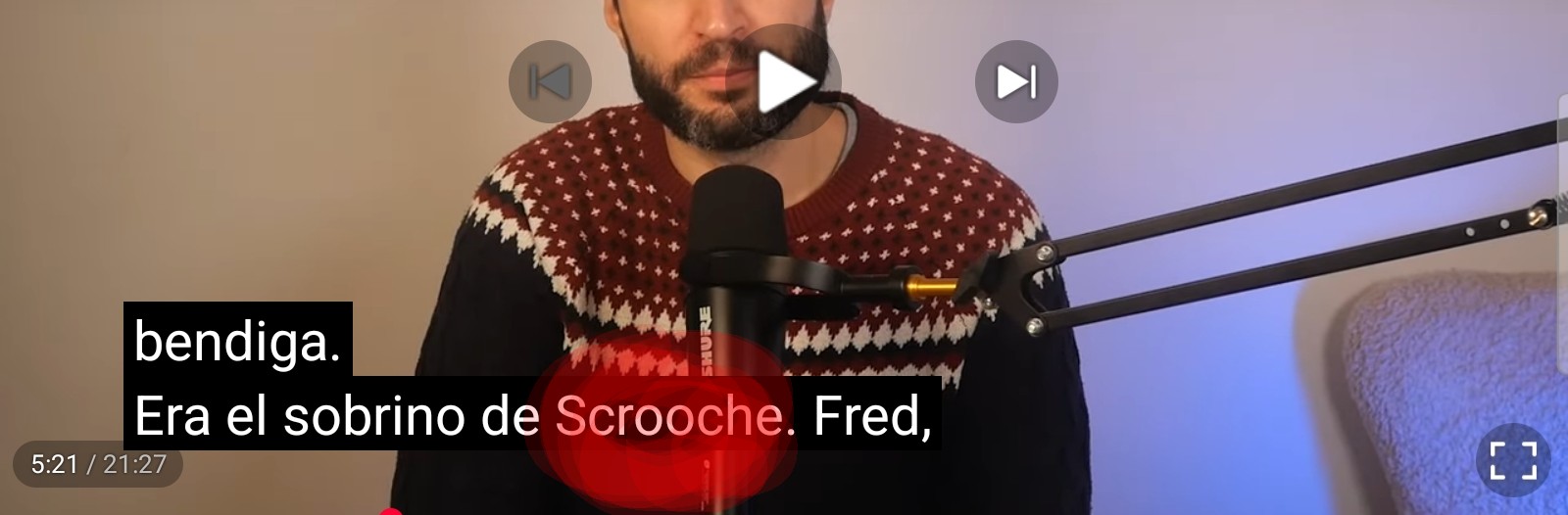
However, this one from the same channel imports the autogenerated subtitles, which makes reading the transcript difficult due to a lack of proper capitalization and punctuation:
For the most part, the correct closed captions are imported (I’d say about 75% of the time for me), which is great. I tend to skip content where the unformatted autogenerated captions are imported.
To be honest, even the autogenerated captions are much better now than they were a year ago and often include proper formatting. This probably means that there may be times when auto-generated captions are imported instead of professionally edited ones, and I’m unable to tell at a cursory glance. Therefore, it would still be very helpful if LingQ could consistently extract the correct closed captions.
Seems like in this specific case the problem is related to the subtitles name ‘German - deutsch’.
Seems like creator can change the name of the subtitles, a custom name would be added after the dash. At the moment we cannot capture subtitles containing custom names. We’ll see if something can be done about this.
The language-learning channels often take the time to create proper/revised subtitles for us learners, but LingQ doesn’t let us use them.
This is a serious limitation, as Google’s automatic subtitles are full of typos, to the point of making sometimes no sense and inserting fake/invalid words.
Algorithmically-speaking, it looks like a relatively easy problem to fix. Please prod the developers/bribe them with donuts - whatever works the best - for us.
This would make a HUGE difference to our experience.
@alainravet1 I checked this with our team to confirm. That specific issue has already been fixed on the Web for Chrome, Firefox, and Edge. We will push a fix for the Safari browser and mobile apps.