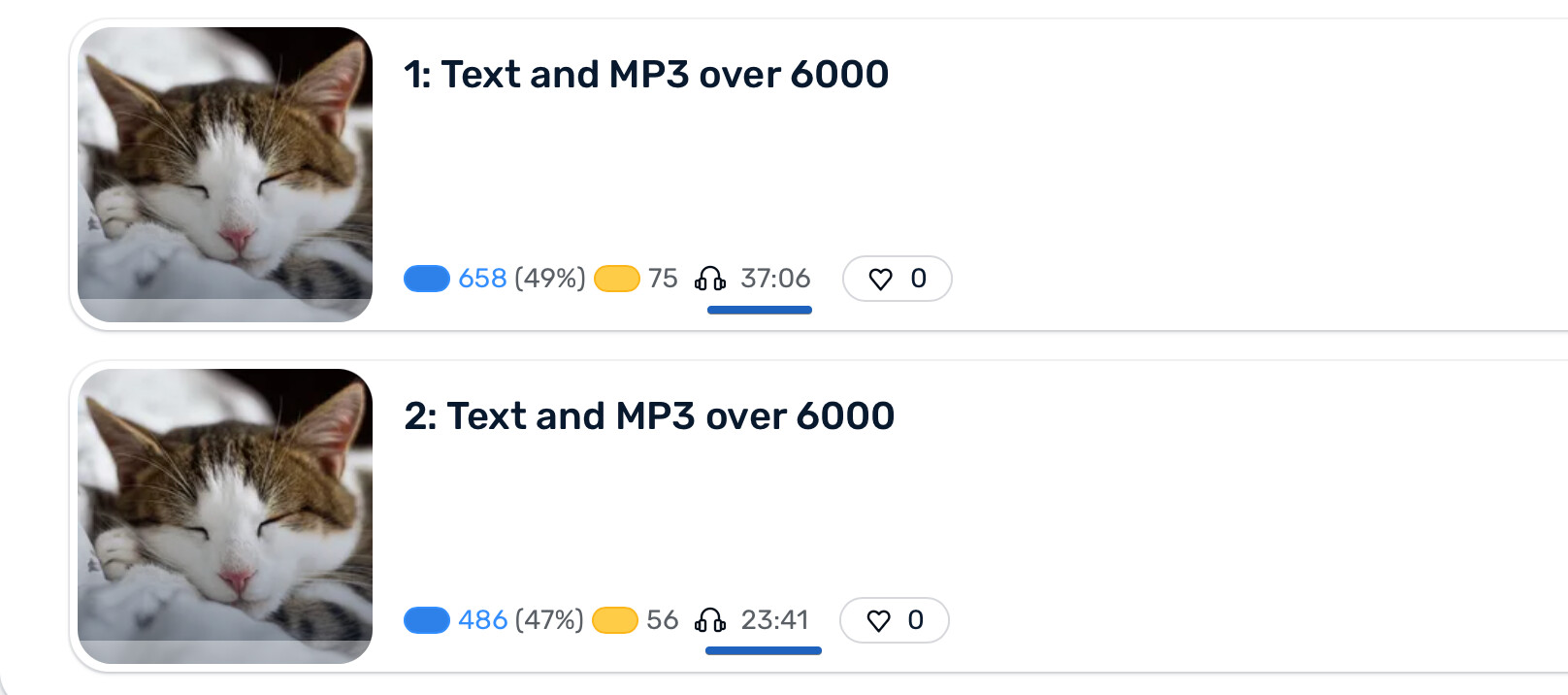
When I import a longer text, the text will be split into 2 parts. This works ok. For the audio, however, there is an issue. If the audio is, say, 40 minutes, I’ll get the last few minutes properly split in the second text, but the first text has the entire audio of 40 minutes.
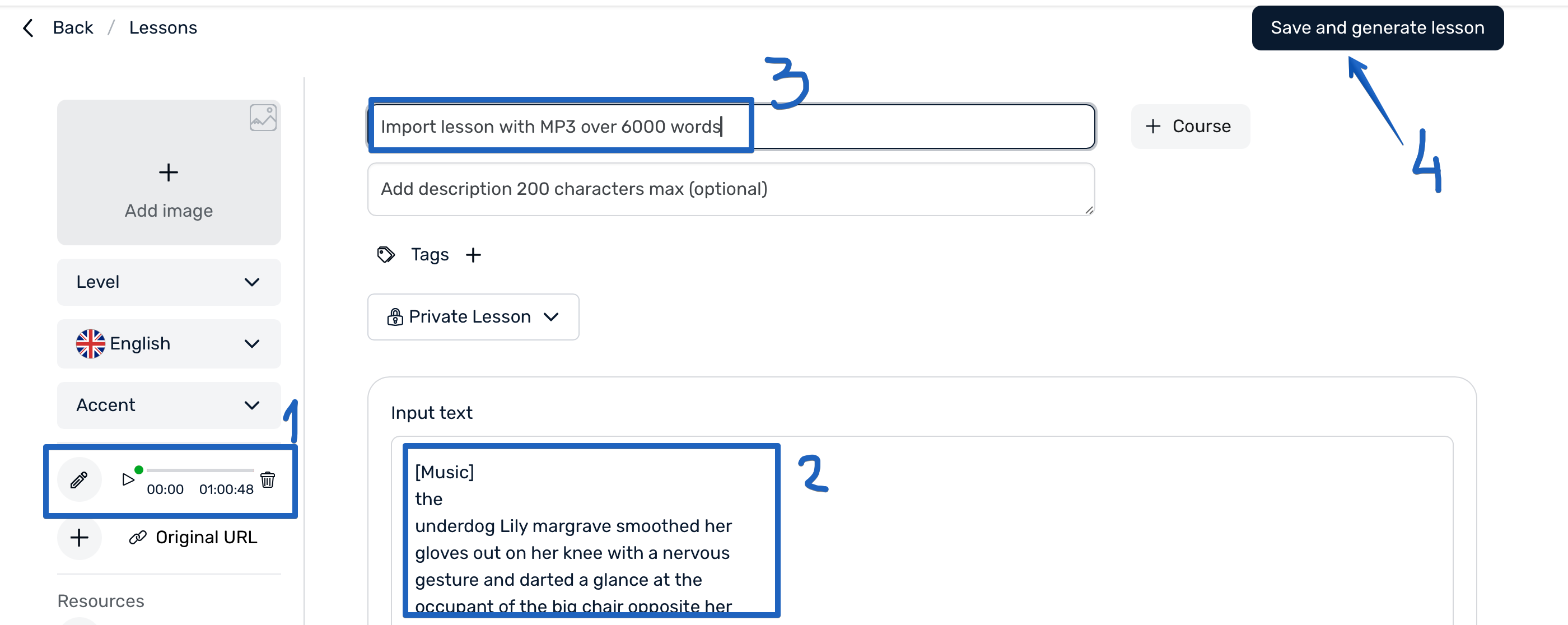
Did you add both the text and the audio before clicking on the link to create the lesson? This must be done in order for it to split correctly.
Yes, I added both when I created the lessons. None of them have worked as expected.
If there are any tests I could do to help determine the issue, let me know.
Thank you, we will investigate this.
Hello @Heshel-C Please, help me to reproduce this issue. I have tried with Korean SRT and MP3 files, and extra text and audio were split to the second lesson. Files in what language do you import? And in what formats? Does it happen always?
The second file is ok. Problem is that I’m left with the entire audio in the first file. An easy workaround is to stop listening once I’m done, but I figured that properly splitting the audio was the intended and desired behaviour.
English language, importing mp3s from different sources, so there’s different encodings. Same problem every time. I’d be happy to test things, if it helps to narrow it down and fix things.
Just to clarify, do you import MP3 and Generate audio transcription? Or you add MP3 and SRT files and then create lesson?
I tried importing MP3 and SRT and also tried MP3 + Generate audio transcription, in both cases the audio and text were cut for the first lesson. I wonder what I’m doing differently?..
I’m copying text and uploading audio. No generating anything. No SRTs.

Hello @Heshel-C I hope you are doing great. Just want to inform you that this issue should be fixed now for new imports.