Hi everyone,
@ryldsamu and I have been working furiously to deliver the ULTIMATE language learning experience.
The LanguageMaster/LingQ Mega-App
The app is built as a high-performance immersion tool for LingQ users, supporting multiple environments including web, mobile web as well as phone, tablet, and desktop Android apps. An iOS version is also upcoming and will be announced shortly.
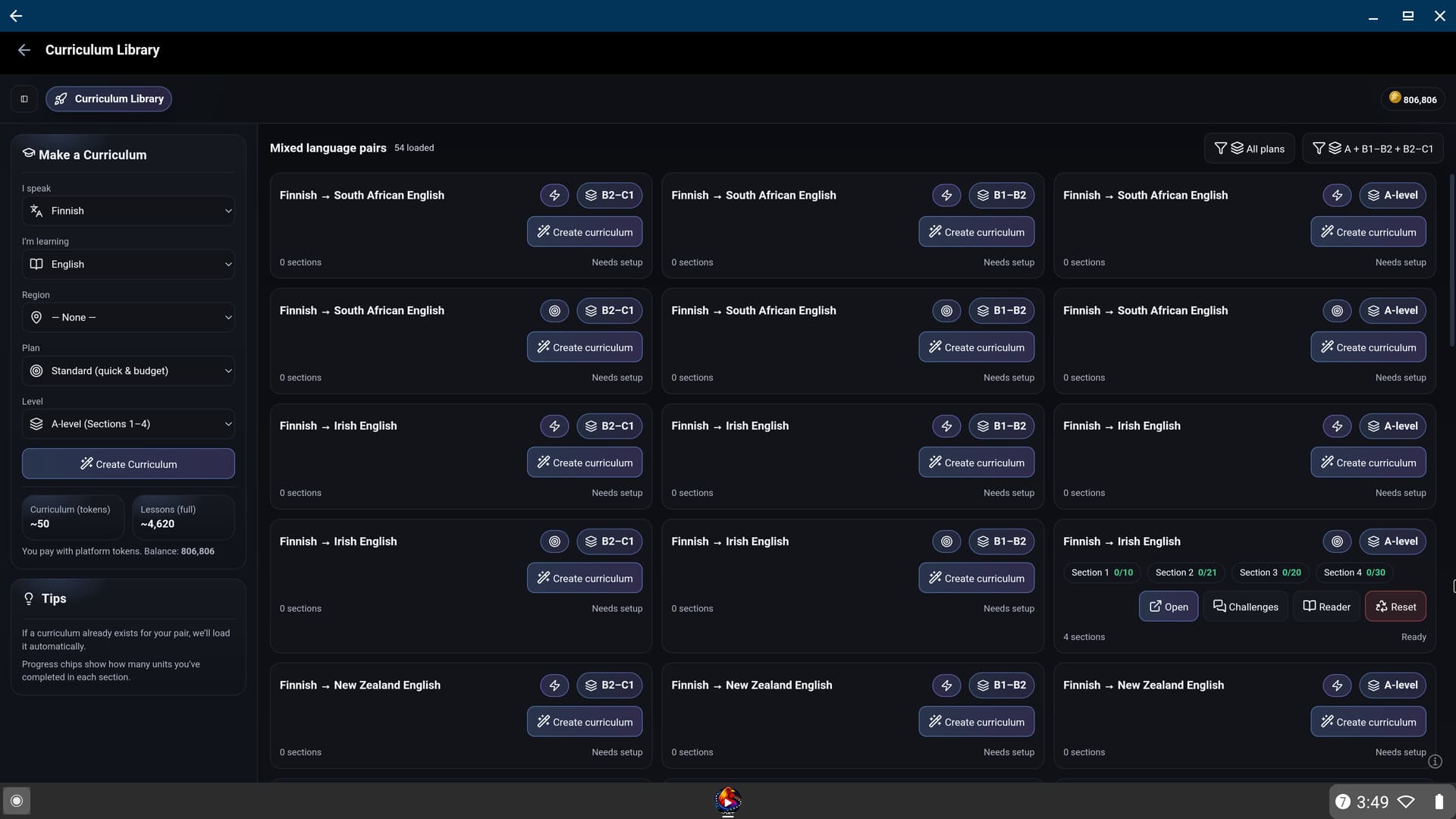
Available for 157+ Language pairs with a UI in 24+ Language locales.
Short Promotional Video
Important Note for LingQ Users
LingQ integration for the new app requires a MasterLingQ license and a Gold subscription (or Lifetime membership). For more information on plans and features, visit the Pricing Page.
MasterLingQ purchases prior to November 2024 are still eligible for a lifetime upgrade if they haven’t yet requested it.
Free Trial and Platform Tokens
New users can claim a 2-day Standard trial and 500 platform tokens to test out the internal features of the app.
Please note that this trial does not include the LingQ integration or MasterLingQ features, which require the specific licenses mentioned above. The trial is intended to let you test the LanguageMaster Systems including the Reader, AI features, and standalone tools.
How to Join the Android Beta
Google Play Store Name: Rooster LanguageMaster - LingQ
We are currently in a closed testing phase and require testers to be approved for a full release. To join, please visit the Beta Opt-in Page for instructions:
We would really appreciate this. And will offer rewards in terms of membership and platform tokens to people who actively participate.
Getting Started with the Web App
We have relaunched the LanguageMaster website to incorporate the new app.
- Web App: app.languagemaster.io
- Documentation: Setup and Features Guide (24+ locales)
App Screenshots
WEB
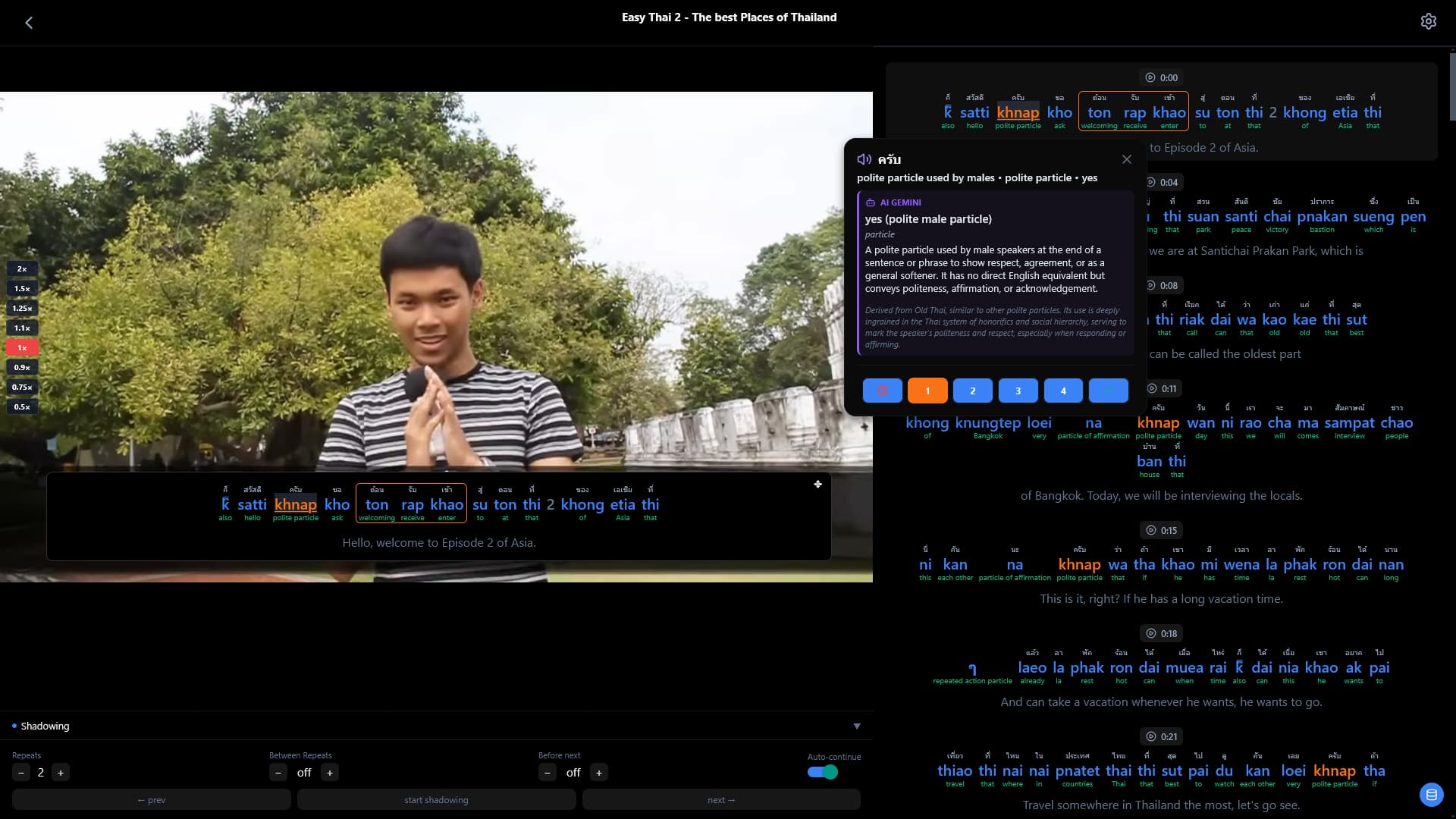
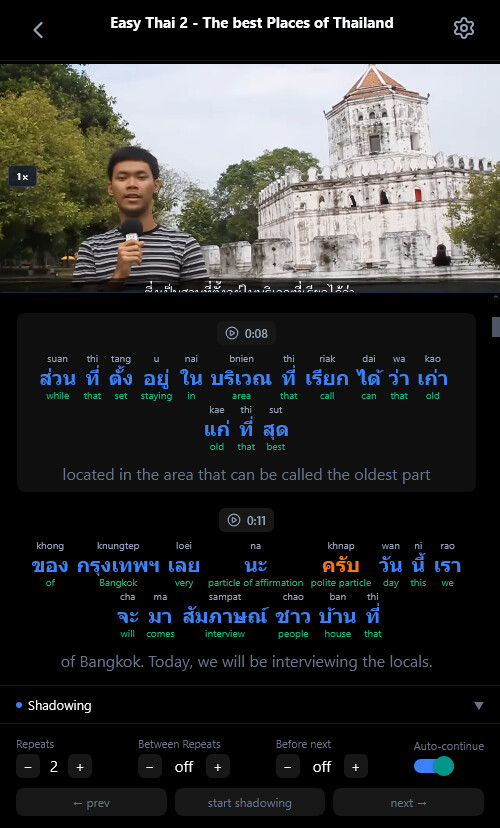
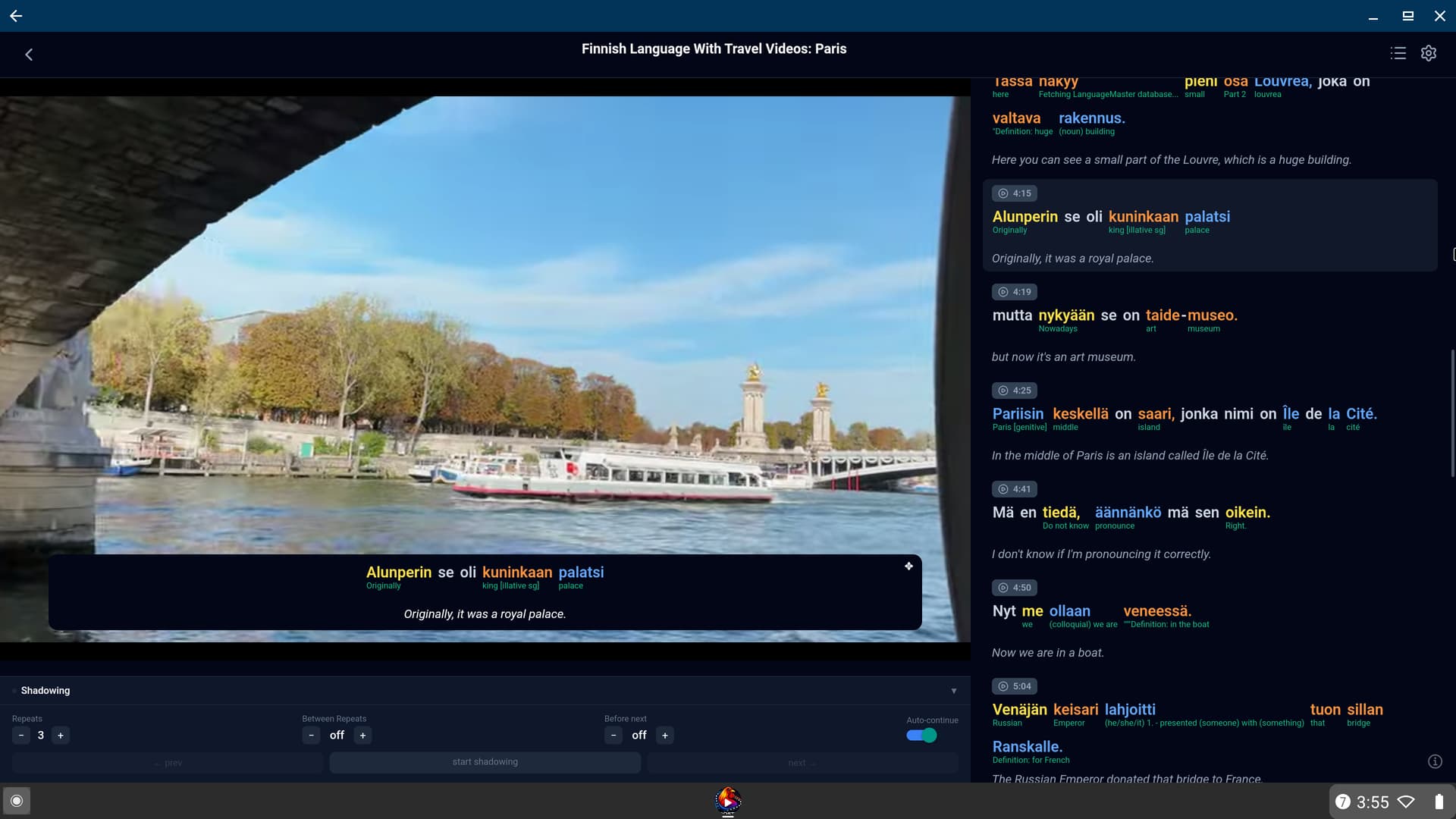
Example of learning Thai with phonetic characters on a wide screen and with original characters on a small screen


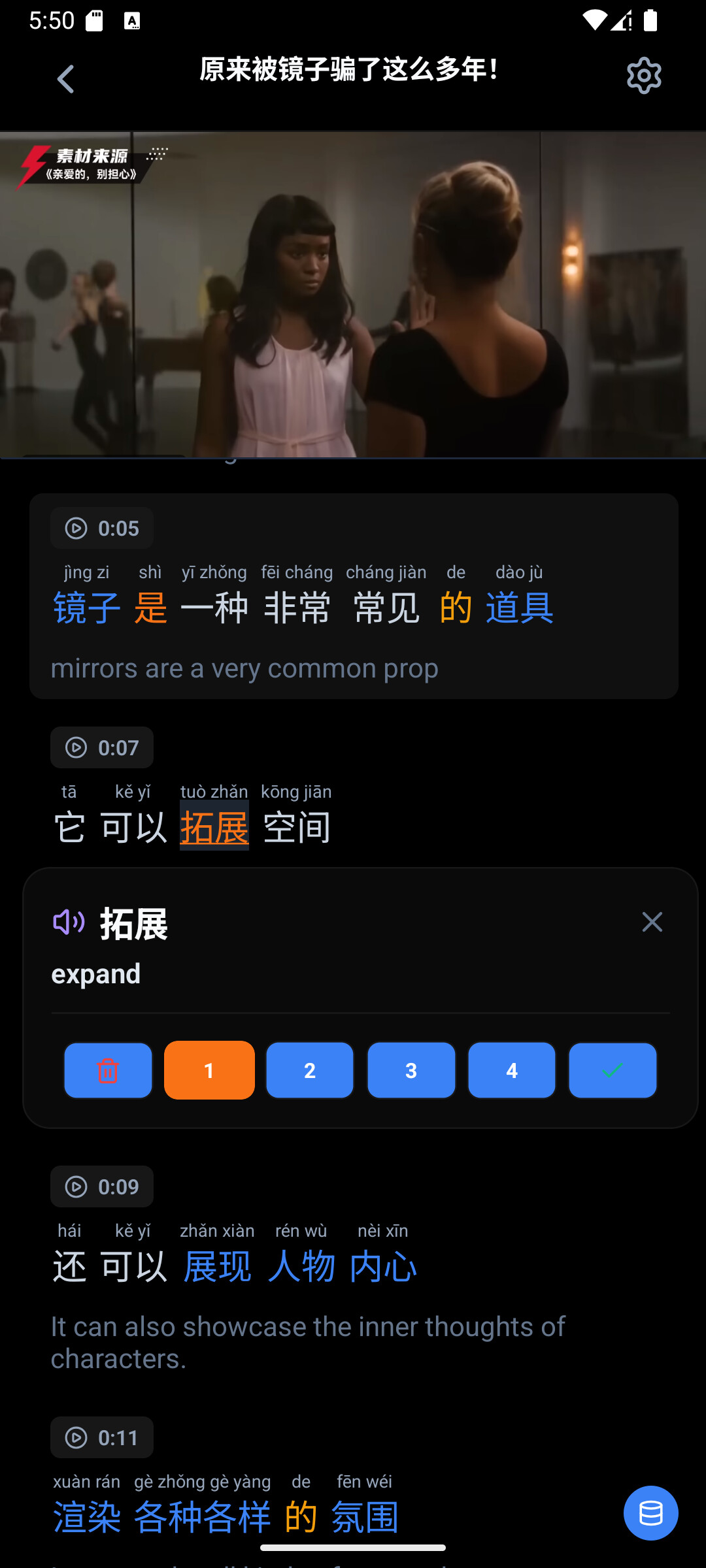


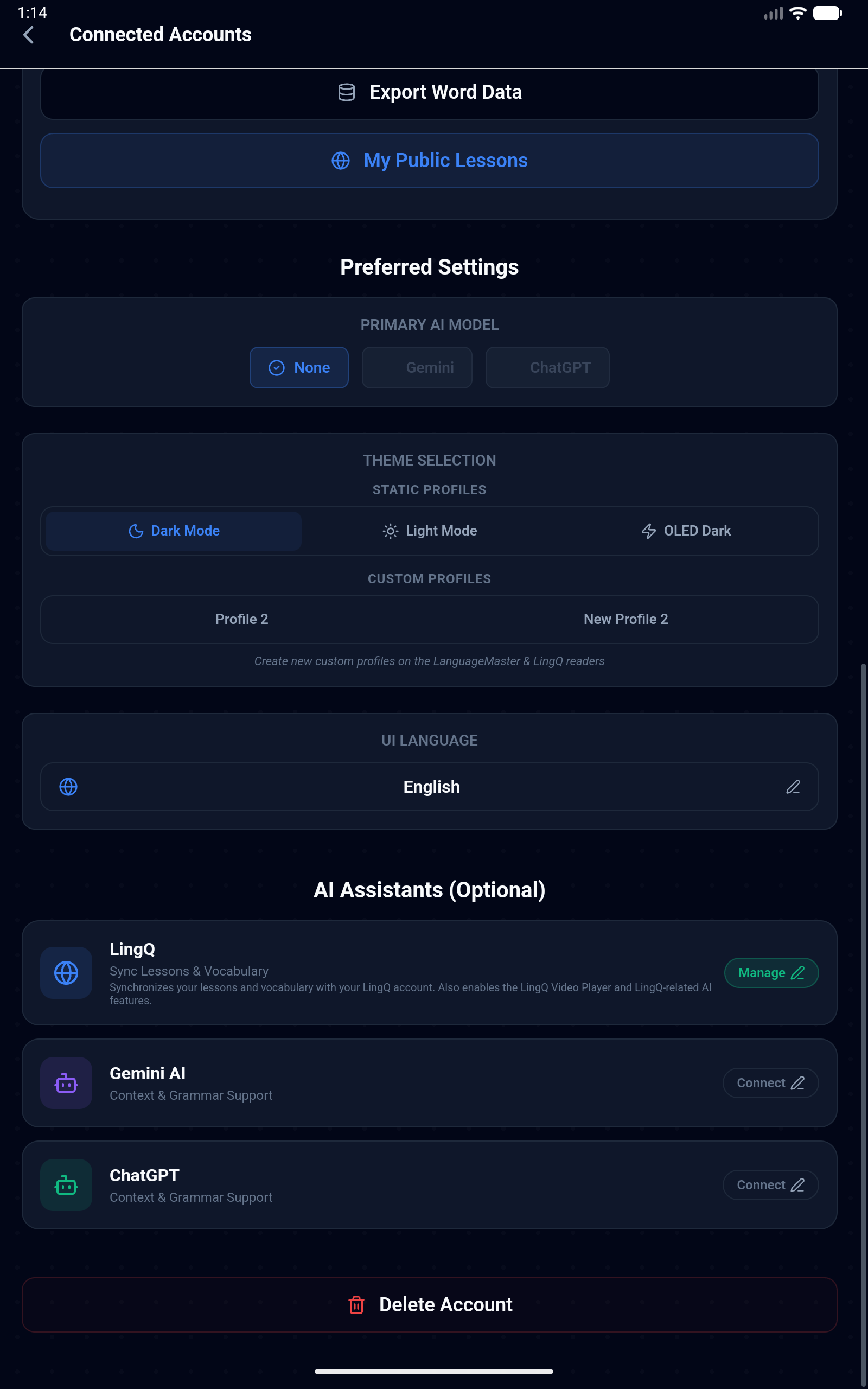
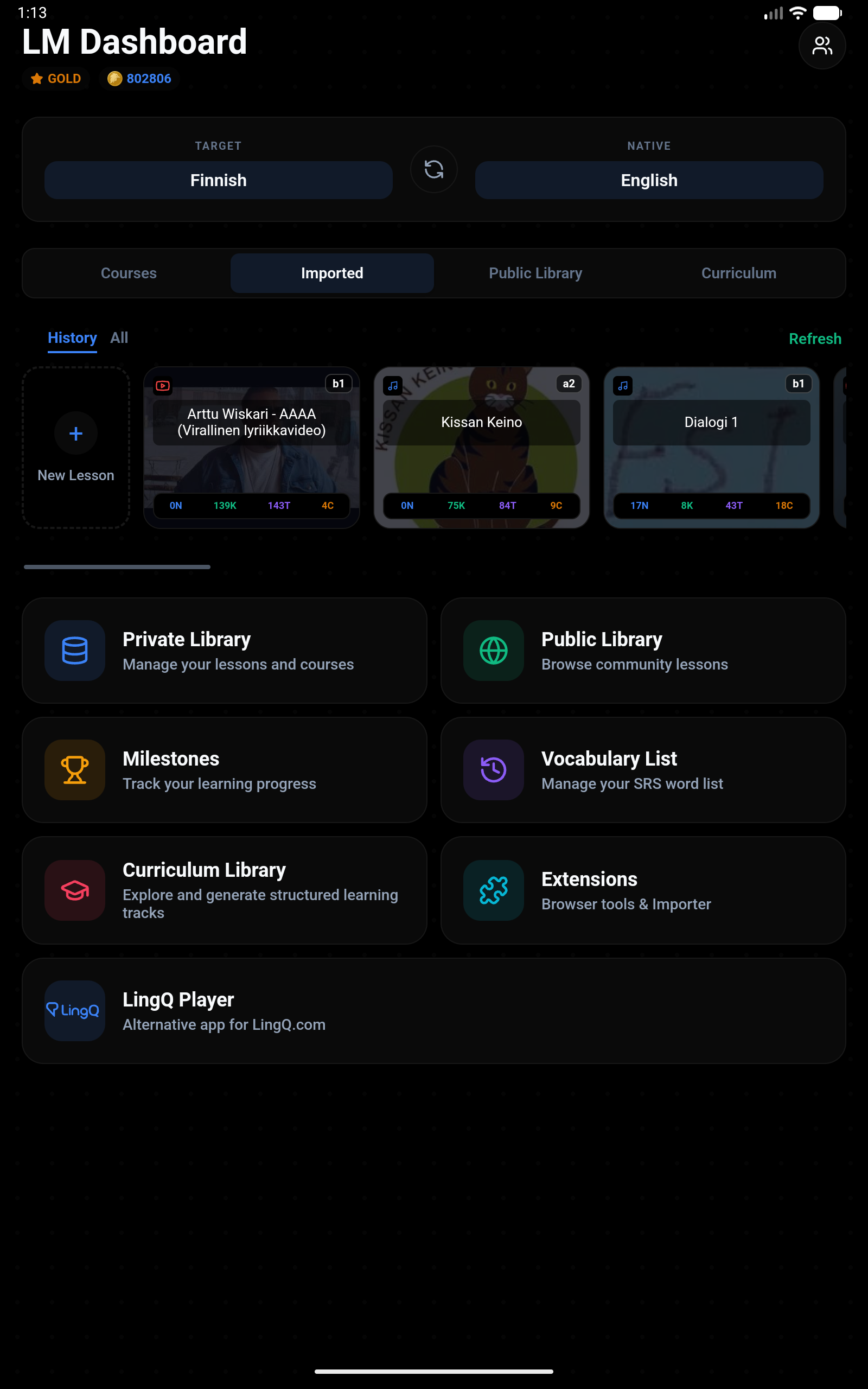
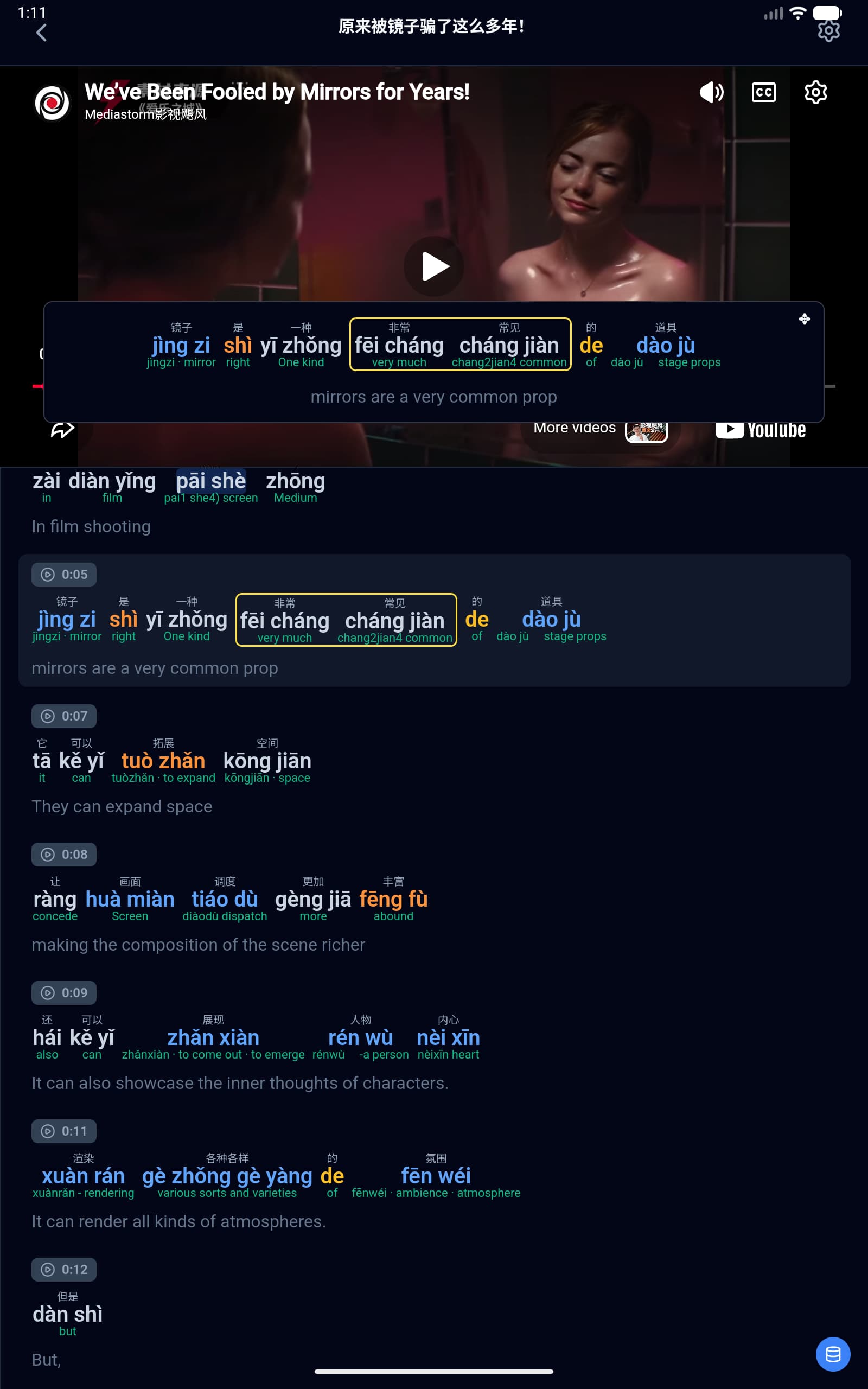
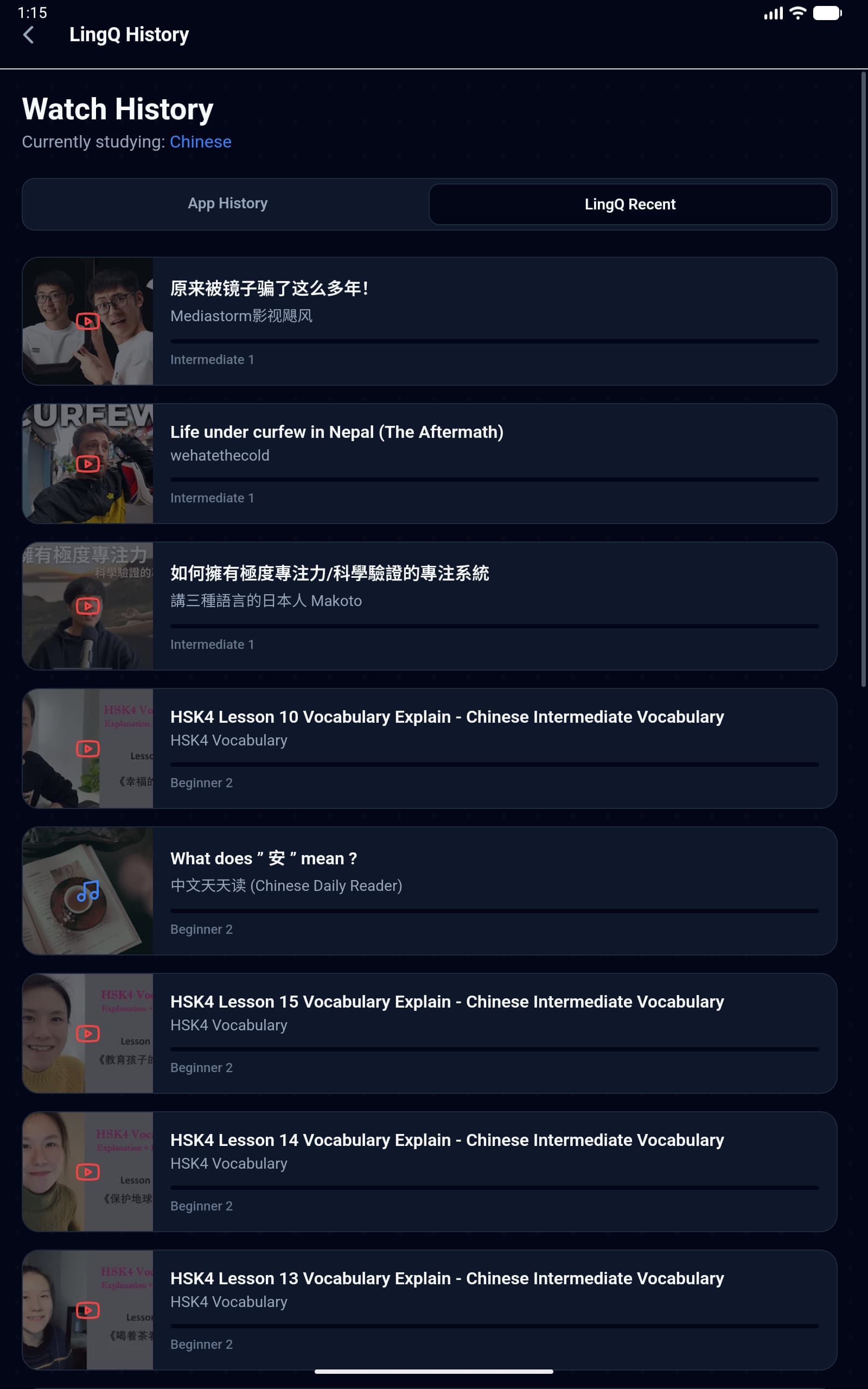
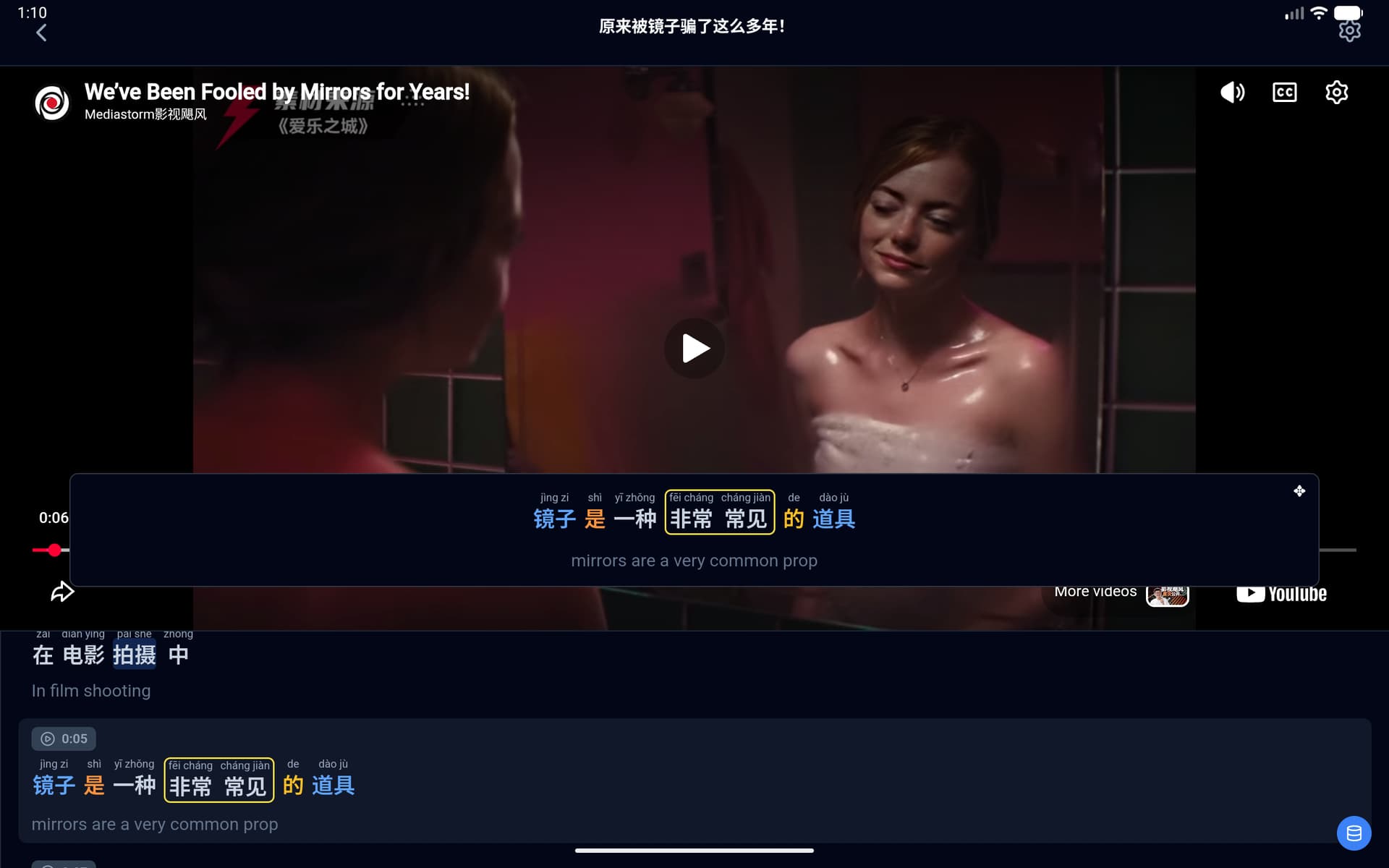
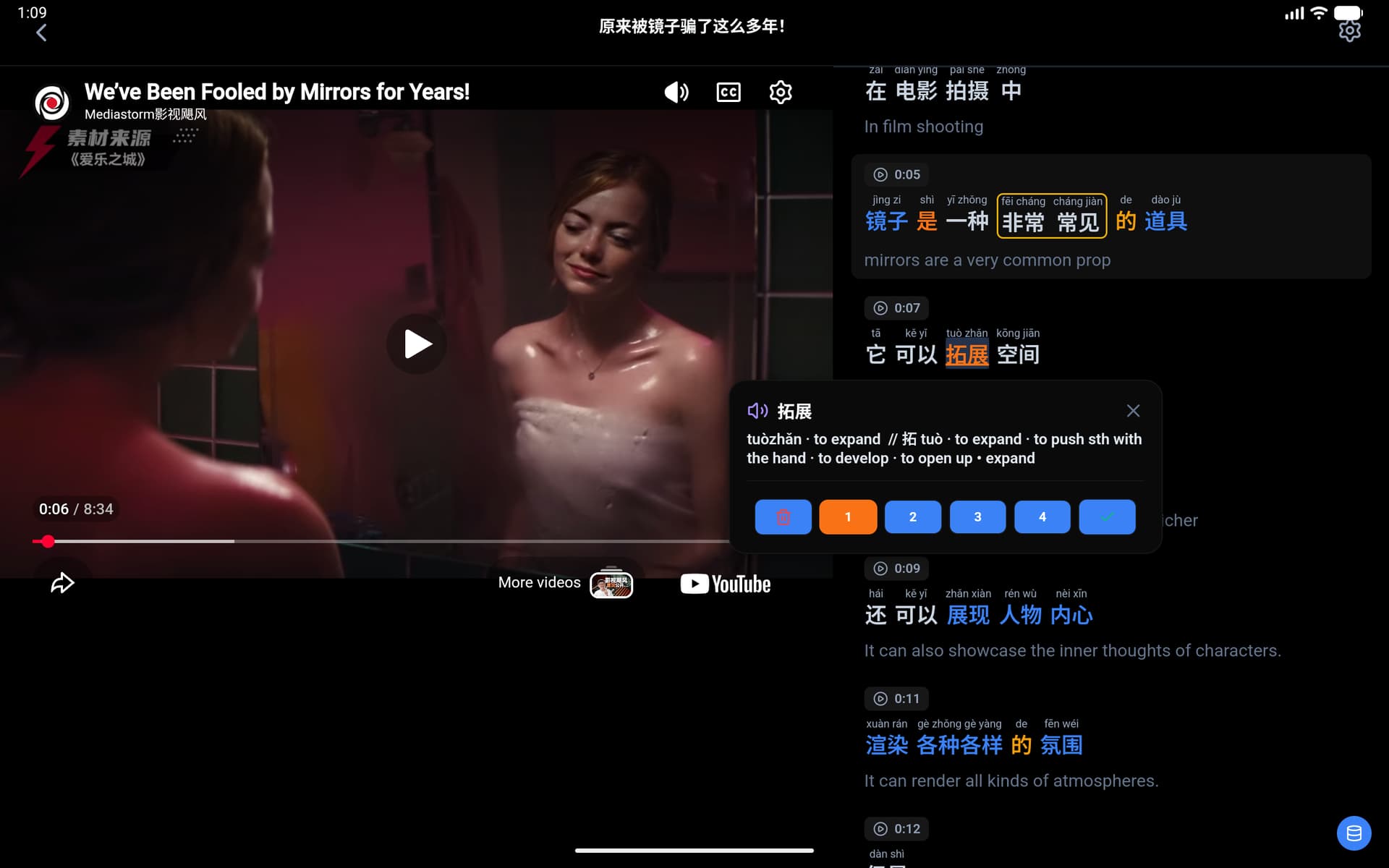
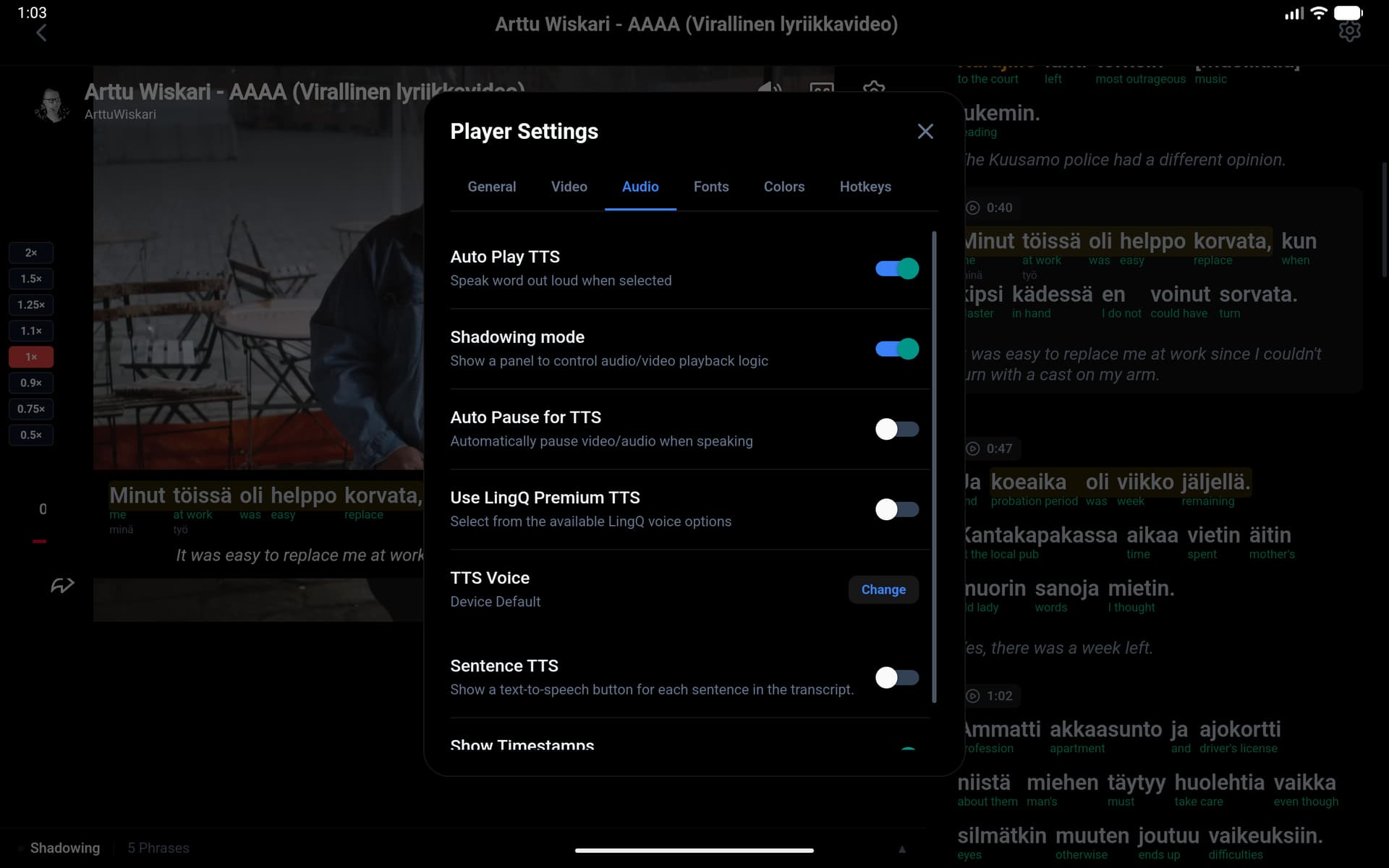

Key Features for LingQ Users
- LingQ Sync: Your LingQ lessons, word statuses, and known word counts stay in sync while interacting with LingQ related features on this app.
- LanguageMaster Sync: Users can also sync their LingQ vocabulary to LanguageMaster to maintain their progression when using LanguageMaster distinct features.
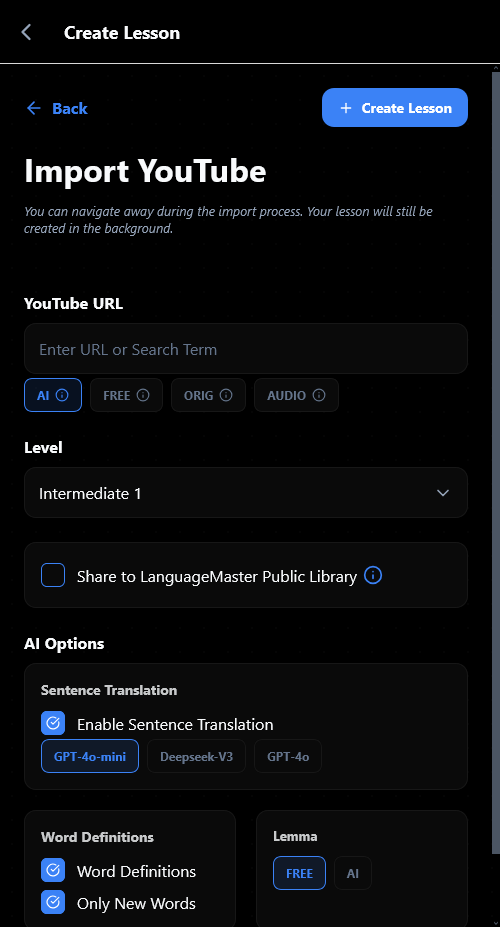
- YouTube and eBook Imports: Create lessons from YouTube videos with synchronized transcripts or import e-books (PDF/EPUB).
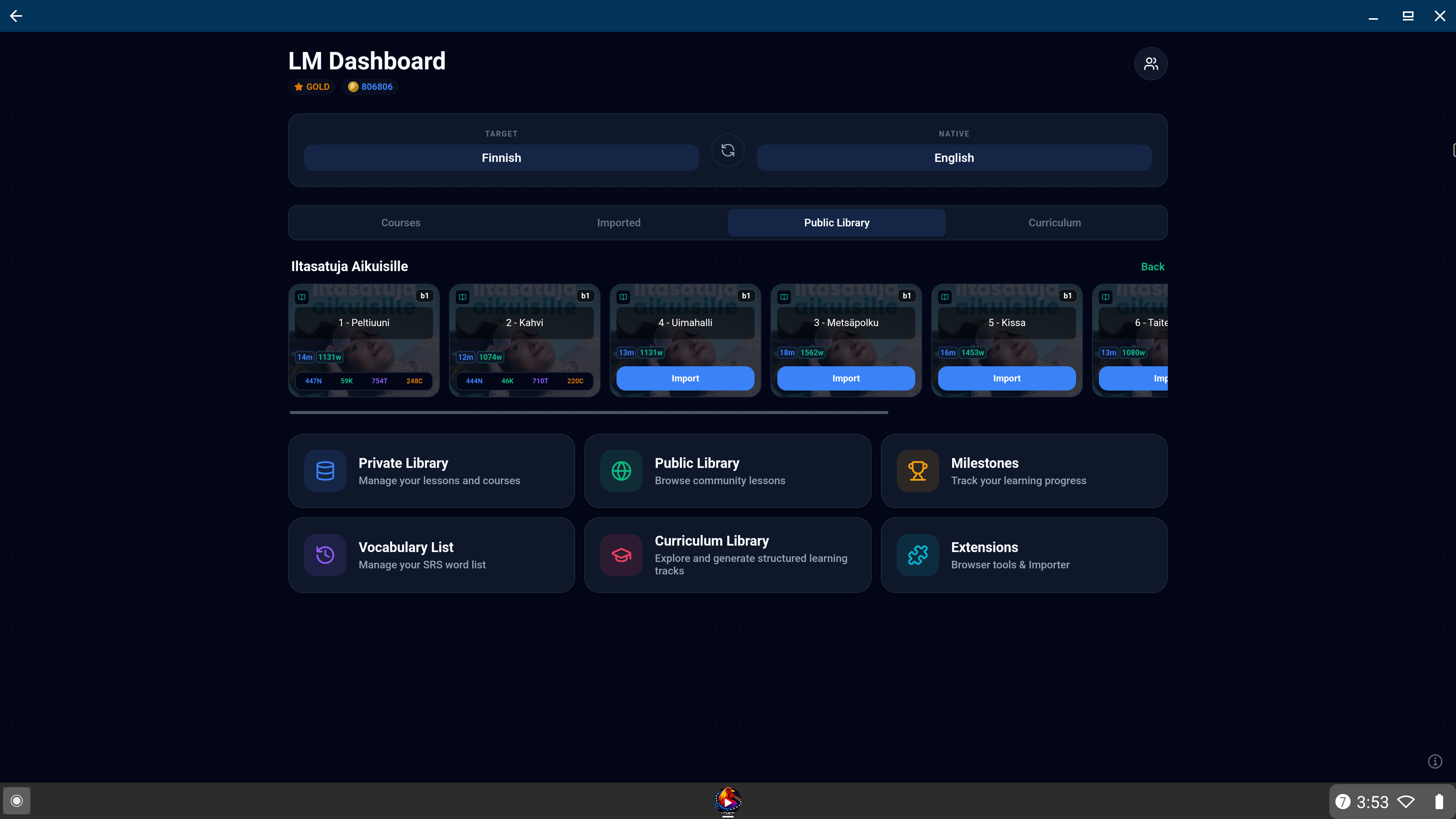
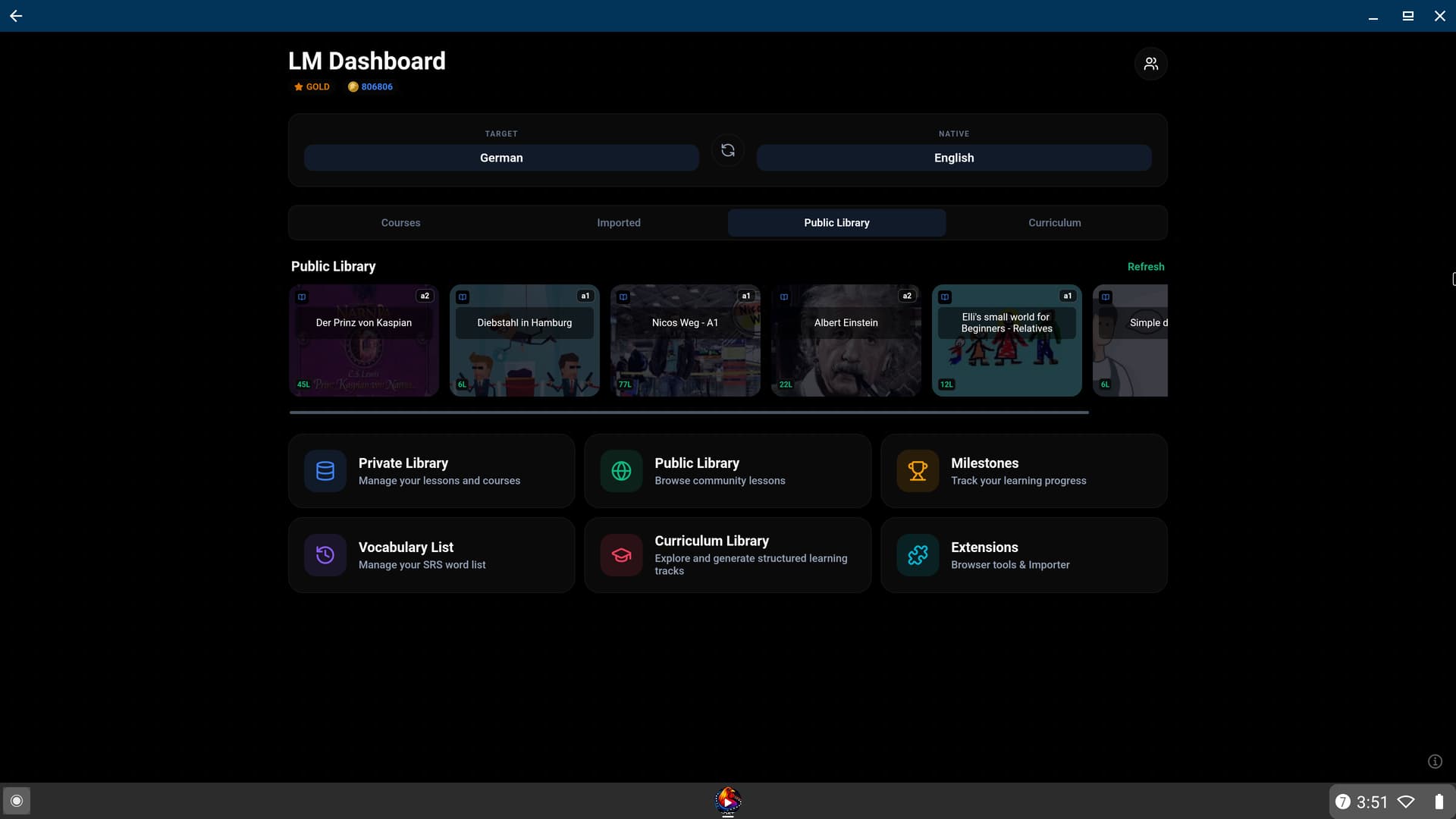
- Public Library: Browse community-shared content directly from the app interface.
- Mass Upload Tools: Batch import text, subtitles, mixed-media folders, YouTube videos into your LingQ library.
Pro Interactive Reader
- Contextual Word Popups: Inline dictionary with LingQ hints, transliteration, lemma root forms, and status controls.
- AI Definitions: Connect Gemini or ChatGPT for detailed word analysis, etymology, and root meanings.
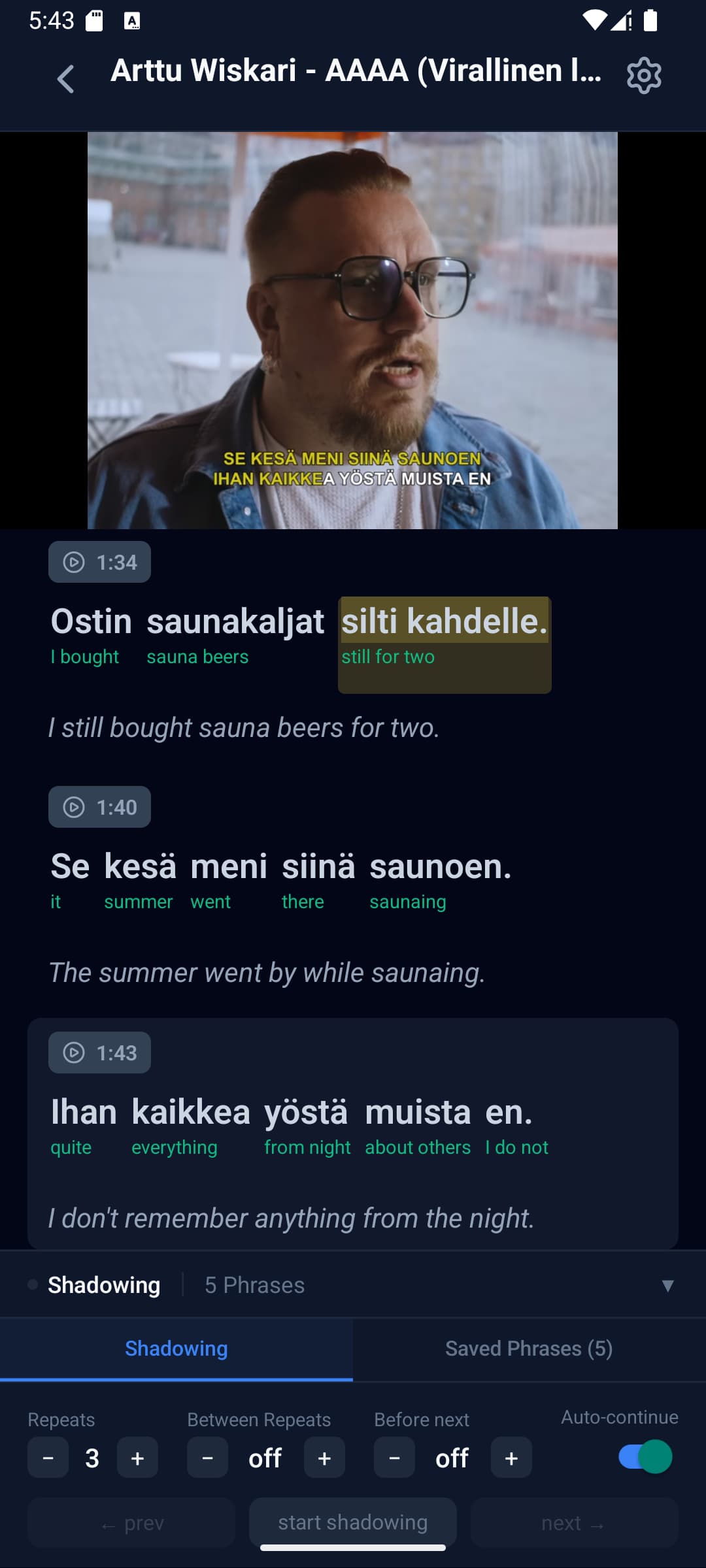
- Shadowing Mode: Audio/video practice with customizable sentence looping and adjustable pauses.
- Phrase Selection: Click and drag or long-press to select and save multi-word phrases to LingQ.
- AI Audio Generation: Generate high-quality AI audio for text-only lessons.
Customization
- Theme Engine: Use built-in profiles (Light, Dark, OLED Dark) or create custom themes with 40+ color slots.
- Typography: Precise control over font sizes, weights, and styles for all text layers, including Google Fonts support.
- Hotkeys: Full keyboard shortcut support on web and optimized touch controls for mobile.
Pricing Note: Prices may vary on Android/iOS to account for exorbitant platform fees. Purchases through the web app have the best possible pricing.
Join our Discord or reply here if you have any questions.