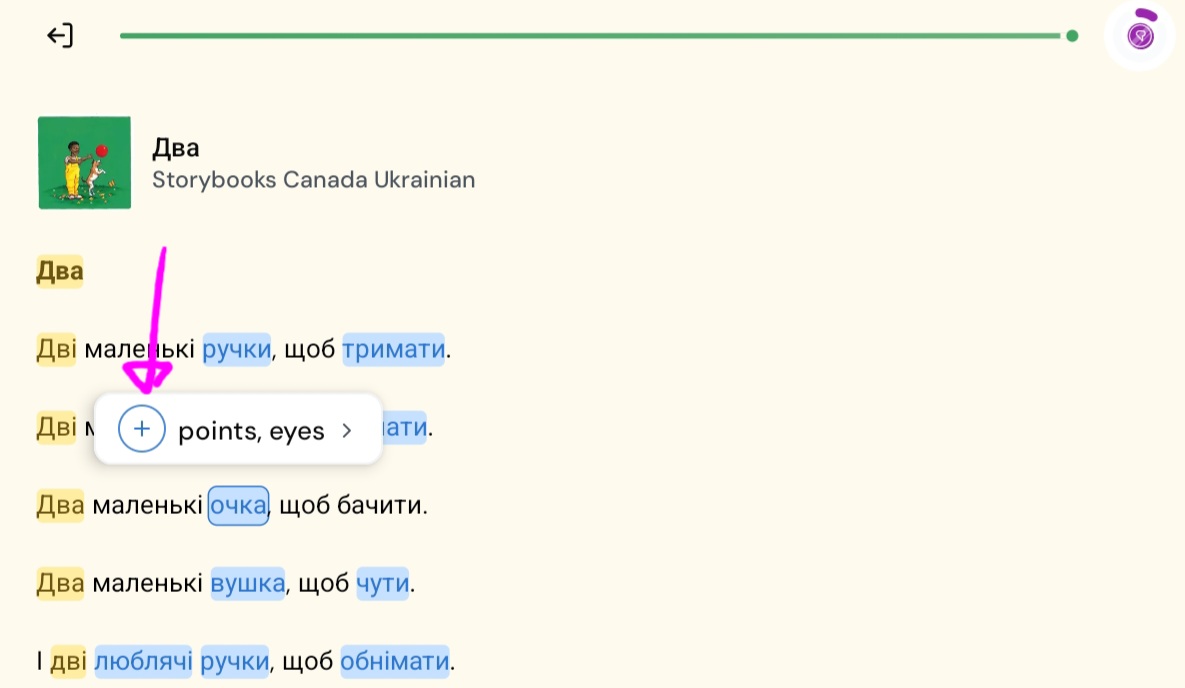
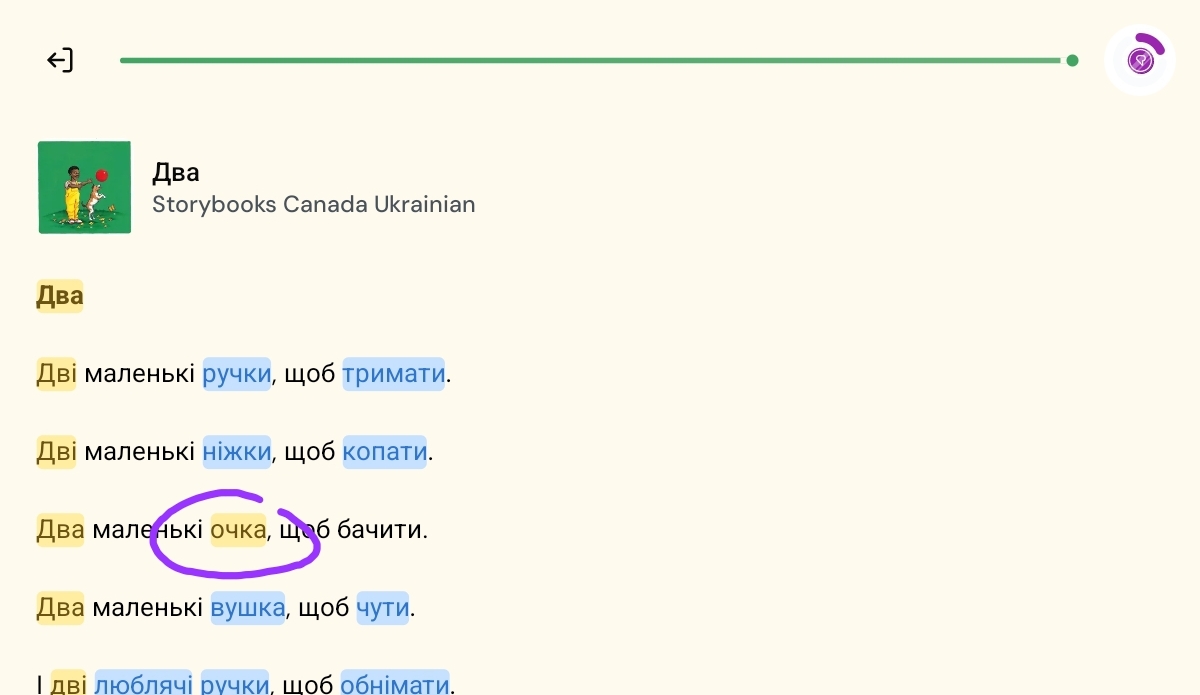
FIrsrt impressions of android app version 7.0.19 beta: fabulous. really great.
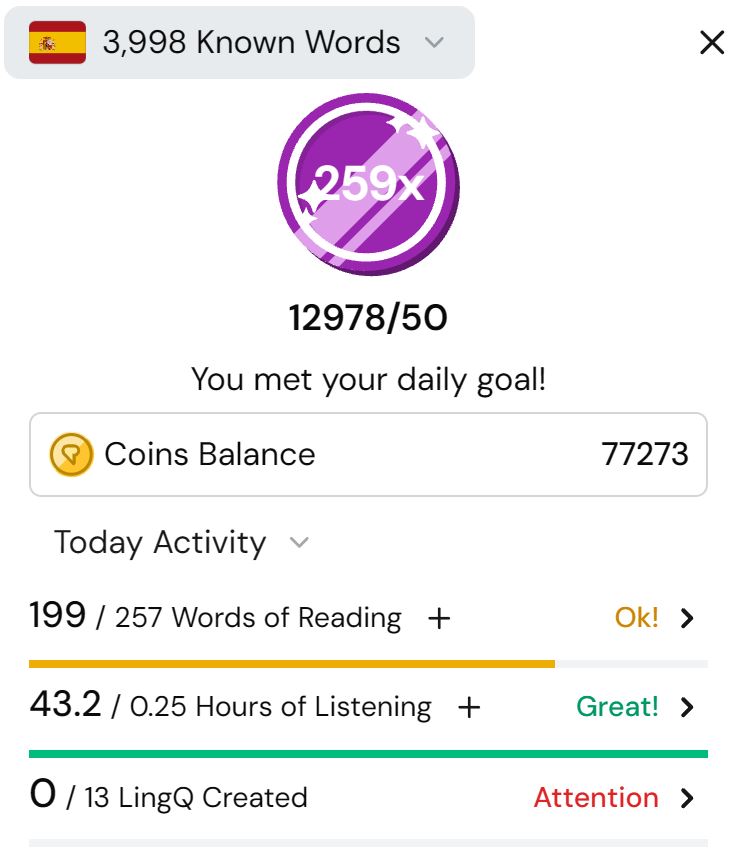
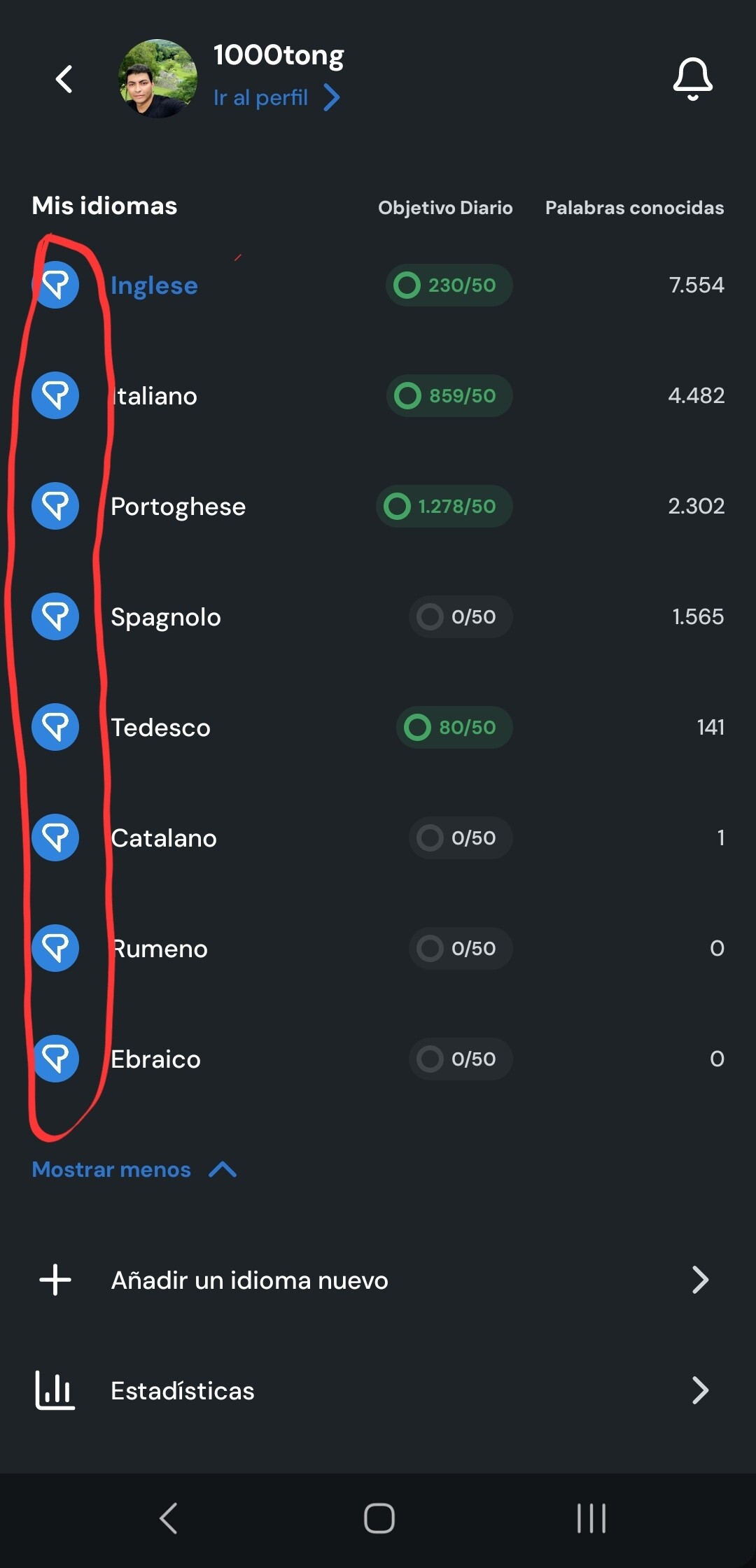
I love the coins and total words summary when I click on my user name (top left). Now I know if I’ve met my basic goals of the day.
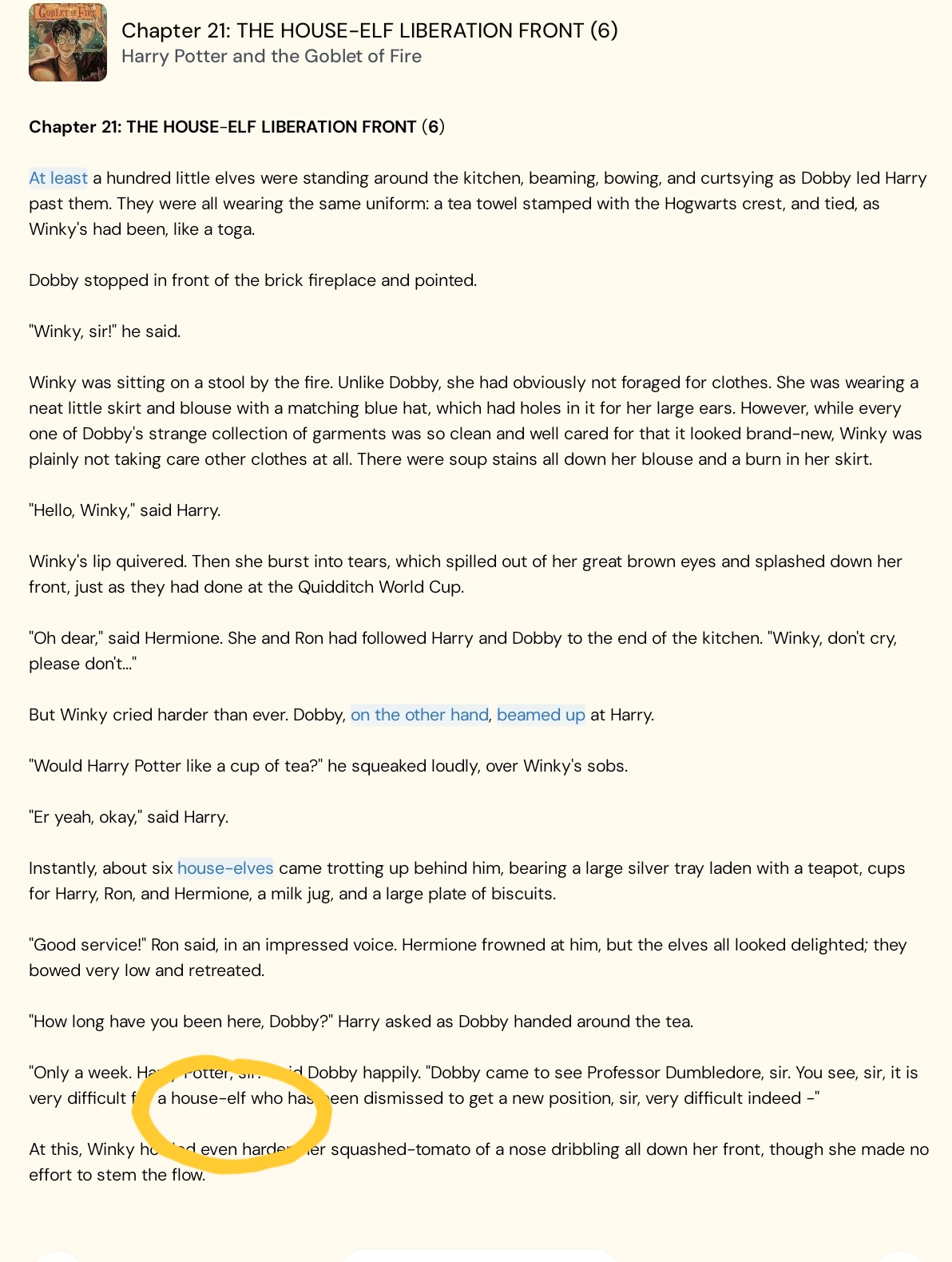
Moving blue words to 1 (my choice) when I move in sentenc emode is great. I think Lingq has turned all teh wrods to known (unhelpfully) during the middle of a lesson (maybe an accidental endlesson tap by me). But overall, turning them to 1 as I go keeps minimising the risk.
Second impression/ even better if:
Now that I’ve chosen to turn blue words to 1 (basically as early as possible):
Why are they blue in the first place: can they start as 1?
Scroll mode: I don’t want them to gather in the coin icon to be manually turned . I’ve already made the decision.
I don’t want a pop-up to tell me I have new lingqs. I don’t care. I’m here to read.
Pleas look for more way to turn the blue wrods to 1 (or whatever )
- as the lesson is imported
- as scroll mode moves across sentences.
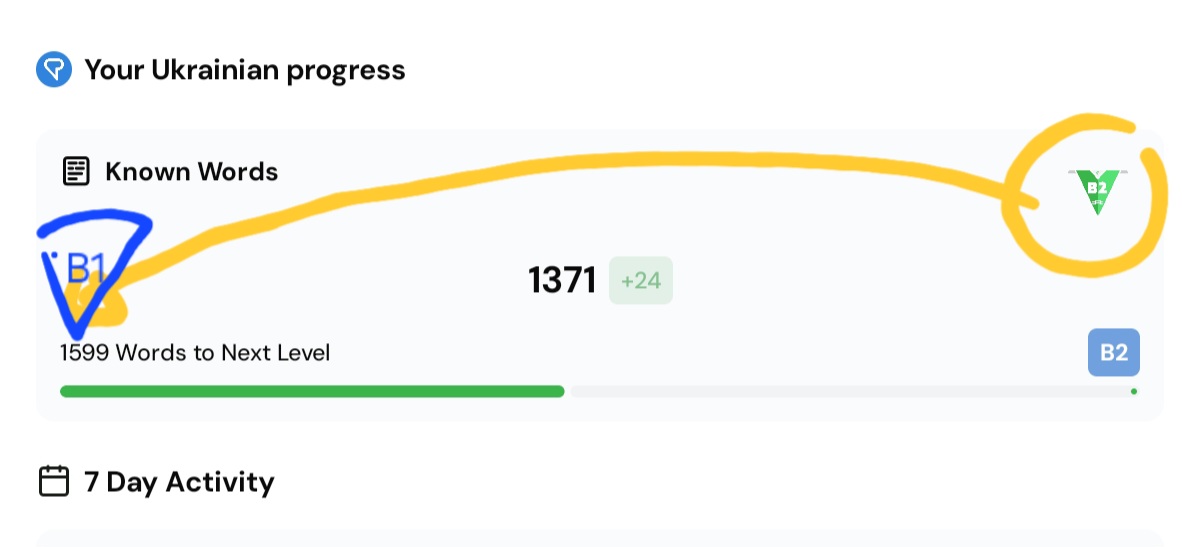
My profile summary could have words read today.
“words read today” looks like a major but hidden statistic still.
I’ve found it. It’s hidden on a stats page, under the useless 7 day activity. Could it be put at the top please?
LATER UPDATE:
I’m torn between the android all that use shortcuts
 benefit of being able to stop and start, show translations etc. when I want with my hands on an external keyboard (far more restul on my hands).
and the app that deals better with blue words, but only in sentence mode.
REQUESTS
shortcuts on the app. my e-ink screen needs a massive swipe in sentence mode which is quickly uncompfrtable. Actually mly biggest challenge with scroll mode is I can’t stop and start it. Even 0.5 speed in Greek is too fast to take in a big paragraph and then follow the text.
It’s great you added a 0.5 speed though. The web version os changing speed is better: not cycling through them all (which isn’t awful).
scroll mode to deal with blue words better
scroll mode on my phone might be nmy best bet. But then I miss out on a bigger screen .
Well done on relcaiming a lot of empty space so I can have big text and see big paragraphs without scrolling.
“Tap to turn” - it doens’t turn a page.
On my phone, translations disappeared on scrol mode They came back when I re-entered the lesson.