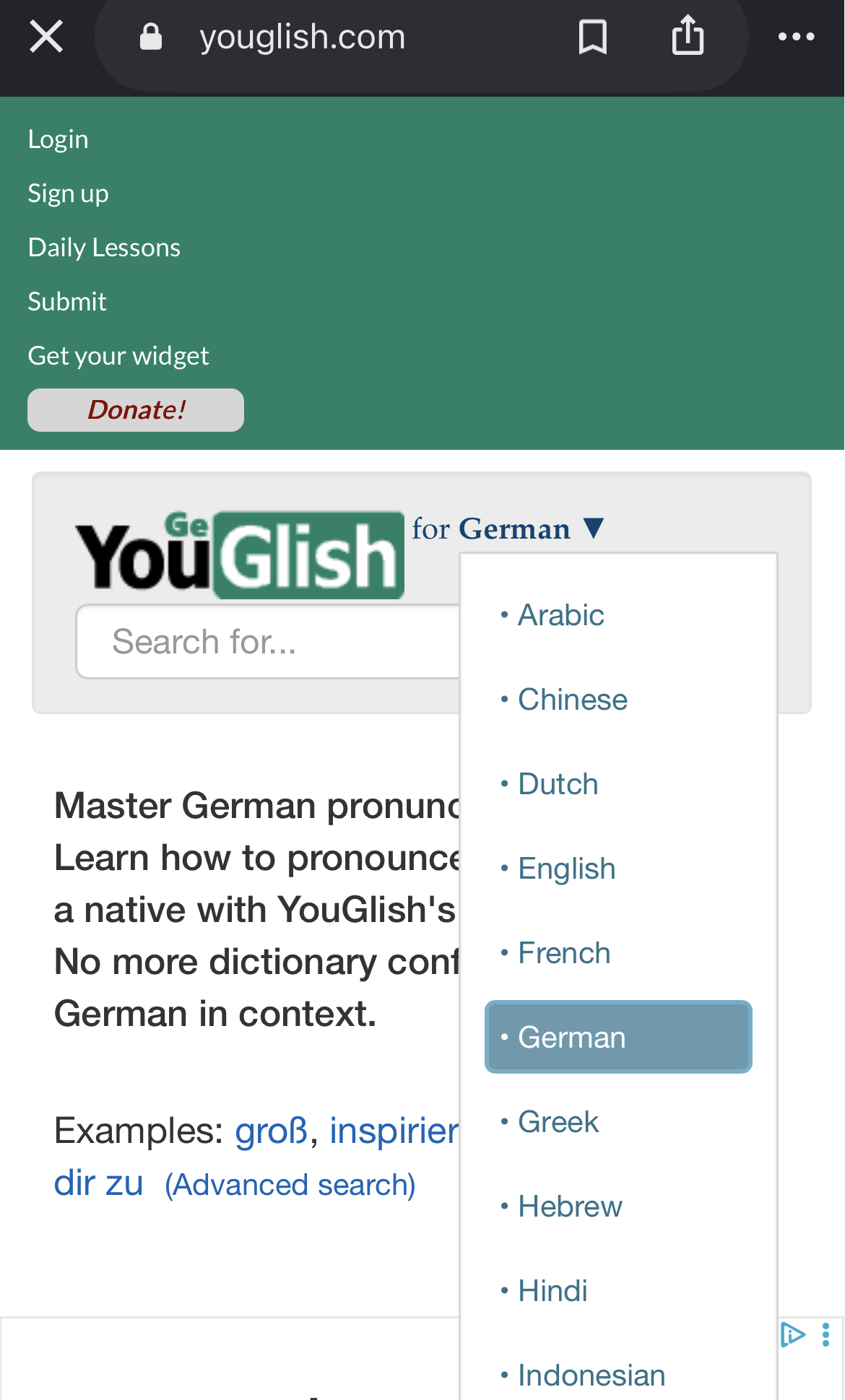
I use Youglish a lot to look up the way words are pronounced in natural flowing speech. If anyone doesn’t know it: it’s a website that searches YouTube for a given word or phrase, and then shows you video’s at the timestamp where this word or phrase is said. I find it incredibly valuable. My request would be to add this as one of the dictionary options we can set when we want to look up LingQs in a dictionary.
Ideally, I would love to include these audio snippets with the LingQs permanently, to override the generated text-to-speech, but I appreciate that this is a much more technically involved request than simply adding a dictionary to an existing system.
Great, I’ve found it! Strangely the site behaves differently when you access it through LingQ, instead of playing the video at the size it first appears and leaving the controls visible, it goes fullscreen. It does not behave the same way when you acces the site directly.