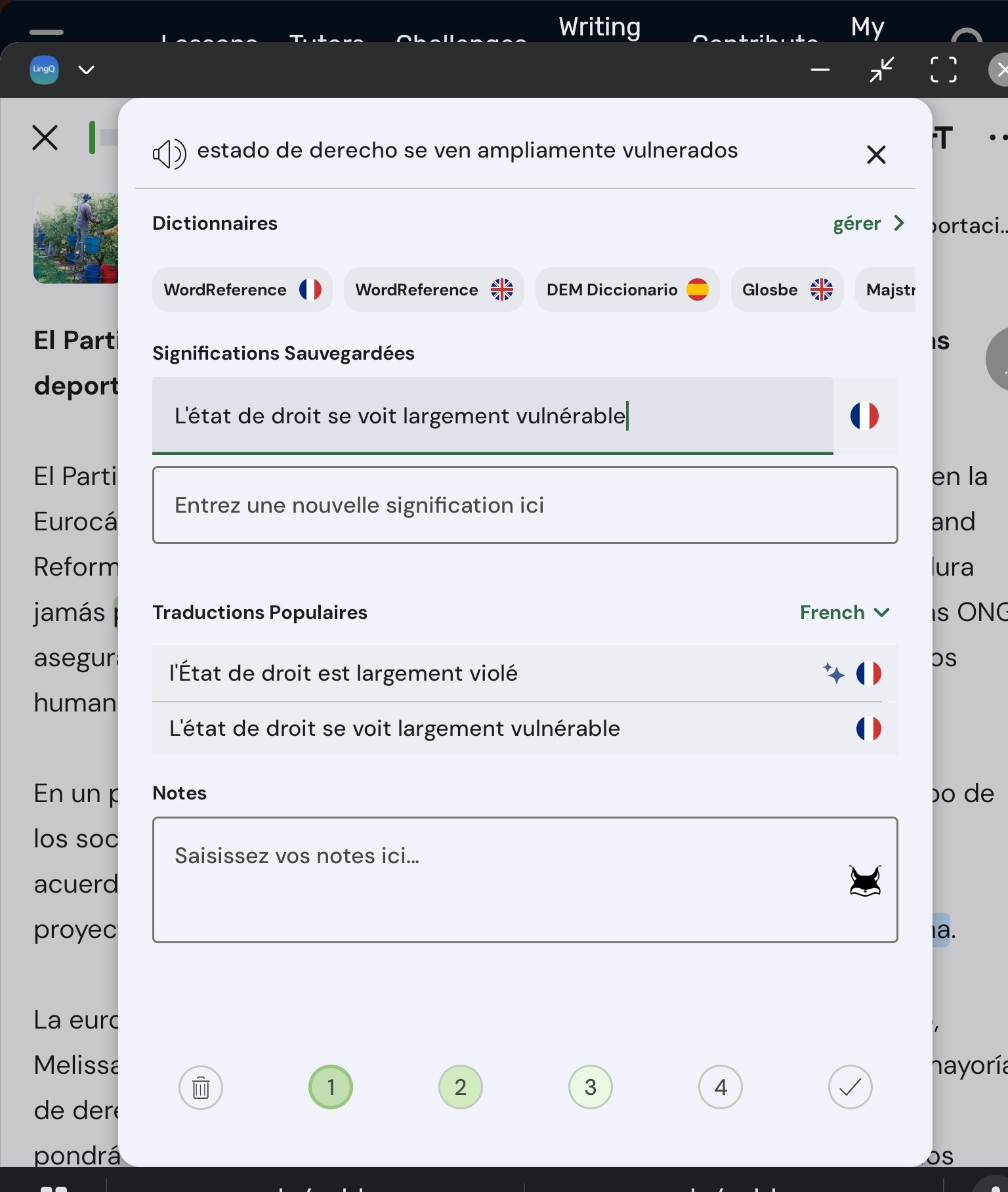
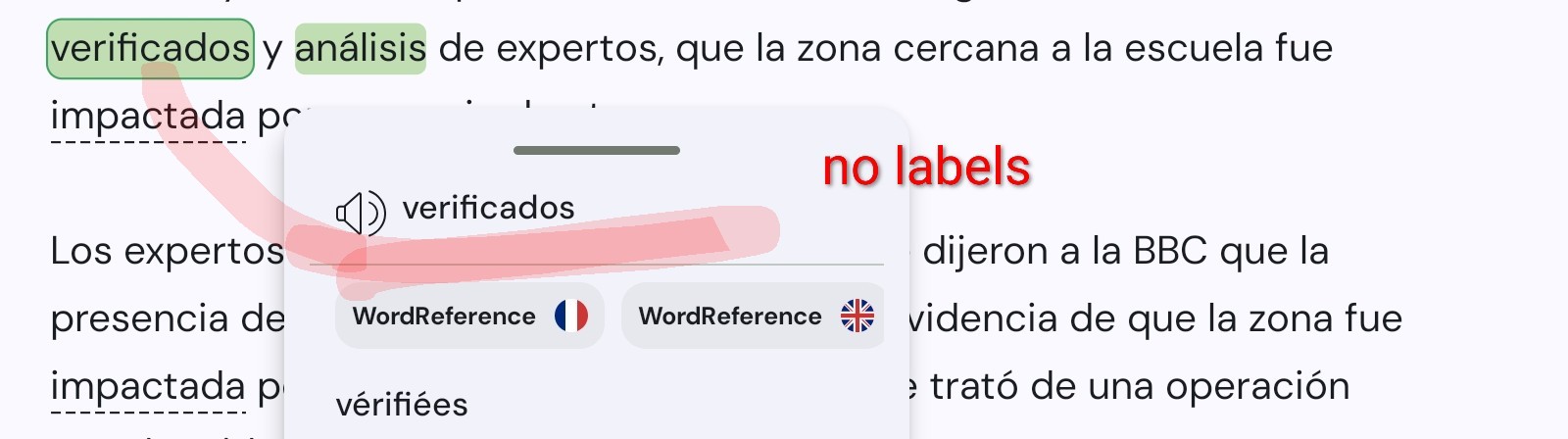
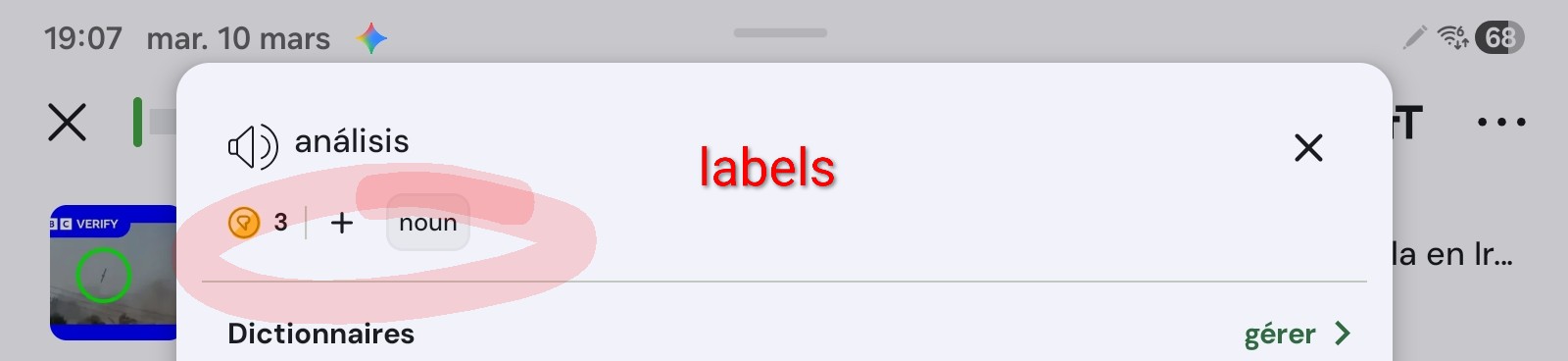
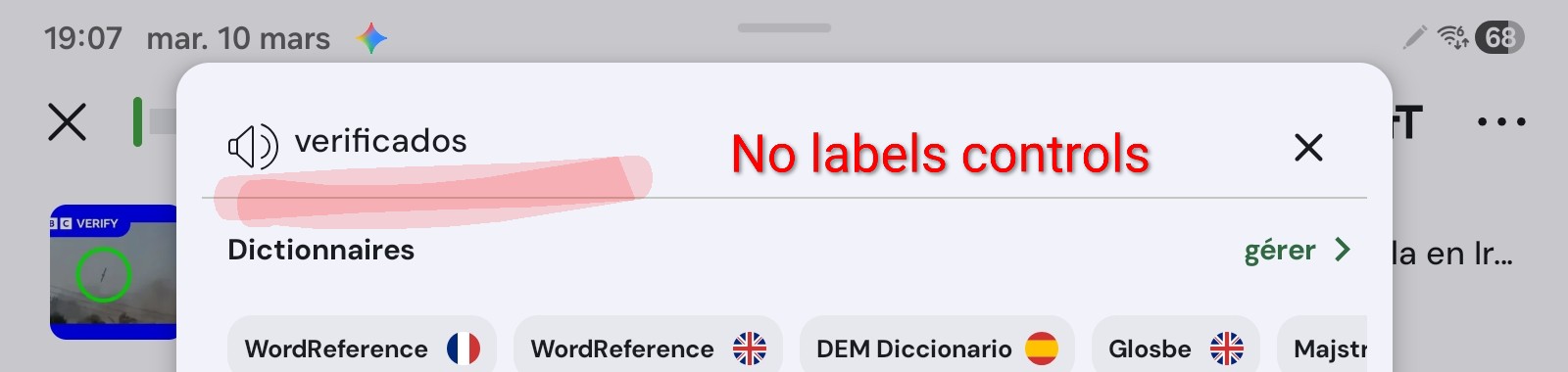
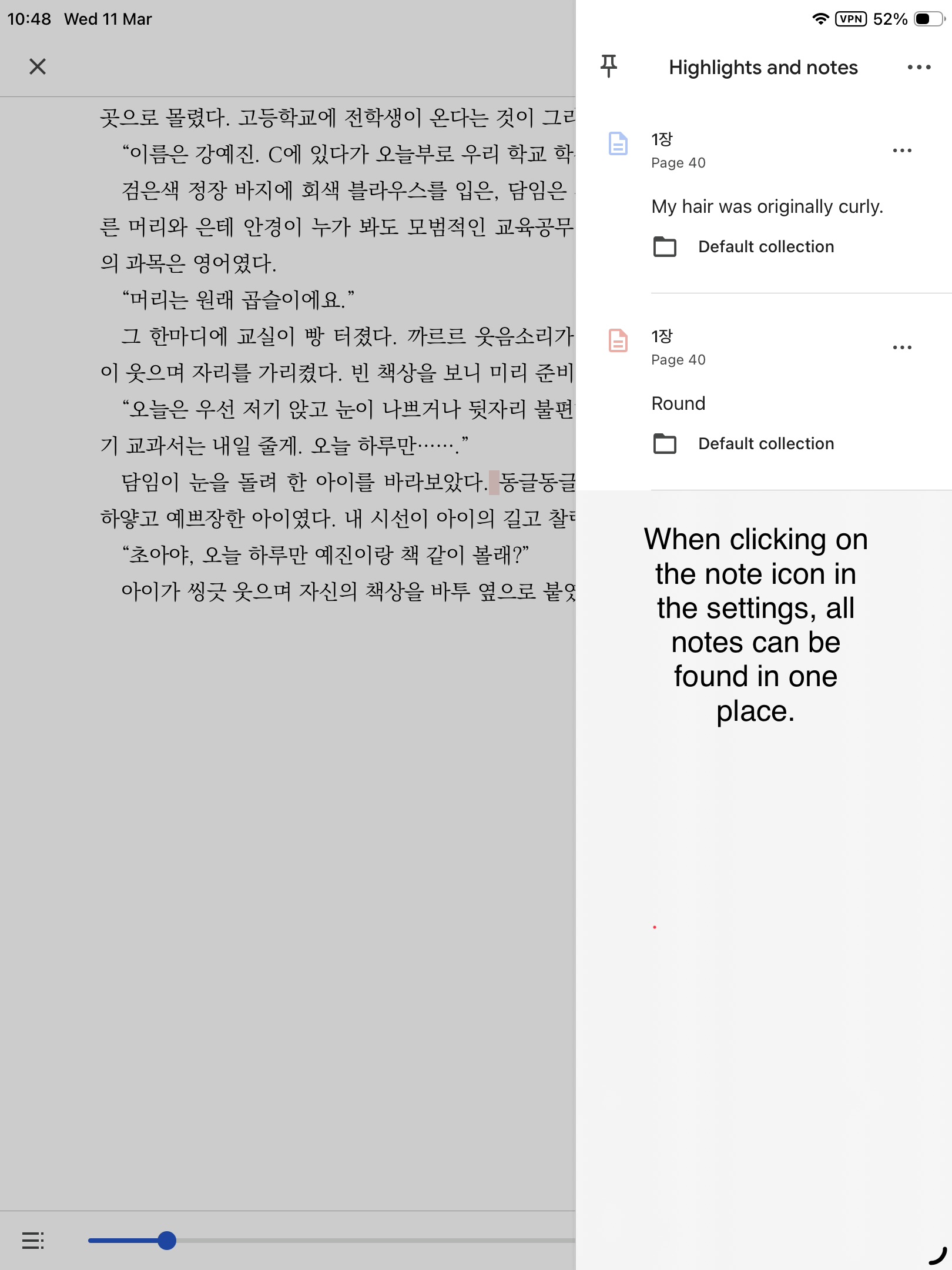
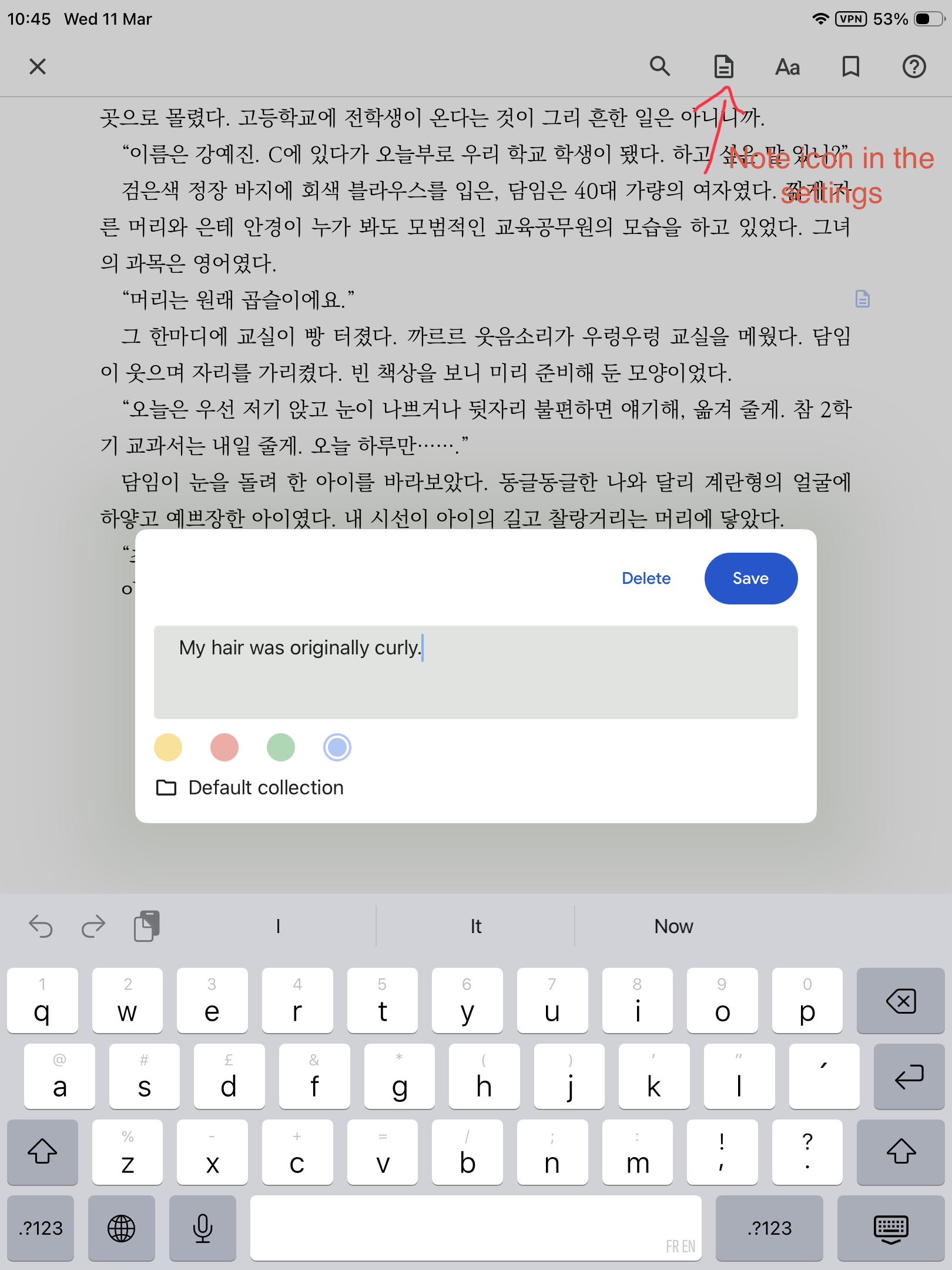
Yes, or it would be nice to have a notes function that is actually functional and allows readers to find these notes in a separate list like in a traditional ebook reader. I can never understand why this hasn’t been done yet. Every reader under the sun allows this.
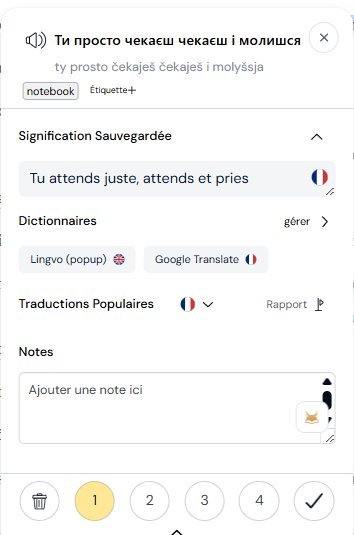
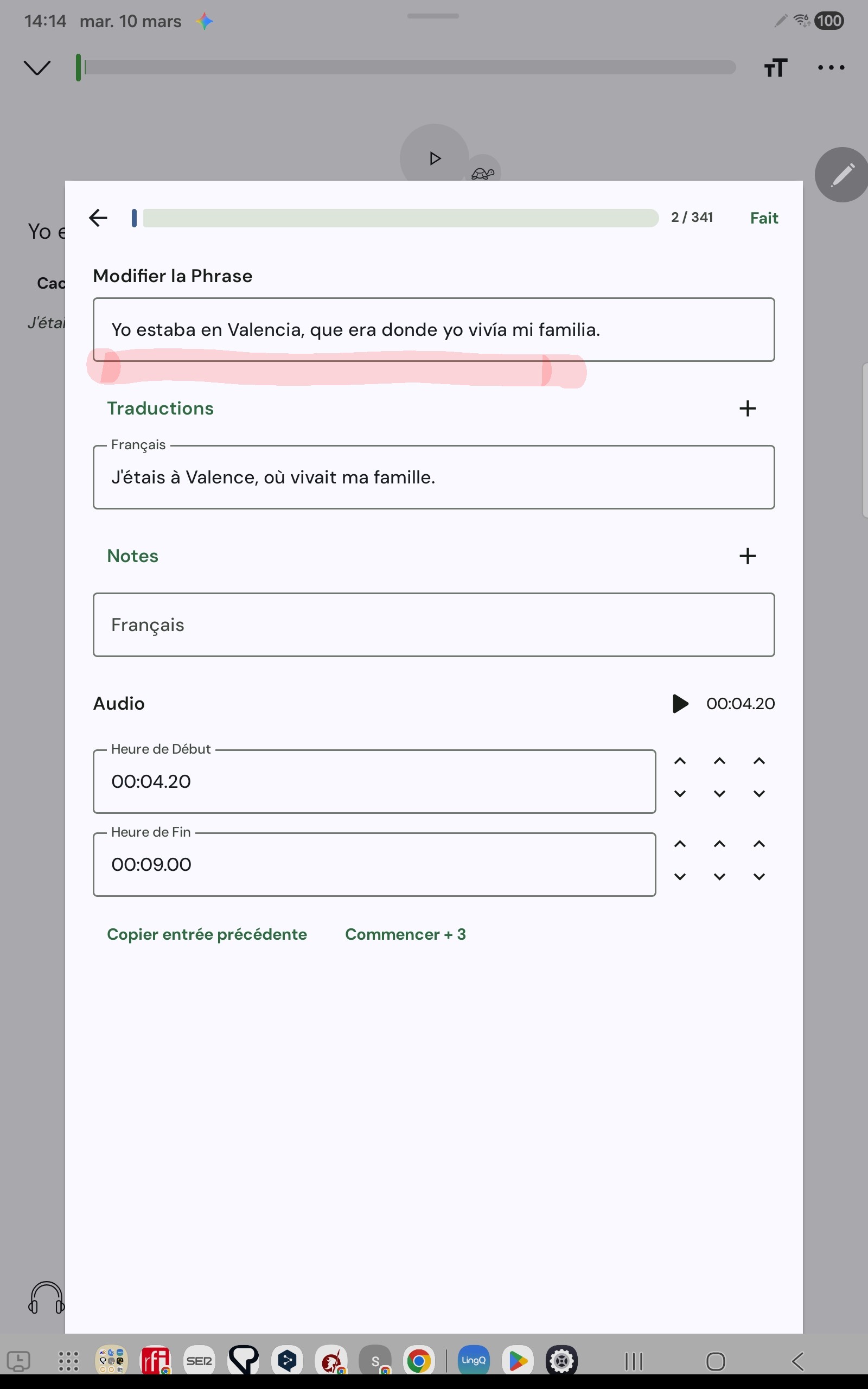
There is a sentence notes feature which can be accessed in the sentence editor. It’s not super easy to access but it’s something you can try in the meantime.
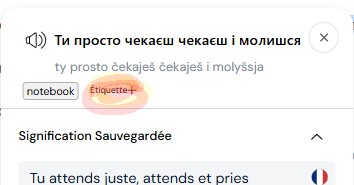
You create a lingq with the sentence. You add a tag “notebook”. You go to sentence view for LingQ. You define a filter with label “notebook”. You sort the lingQ by creation date.
It’s been years that we both have tried to ask for more notes functionalities. It’s definitely something they don’t think is useful. We can’t say we haven’t tried! I’ve given up for now. I don’t use them anymore, and I have a different workflow.
Obviously, with a better system, notes can become quite important, especially because LingQ long-term users are actually people that study languages!
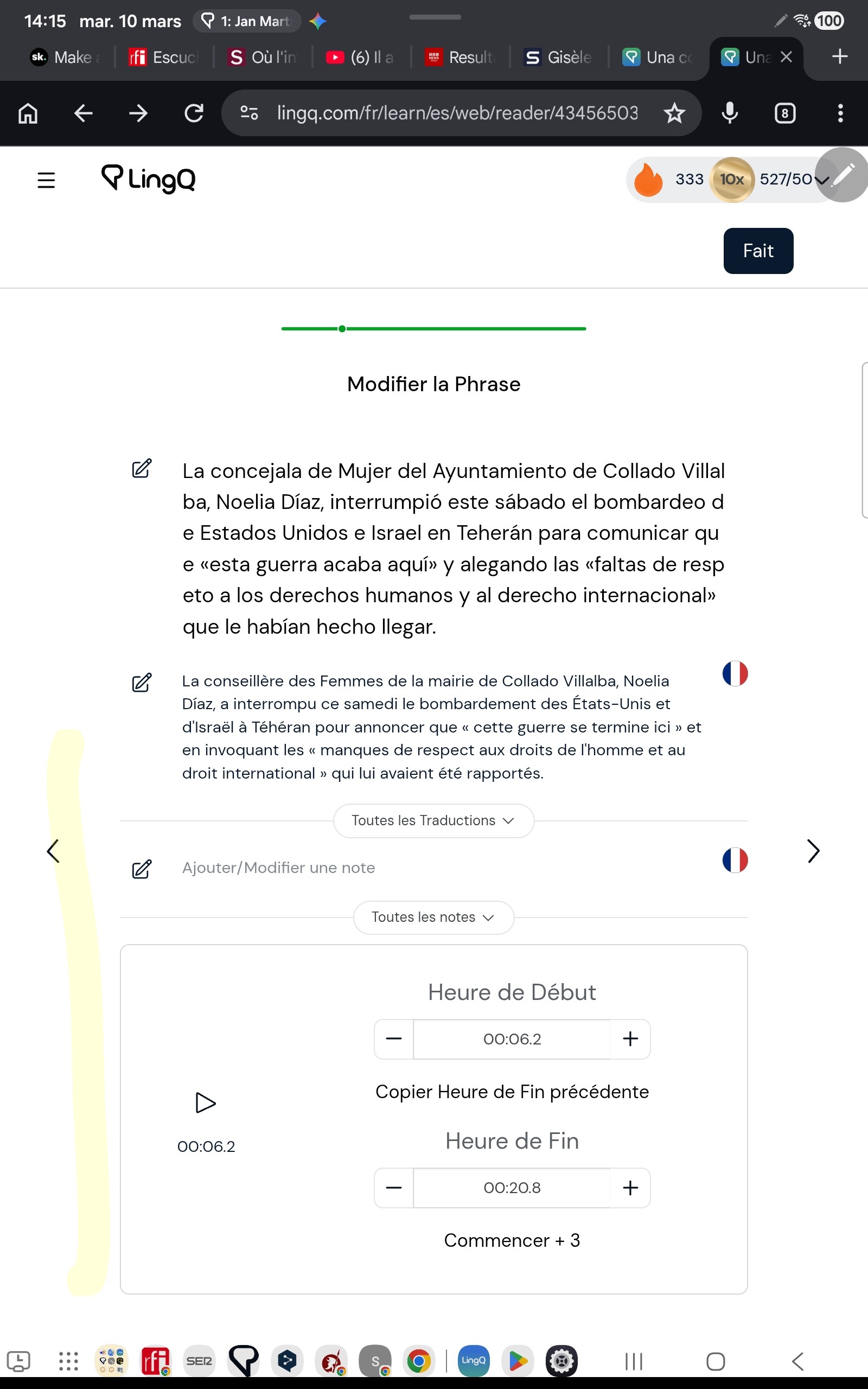
It should show underneath the sentence or if the sentence translation is showing, then underneath the sentence translation. It shows on both web and mobile.
I think a notebook per language could be a pretty cool feature.
@SeoulMate what would be the features would you like to see related to notes? On an old message I sent you where I asked for feedback, you said:
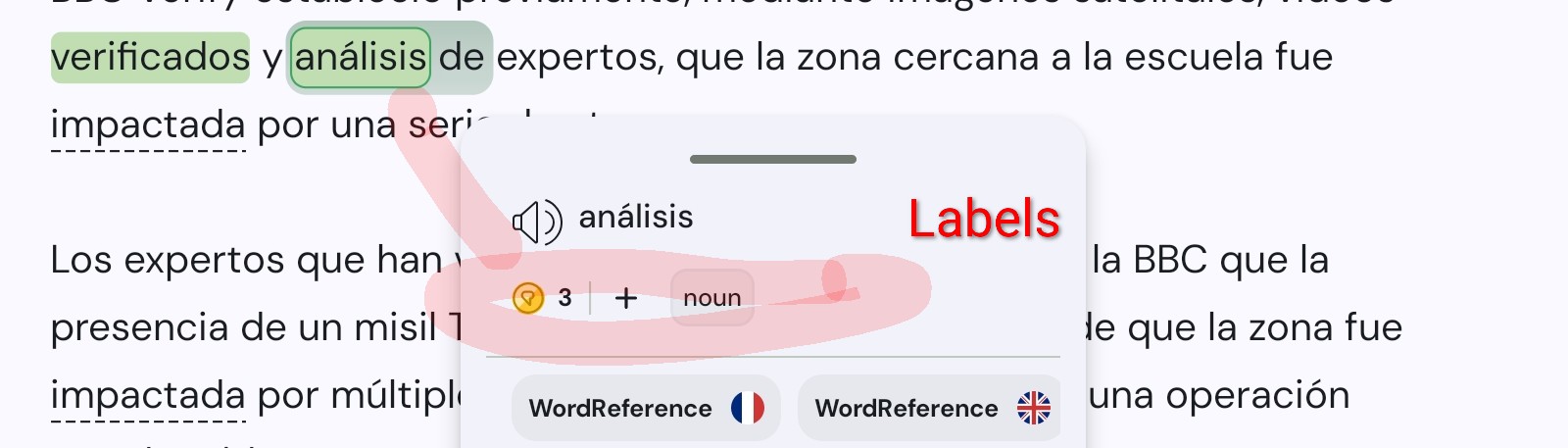
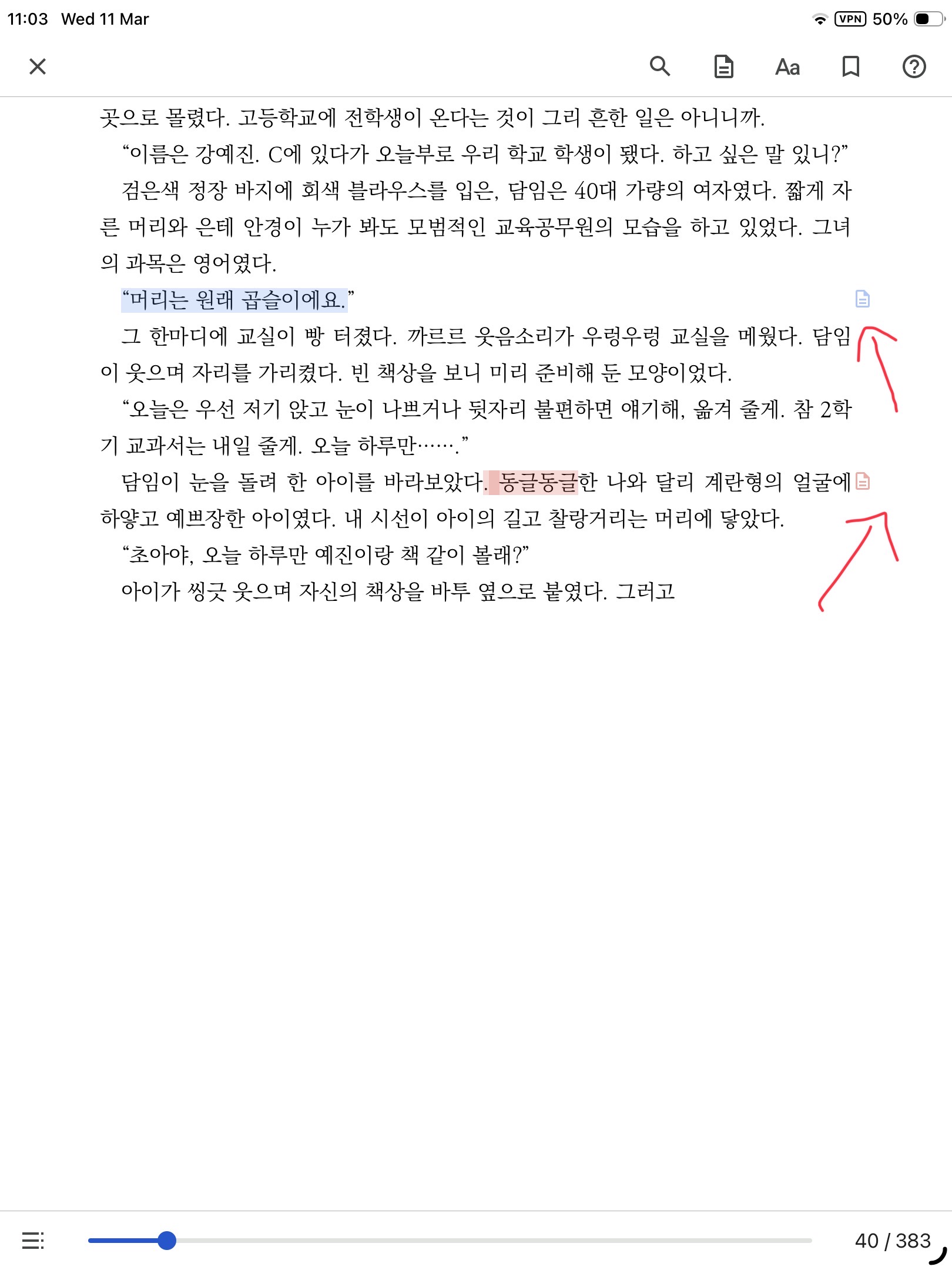
being able to see which words have notes attached with a little icon (I use the notes to jot down grammar or cultural points) and to search through these notes to find them easily
What else would make it a well rounded feature for everyone here?
@tiagosalvador
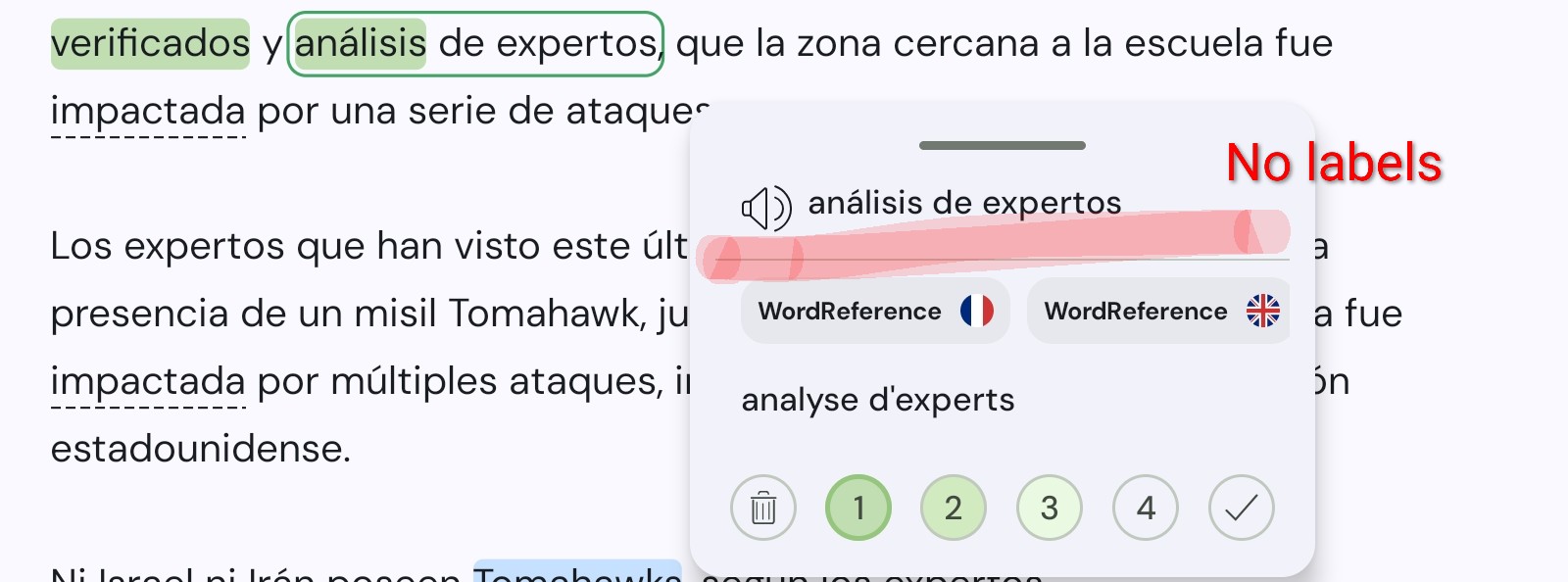
In general, we can’t see the words/lingqs that have notes when reading. Even a little asterisk or something would help to know that we have written stuff in it. And I don’t think we can even see if there are notes when we click on a lingq, unless we expand the word (I don’t remember all the scenarios right now).
Icons or images within the notes would be a lot useful to identify concepts with a simple picture. I learn super fast with images on ANKI. For example, a typical dish/food, etc.
In this thread’s case, a related notebook with all notes visible per language would be useful as well. And this can be integrated with the initial request on this thread, which is slightly different but very useful as well.
A better way to manage notes in the vocabulary and search information inside it.
I don’t remember if inside the notes there are options to format, insert links, and so on.
Overall, a better experience that would give value to those who want to learn deeper and write and use notes inside lingqs.
These are a few things I can remember. I hope it helps.
What I am asking for is a way to know which words have notes attached to them when going through a text and to have a way of being able to retrieve these notes easily in the form of a list or something. I am attaching screenshots of how it’s done in Google Play Books to give you an idea.