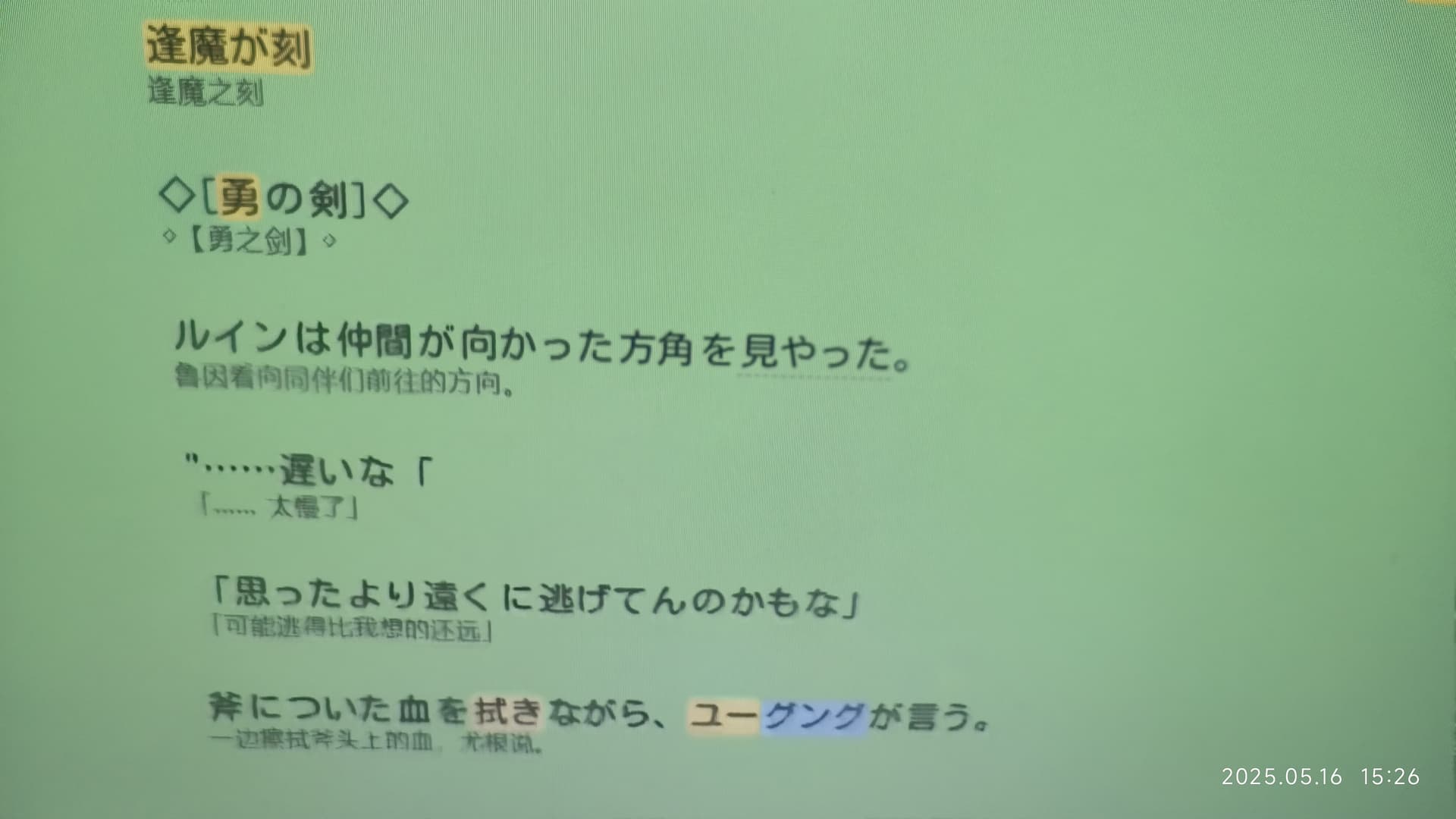
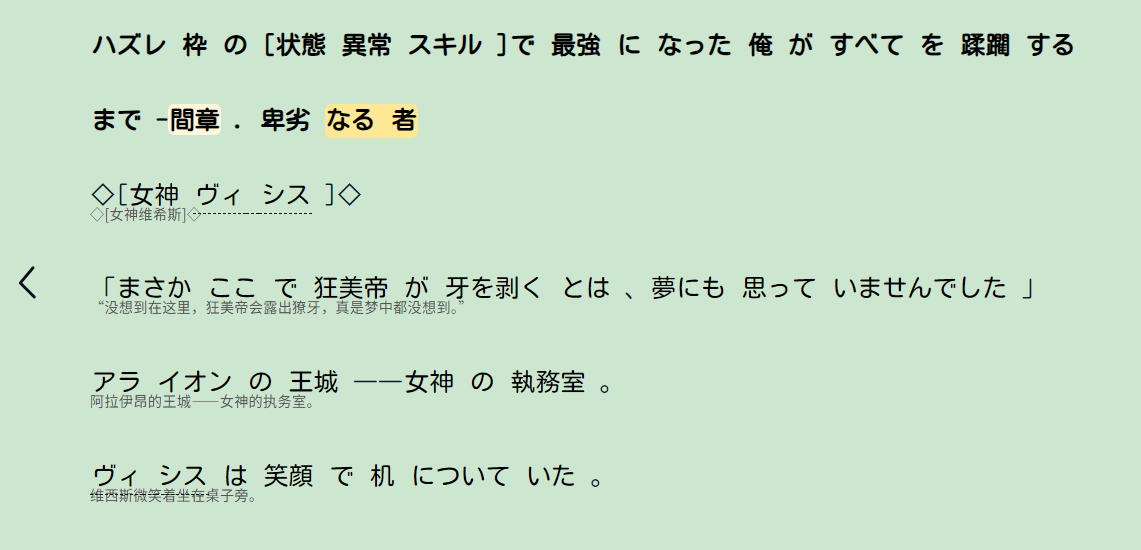
日语的翻译,字体太小了,也无法放大,能不能再设置选项建立一个开关,可以手动调节字体大小
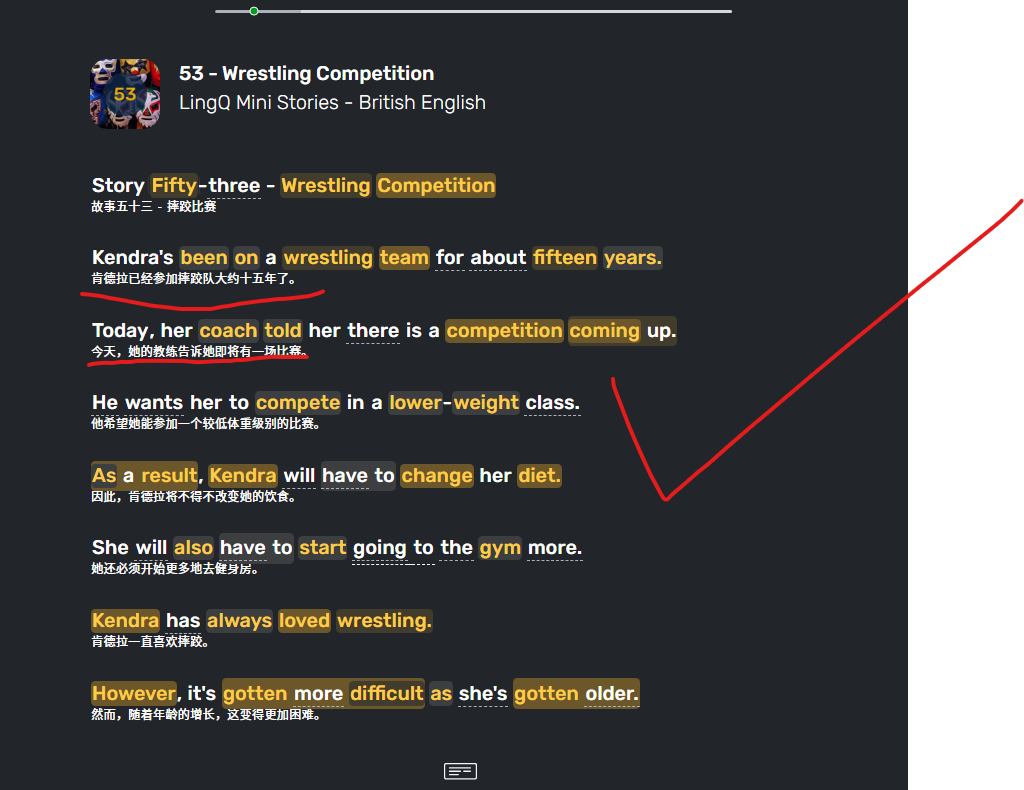
英语的字体一切正常,日语的字体太小了

Thanks, we will see what we can do.
Glad to hear you like it!
Thanks, we will look into this.
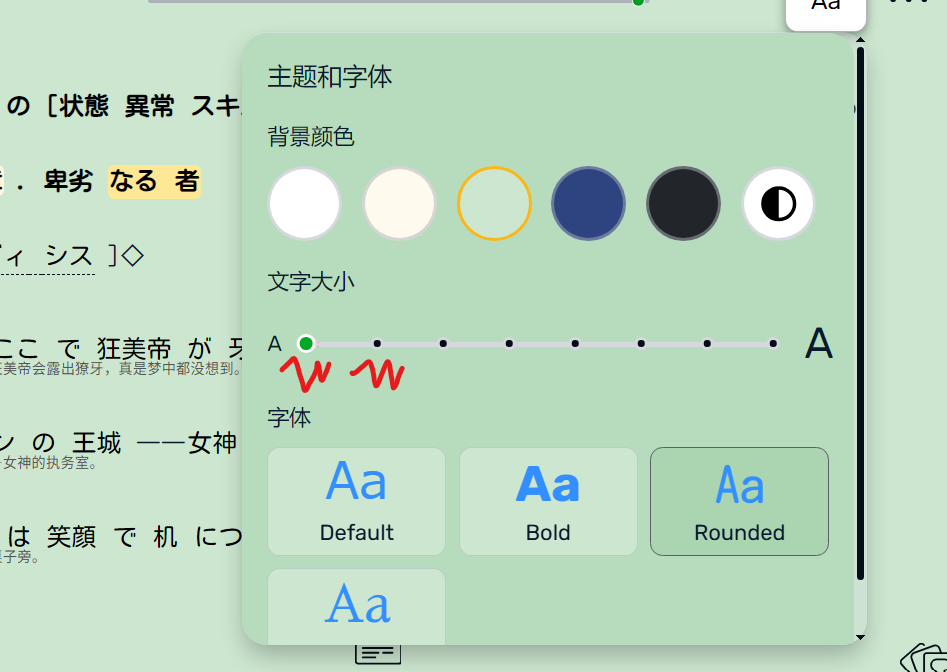
最近还是没有改变,请放大这两个字号的中文翻译字体,因为最小的两个字号的翻译的字体确实小到我需要眯着眼睛看了,请让团队做出改变
I will check what is the status here. Thanks.
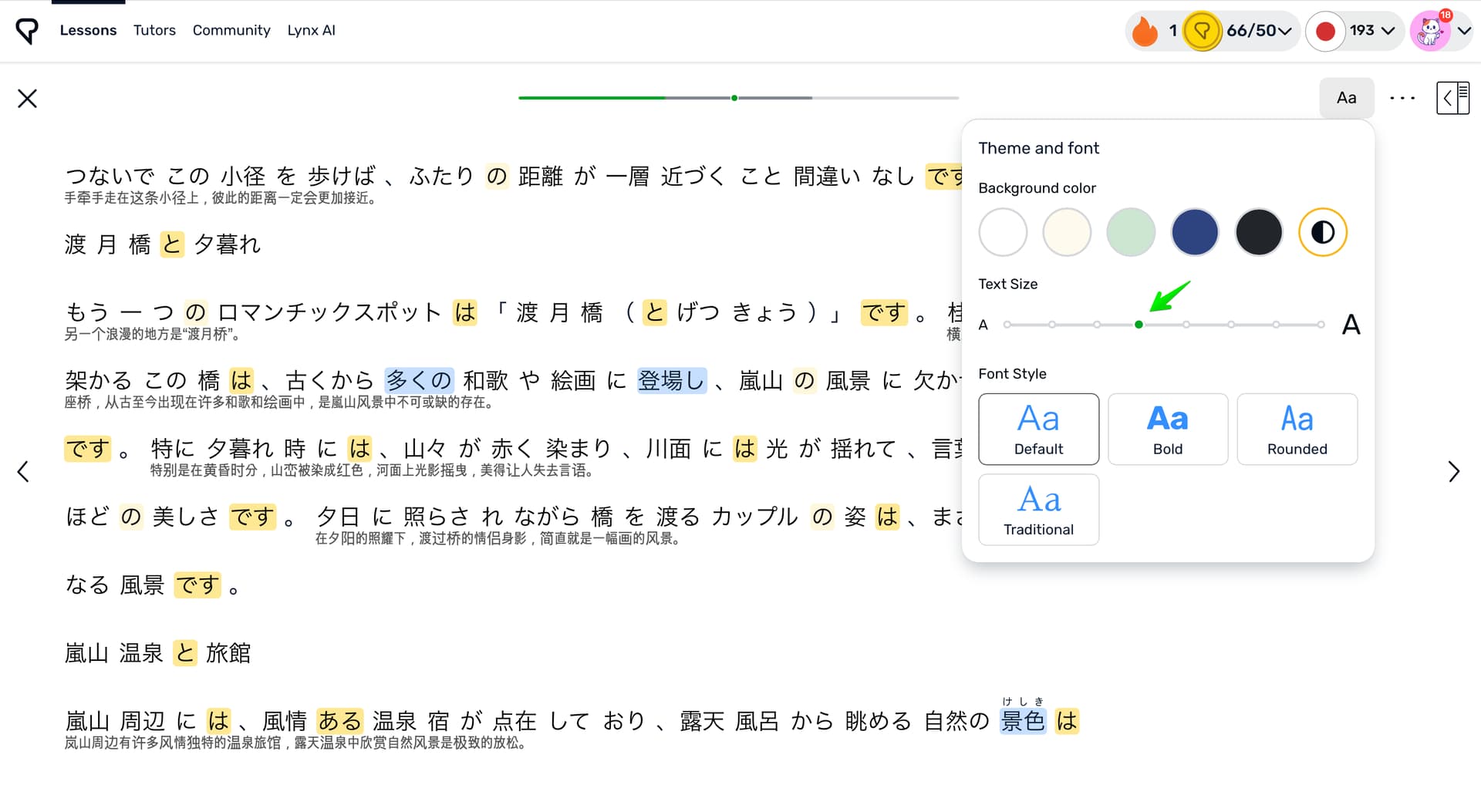
@lisanbao40 this is the standard font for translations. The translations font increases together with the font of the learning language.
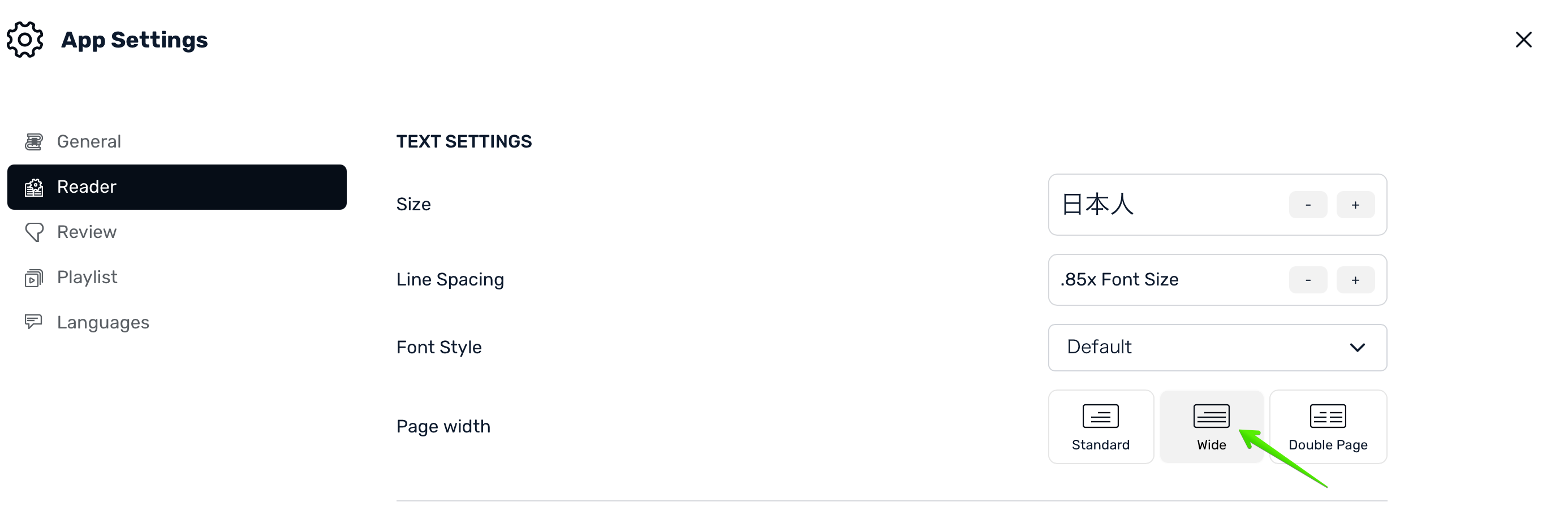
Maybe you can use the larger font size and the Wide page width? In this configuration you can use the larger font and still be able to see around same amount of the text on the page. Could you please try it. Would it be okay for you?
哦,好吧,这样也可以,我都快忘记这个功能了。