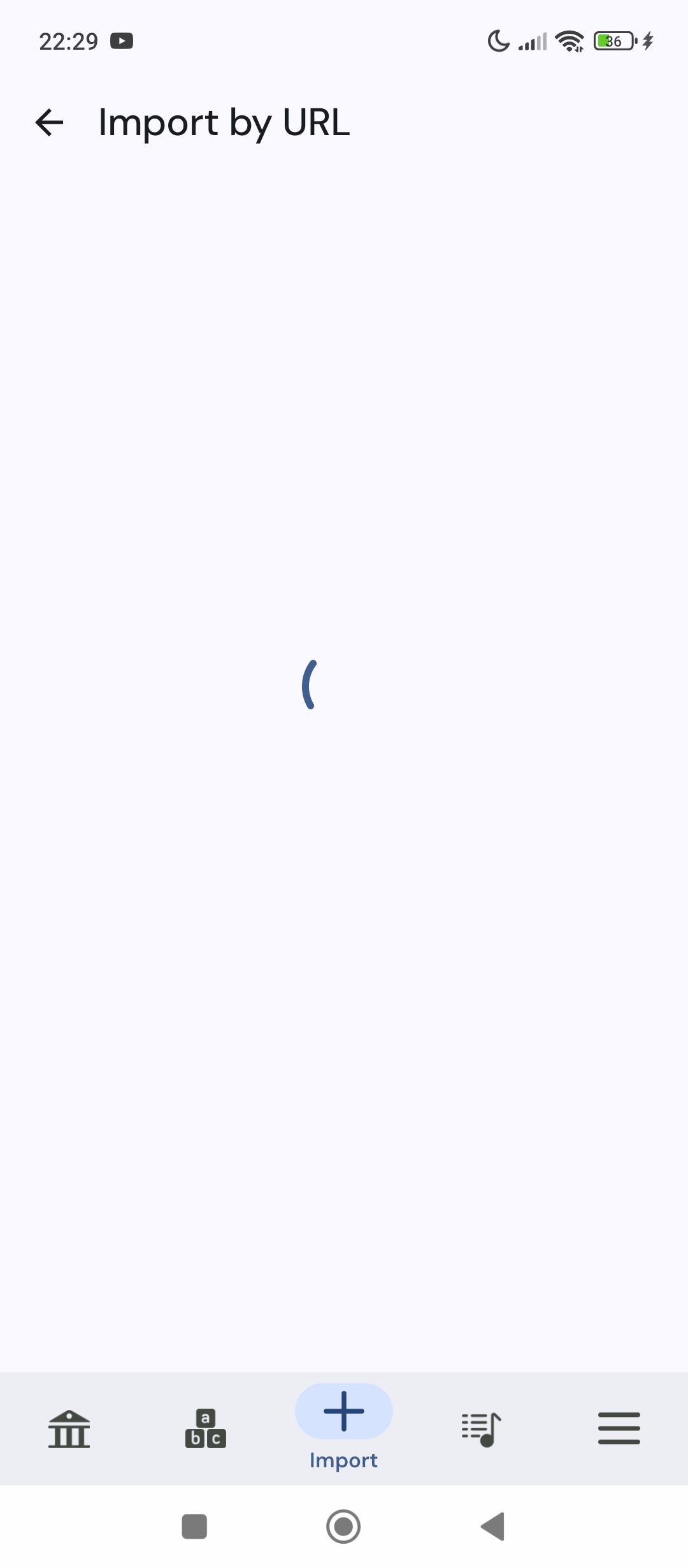
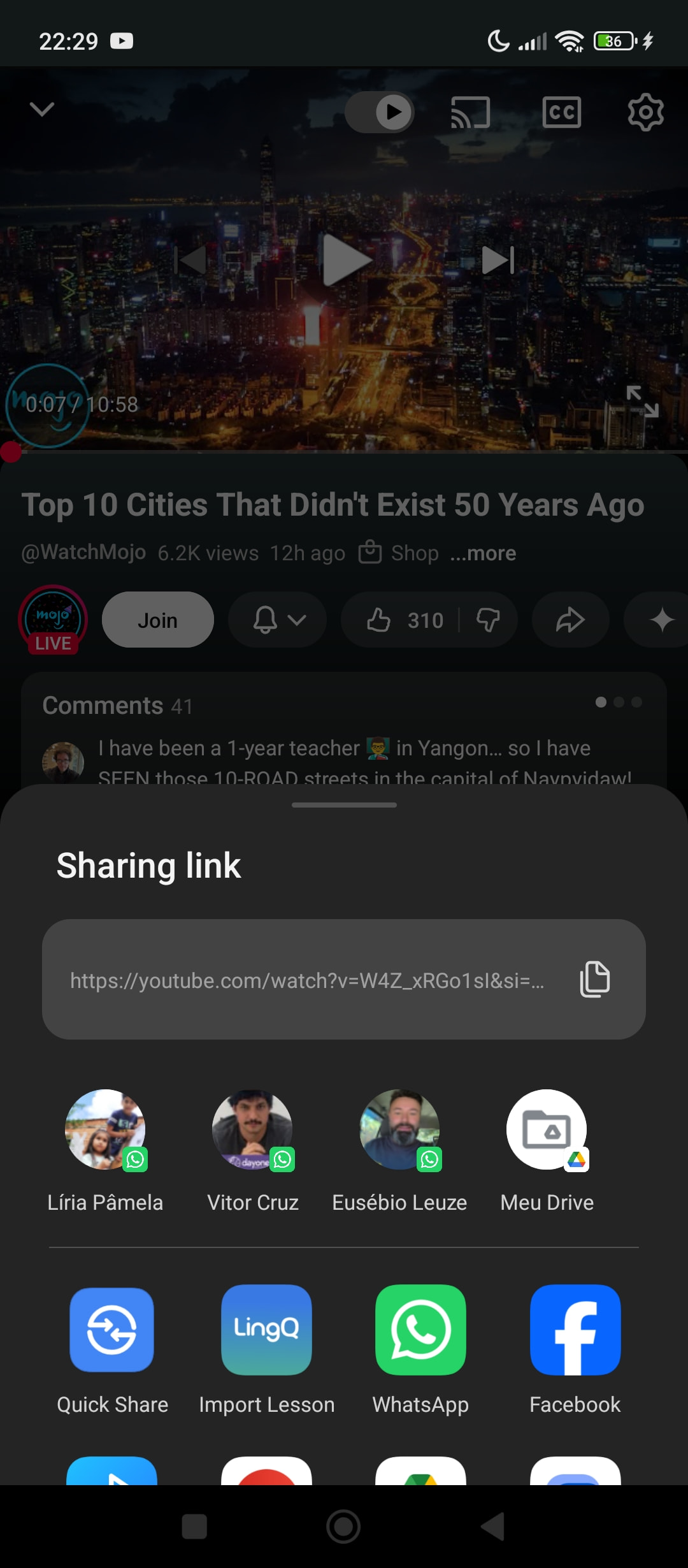
Trouble importing YouTube videos into the LingQ app?

I’ve tried importing videos in English, French, Italian, and German, and none of them are working. The app keeps loading but never finishes the import.

I’d like to know if this is happening only to me or if it’s a general issue with the app right now.

I also cant import. I’ve tried reinstalling the app, changing from, Edge to Google Chrome and pausing my VPN. It worked fine until today-now no luck!

It works for me, on Android beta with this video, in Spanish: https://youtu.be/mdnnTGs-30A?is=_wGOofaGIkdclqp7

Working now! Using Edge to import

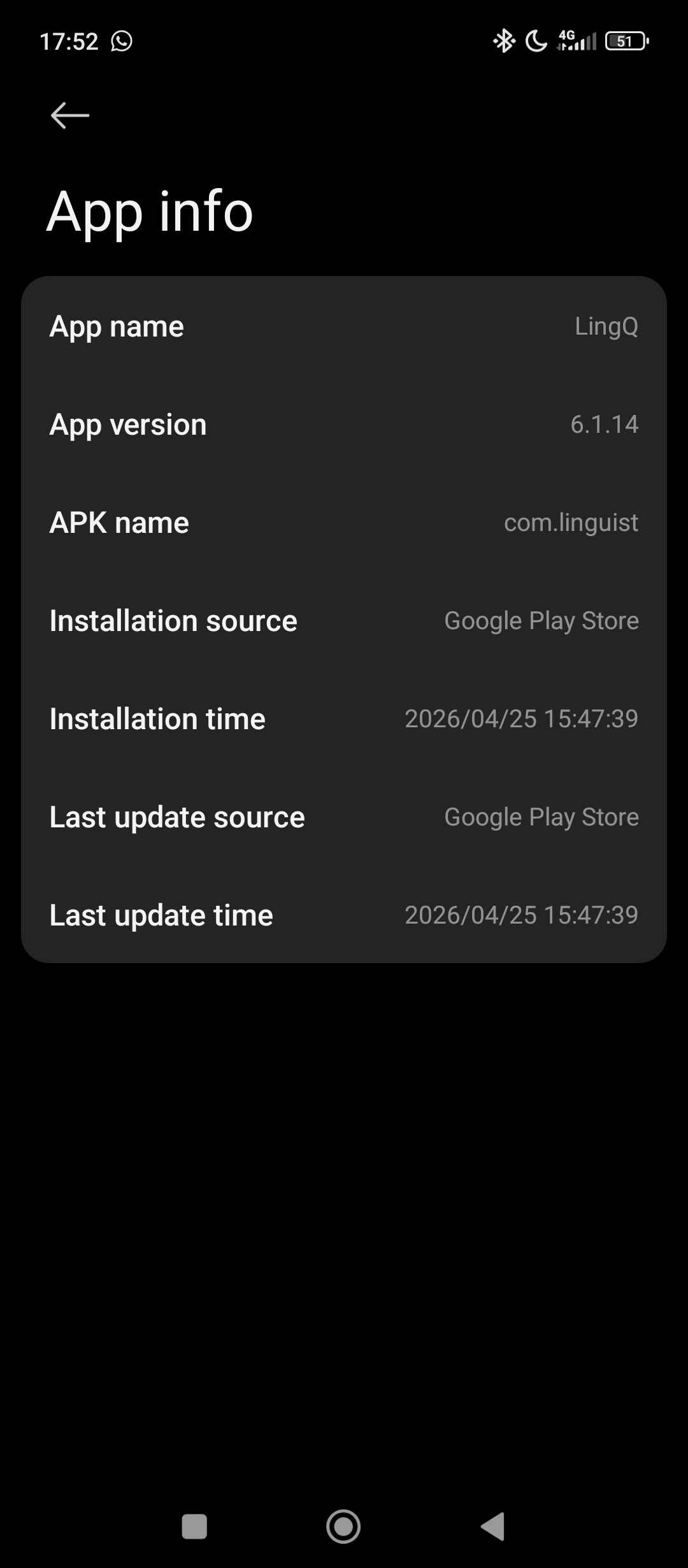
@Fael168 Are you on iOS or Android app? What version are you on?

’ve run into this before too. Sometimes it’s just a weird glitch with the browser extension or the app version. Have you tried clearing your cache or checking if there’s a quick update available? Usually, a fresh install or a different browser does the trick for me when the imports hang up.

I’m using Android. I tried deleting and downloading again, but still the same problem :cry:

When I import using chrome or the web extension, it works just fine.

But it doesn’t work when I try to import using the App.

@Fael168 Thanks. Does it just stuck on loading? No error messages?

When I click Import, the screen loads as if the process is about to finish, but then it just returns to the same screen and gives me the option to click Import again.

So basically, it gets stuck in an infinite loop.

No error message

Thanks @Fael168 , we will check this.