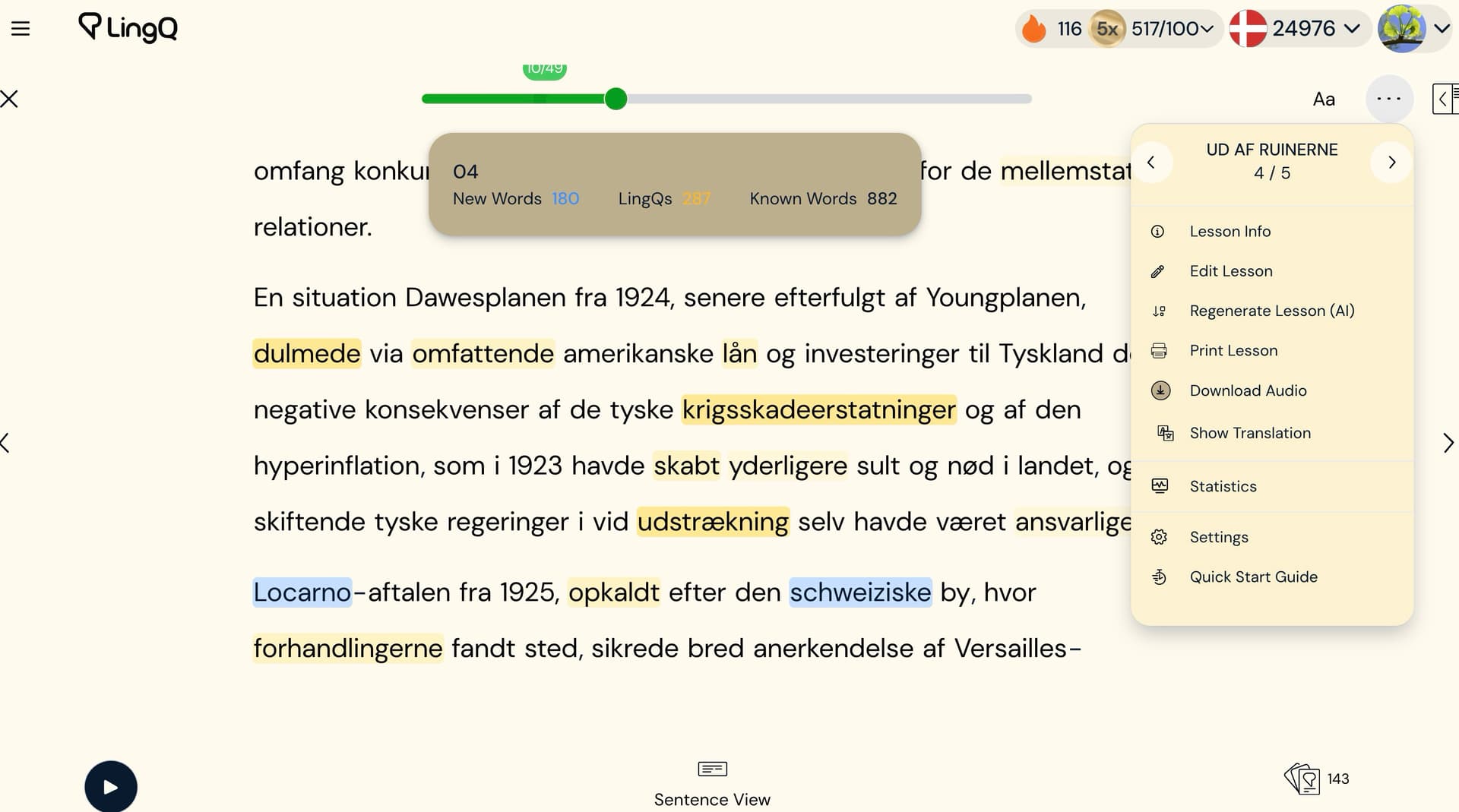
@zoran When LingQ imports a YouTube video, it attaches both the transcript and the video to the same lesson. If I simply cut the text and create new lessons manually, that won’t split the actual video, so I’ll lose the Audio + Reading synchronization.
Is there any way (within LingQ or externally) to divide a YouTube-based lesson into smaller parts while keeping each one linked to the correct video segment?
When importing documentary Youtube videos like the one linked below (28 minutes/4500 words), 1°/the spoken contents is not very dense, not optimized for reading, and 2°/ the spoken sententences are broken into multiple half-width lines.
The 4500 words become 48 pages (on my tablet)! Not very fun to read.
This is the kind of text (not dense and poorly written/formated) I’d like AI-Simplify to rewrite into into 3-5 compact pages of better written and more pleasant to read prose.
Unfortunately, the subtitles length is 4500 words.
@alainravet1 Increasing the limit isn’t in short-term plans. However, I will add this to our wishlist and we’ll see if that’s something we’ll be willing to do in the future.
Many thanks Zoran! I split the lesson and now I have the simplified lessons. This is such a useful feature when the language is a bit too complicated for me.