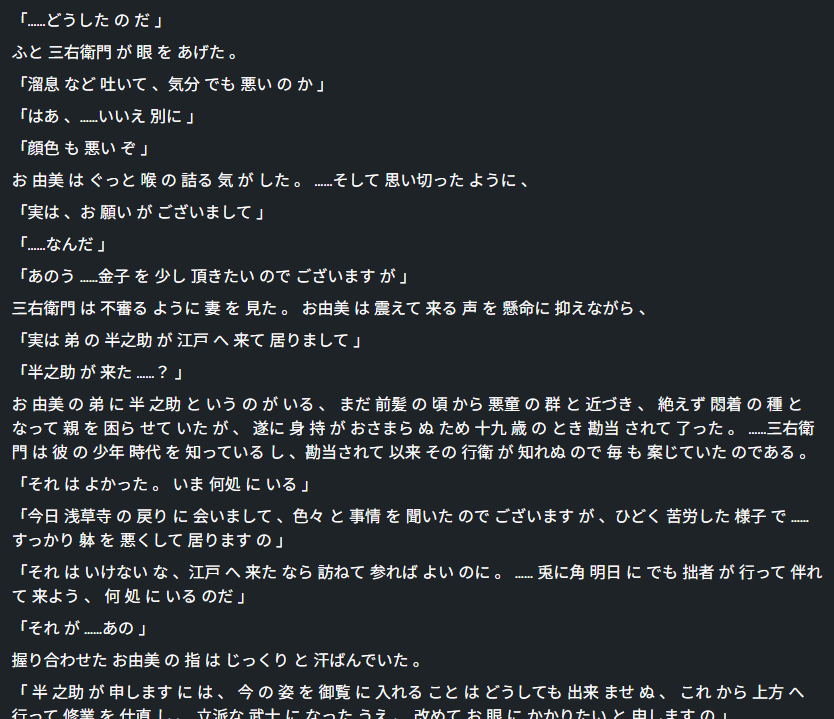
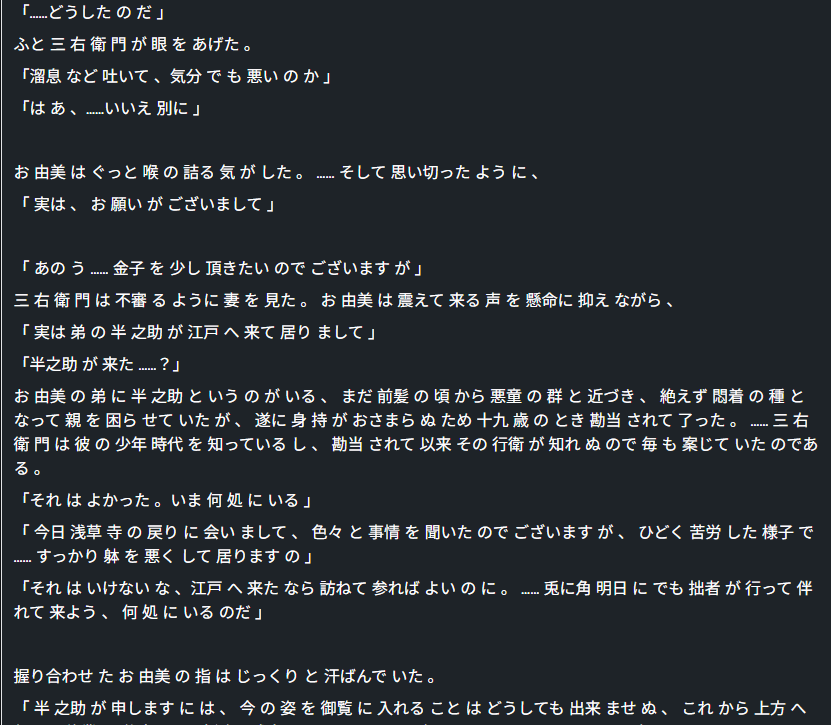
Lesson edit has been either showing the whole text as a block, even if divided into sentences when selected, or showing it better formatted but removing sentences. Here are some pictures to illustrate the issue. These three are roughly the same text.
This is how it was when imported before the update:
This is what happens if I import the exact same text from the same source (Japanese without any space between words), a big block of text:

And this is if I copy the old imported lesson, where some sentences just disappear (I believe it may be related to the existence of spaces, it’s the only difference in the source text):
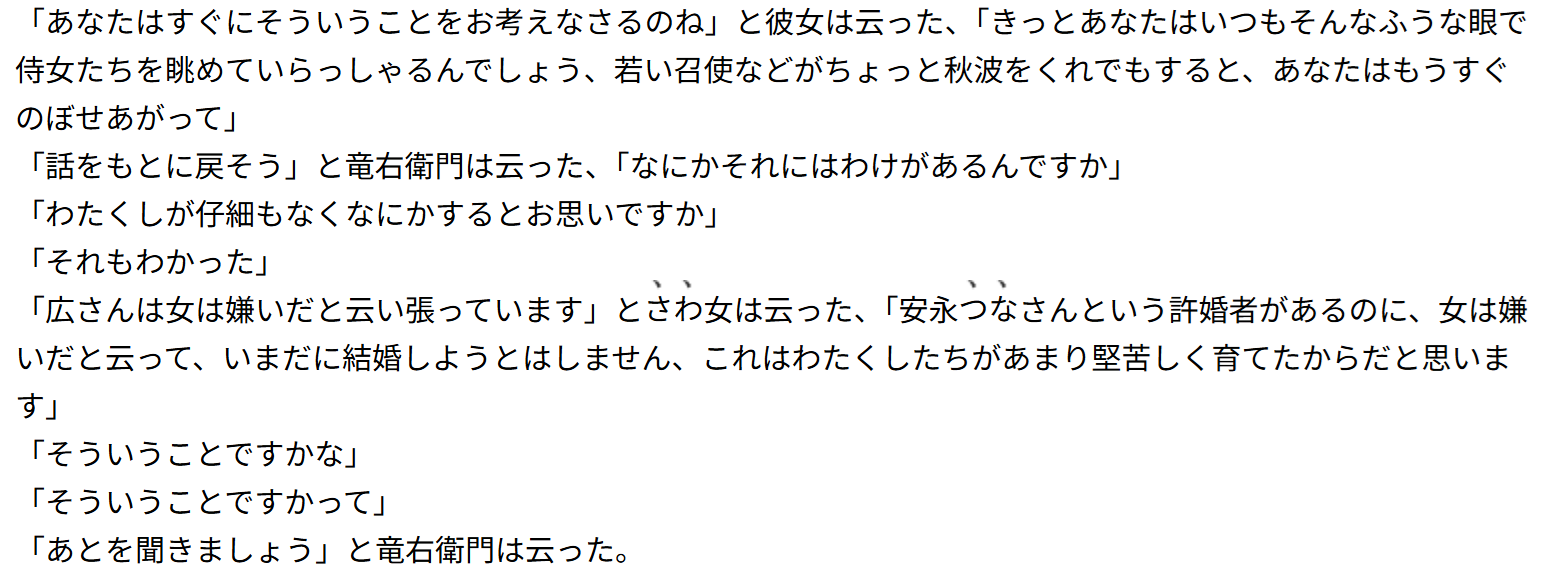
And the new import has also been parsing some sentences terribly, particularly with dialogue. If I import this text, as seen in its outside source:
It becomes one single sentence:
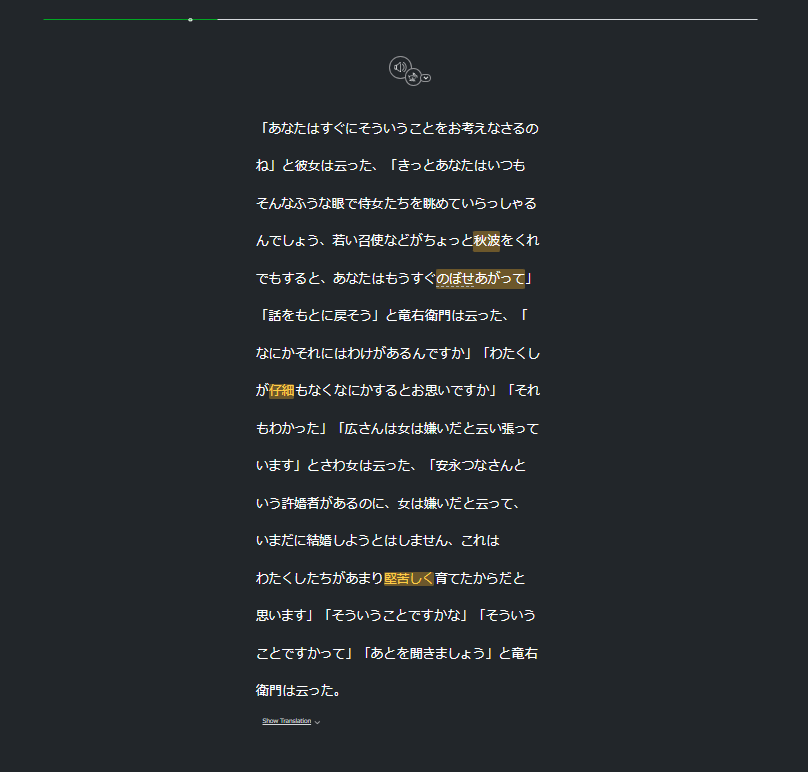
Where before the update it would definitely parse each line into one or even more sentences. I believe this may be due to the lack of specific characters like stop marks, it wasn’t an issue before.