What’s new at LingQ
Over the past few weeks, we’ve shipped a number of improvements across iOS, web, and Android focused on making LingQ smoother, smarter, and more reliable.
Lynx
We’ve made a number of meaningful improvements to Lynx across all platforms.
Interactions are smoother, conversation quality is better, and the overall experience is more polished. We’ve also expanded Lynx into more parts of the apps, improved usability, and added better transliteration support, including broader support for right-to-left languages.
If you haven’t tried Lynx yet — or haven’t used it in a while — now is a great time to take another look.
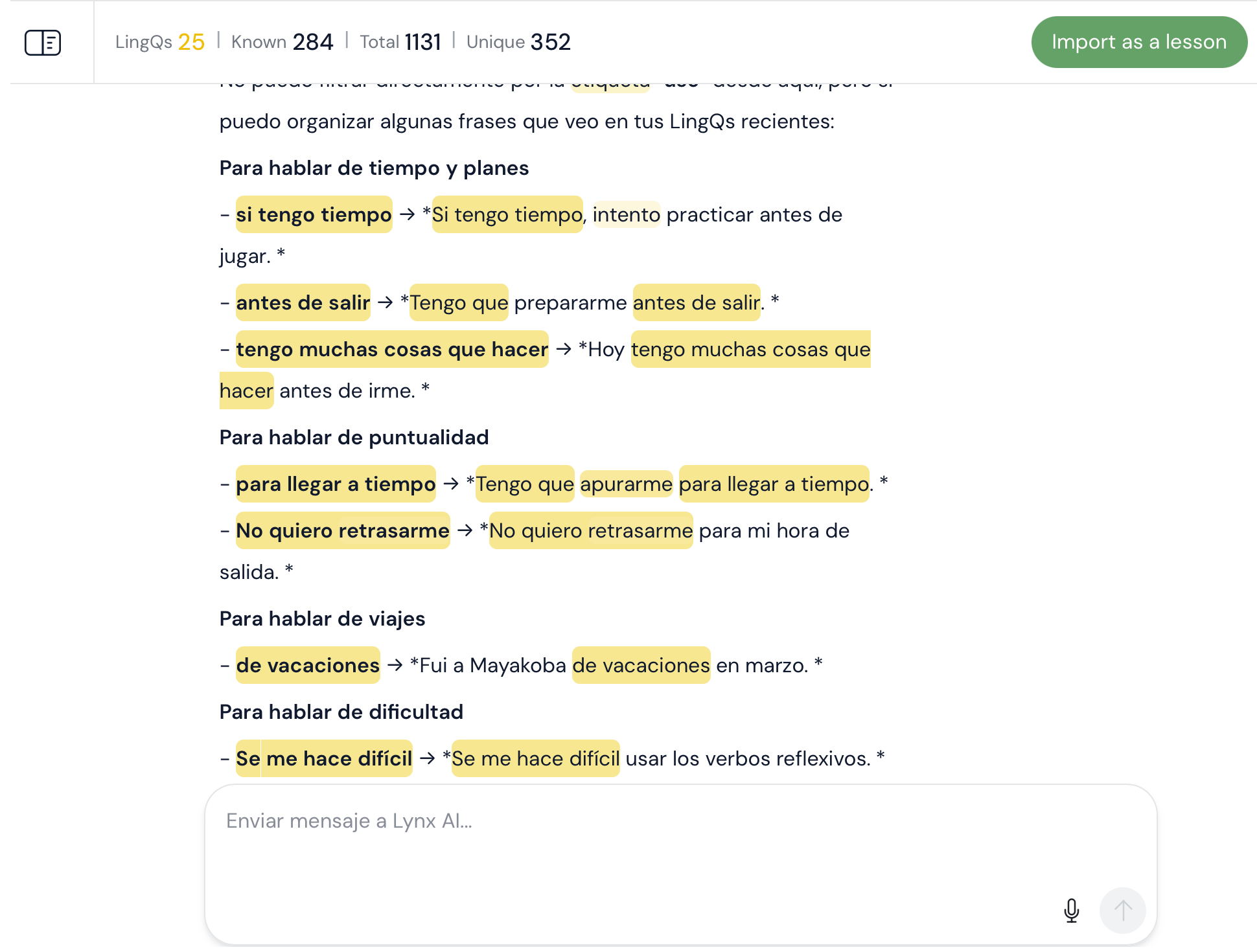
We’ve also simplified the experience. There’s no longer any need to choose a model manually. Premium and Plus users now get the same core interaction experience, while Plus users continue to have access to additional tools like content creation, examples, and more. Lynx is becoming an even better way to generate relevant, meaningful content, practice output, and explore your new language more deeply.
Lesson completion
We completed the rollout of our redesigned lesson complete experience to all users across all platforms. This update makes the end-of-lesson flow clearer, cleaner, and more polished.
Web
We shipped a number of additional improvements on web, including:
- Better audio import and transcription, with improved sentence segmentation and fewer import failures
- Support for additional content integration workflows, including Instagram
- Reliability fixes across login, import, the Reader, transliteration, and lesson tools
- Ongoing improvements to course editing and lesson management
Android
On Android, we focused heavily on reliability and polish.
We improved offline performance, including long-term streak syncing and better visibility into sync and offline status. We also shipped more navigation and library UI updates, along with fixes for Reader behavior, audio playback, flashcards, speaking practice, imports, and deeplinks.
iOS
On iOS, we expanded support for right-to-left language transliteration in both the Reader and Vocabulary sections, making those languages easier to work with throughout the app.
Thanks for using LingQ, and please keep the feedback coming — it helps us keep making the experience better.