Apologies if I’m polluting the forums with my ignorance.
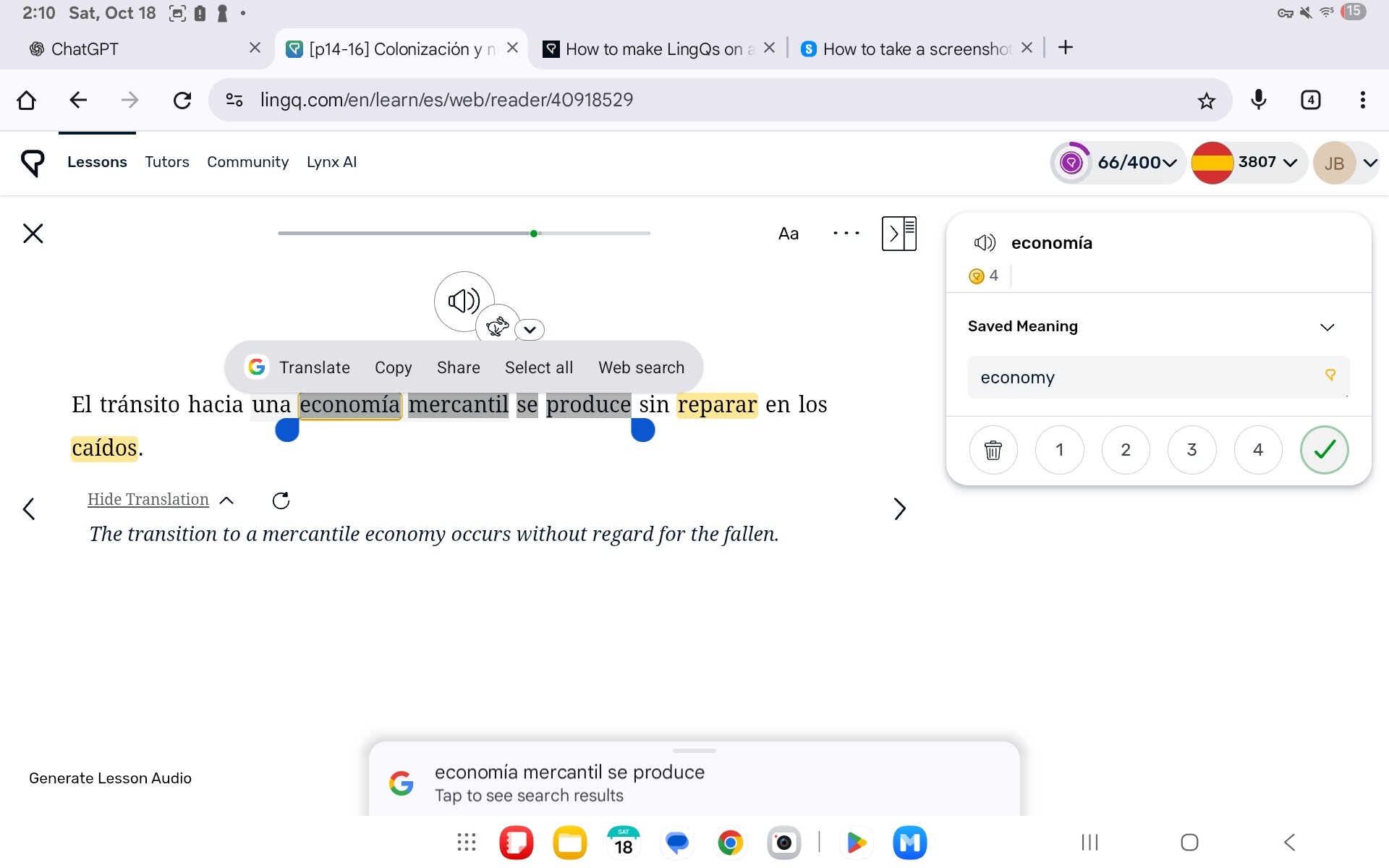
I recently bought a tablet (Samsung) and can’t figure out how to make phrase LingQ. If I highlight the words it doesn’t “select” them. If I try to use my bluetooth keyboard it doesn’t work either. How do I select multiple words to make a phrase LingQ on a tablet?
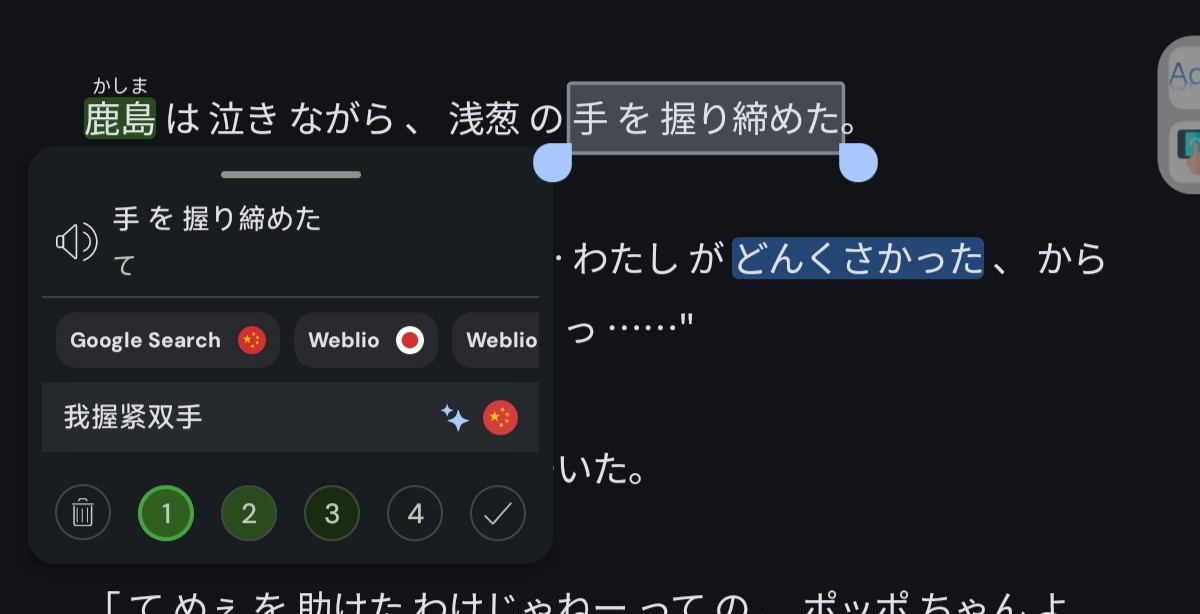
长按词汇,然后拖动,就会形成短语,Press and hold a word, then drag it to form a phrase.
2 Likes
Tried that. It highlights the words via my tablets operating system but doesn’t select the words within the LingQ application.
你得使用安卓版本的lingq、才能执行这个操作,网页端无法拖动创建短语
1 Like
Oh that’s cool. There’s an app. Yeah this seems much cleaner.
It seems that I cannot use my keyboard to select words in the app. Is this operator error? Like I use the right and left arrows to jump to the words I do not know. Is that possible on the Android version?
1 Like
是的,安卓版本可以手指拖动,组成短语。网页端无法组成短语,因为lingq并没有为网页平板适配
1 Like