In older version you just need to hover over the pages bar at the top to see how many blue words left, in the new you have to check it out through lesson info somewhere in the menu. I wonder if your product owners prompting agents on how to make users’ lives harder
Would be great to have a way to switch on/off the expressions:
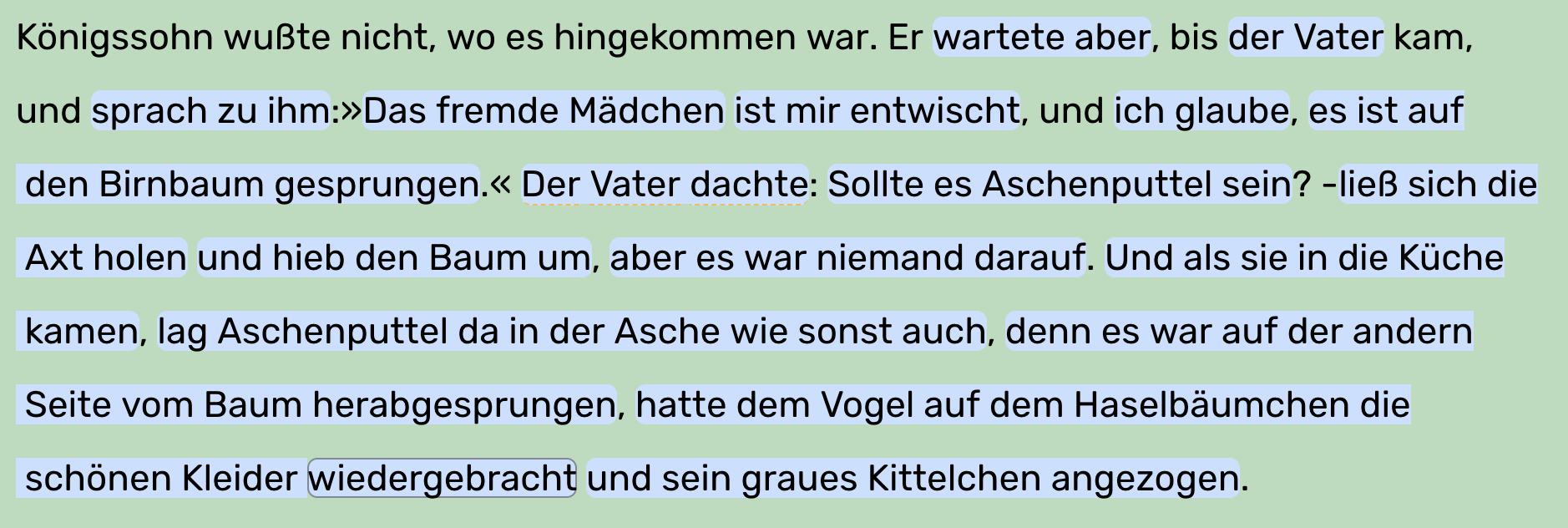
Like here, if someone has messed up with the text making nearly everything into expressions, you have no decent way to know if you got any blue or yellow words that you could progress - have to guess-click. Combine it with the fact that you have to go through menu to find how many blue words left. After that, anything done with the much disliked “feature” when all blue words become known when a lesson is finished? If not so you wouldn’t even properly know where were the blue words and how many of them just become known.
@nsprung Isn’t it possible to have the phrases in a layer behind the normal LingQs and not infront of them? So, when you already know (or learned) a word, then the second layer of phrases appears behind them? That would be the natural progress, wouldn’t it?
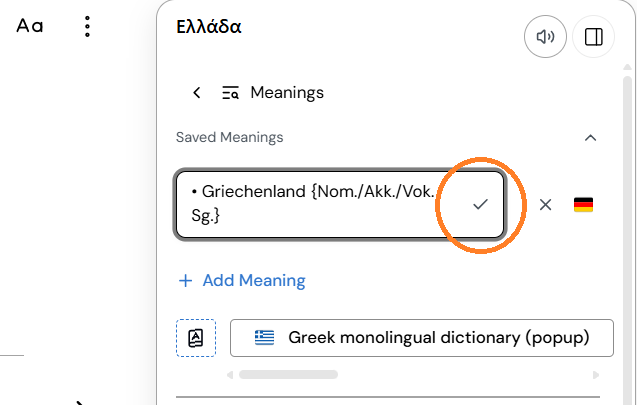
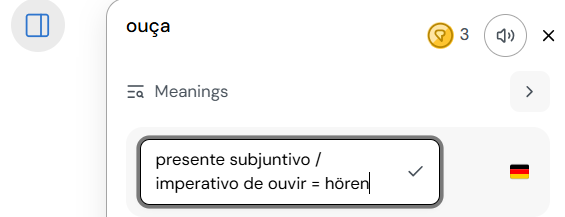
After typing in a new meaning, I want to save my meaning. On the right side there is a checkmark, but that does not do anything (means: is not clickable). I have to click outside of the writing box or press enter to save the meaning.
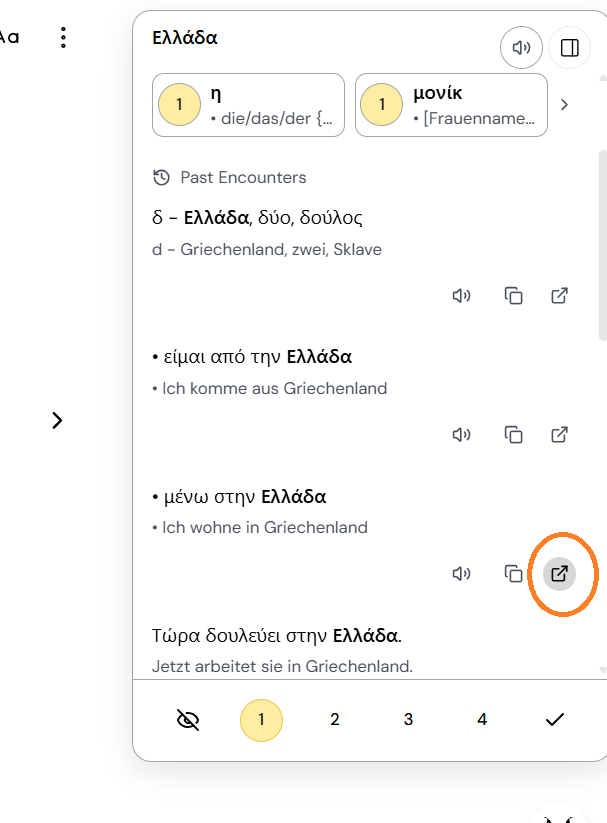
When I want to see in which context I already encountered a certain LingQ/word, I hava a look at Past Encounters. But when I click on the link to that lesson, the whole page changes into the lesson with the past encounter. Maybe consider to open a new tab or window instead. [In any case, the left side bar, that shows the last opened lessons is great to find my earlier lesson fast!]
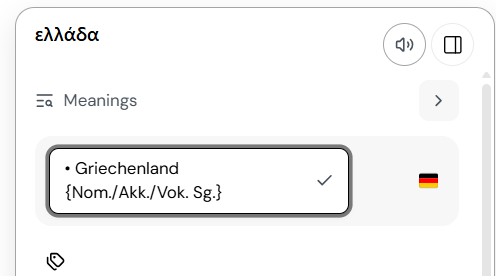
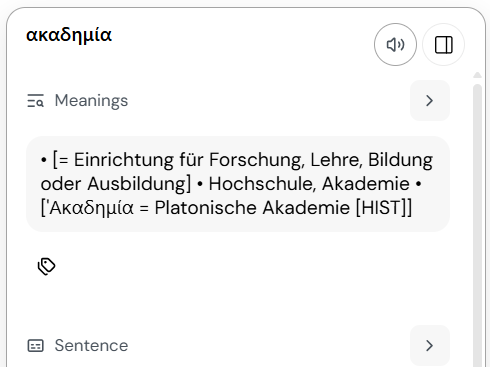
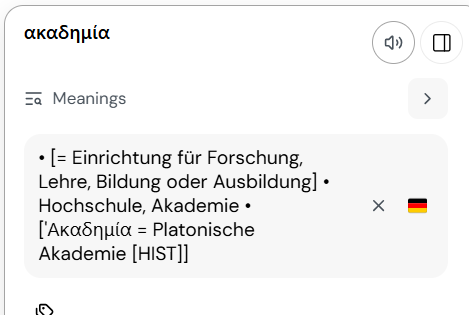
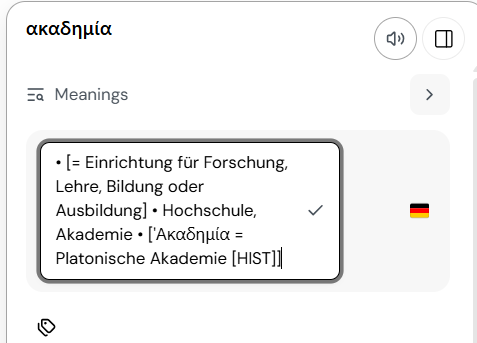
The field with my saved meanings changes its shape three times when I want to add something: Before, when moving the mouse over it to click on it and in edit mode. That’s a lot of shape-shifting of the text:
After I chose Edit Sentence Text, I added a missing letter and clicked Save. After three seconds the editing box was gone, but the change was not visible. I always have to refresh the page first to see my changes. Please refresh the page automatically with the click of Save.
@Fer.weh Thanks as always. I passed on points 1 and 2. I wasn’t able to reproduce #3, as there is no change (besides the x appearing) when I hover over any Meanings, even longer ones like the one in your screenshot.
The reader stops working every couple pages for me now.
I try to click on a meaning for a new word and it doesn’t work. If I click 10 or 20 times it eventually works or sometimes re-loading the page helps.
That’s what breaks on new words. On lingqs I get the message “Couldn’t save that status. Please try again.”
If I just wait for a couple minutes these bugs seem to fix themselves. It’s like something is taking forever to load in the background preventing the page from working right for a couple minutes every few pages.
I think these bugs should be a priority since it’s pretty frustrating to sit and wait every couple pages for things to start working again before continuing reading.
Something weird just happened after finishing a lesson.
I completed a lesson, clicked Finish Lesson and reached the Lesson completed page. Then I clicked Back instead of the LingQ symbol (by accident) which brought me back to the last page of my lesson. I wanted to retirn to the library. Out of habit I clicked the exit symbol in the left top corner and came to the Edit Lesson page!?!
To exit that one I pressed View Lesson to return to the lesson. Another click on the exit symbol brings me to Edit Lesson again. I can go in a circle like that for hours..
Is it possible to disable the phrase function until there is a user option to turn it on/off manually? Right now, it is a frustrating impediment for the reasons dmty outlines.
@jjacks303 We will get that keyboard issue fixed. Also, that reader breaking issue should be fixed soon.
@Fer.weh It looks like that button is basically a Back button currently. I understand that can be confusing. I’m confirming with the team that it is meant to send the user back to the previous page rather than always to the Library page.
@Alan_R@dmty Your concerns about phrases are completely warranted. For German in particular we noted this issue. I believe if you reimport the same text you shared in that image “Königssohn wußte nicht, wo es hingekommen war…” today you wouldn’t see all those phrases, I just tested it. Alan I think you’re learning German as well, is it possible this issue is simply fixed with new imports? For existing lessons you can always use the regenerate lesson feature to rerun the AI process.
For now, you can leave the beta if you want to not see phrases highlighted. But we are working on improving the model so that it only phrases real expressions, we expect this improvement to arrive soon.
Hi, I feel that in non-beta web reader once you hit left arrow when you just turned the page, it would bring you to the previous page AND select the last word on that previous page.
Now it doesn’t select anything,
If you naturally try to hit the right arrow to get back to the page you just were on - you couldn’t do that. You would have to move thru all words of the current page.
And if you hit left arrow again it will turn the page backwards again.
In other words:
If you just turned page to page 5. Hit left arrow - you are on page 4. If you hit left arrow again you are on page 3
If you just turned to page 5. Hit left arrow - you are on page 4. If you hit right arrow you would inspect first word on page 4, you would not return to page 5
Expected:
If you just turned to page 5. Hit left arrow - you are on page 4. System (web reader) selected for you the last not known word on page 4. If you hit right arrow again you are on page 5
I’ve got all the popups turned off cause I prefer just to use the sidebar.
Every time I open a new lesson or reload the page to fix another issue the Micro-Widget appears. All I have to do to get rid of it is click anywhere on the page once. Then it stays gone until I reload the page or open a new lesson.
Not a huge deal since I can get rid of it with one click but I don’t think it’s supposed to show up at all. And since I’m reloading the site pretty often to fix other bugs it keeps popping up.
There was a little hiccup after generating lesson audios today.
I pressed Gererate Lesson Audio within the lesson and that worked well, but the audio was not aligned with the sentences yet… That’s why I wanted to go to the lesson editor to genarate timestamps. But that did not work. I could not click Edit Lesson.
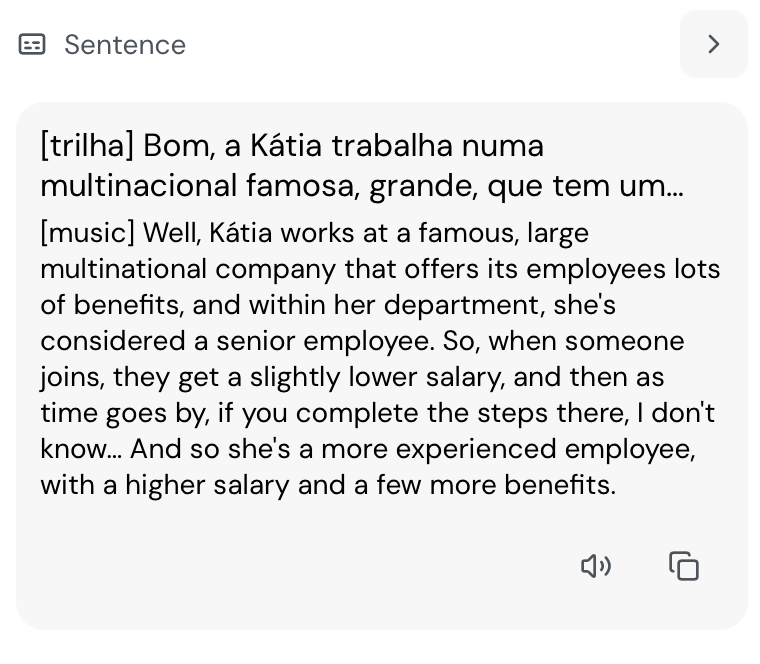
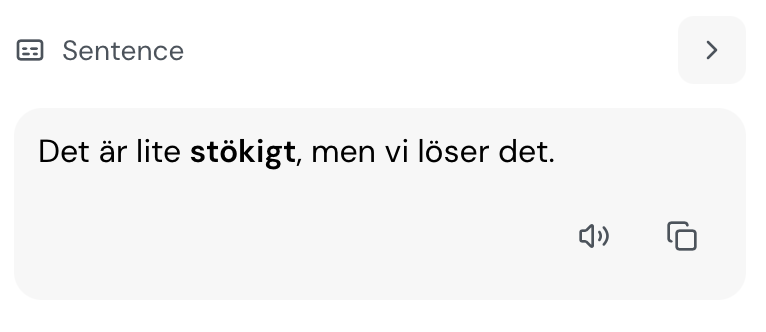
I’ve been having some trouble with the sentence translation on the sidebar. First of all, I like having it there. It’s nice to be able to glance over and see the full translation when I need more context for a word or phrase, but it’s been kinda buggy for me lately.
In Swedish it seems to stick to a good length, but it Portuguese it’s giving me a whole paragraph of English that really slows me down as I’m searching through to find the phrase I’m looking for. Maybe it has something to do with the content I’m using. With Portuguese I’m using podcast transcripts with pretty long sentences but it still seems to be adding on way too much. With Swedish I’ve been using Netflix subtitles.
Sometimes there will be no translation at all and I will have to reload the page. This happens in both of these languages. I haven’t tried any other ones yet.
If you can’t figure out the first problem don’t worry about it. It’s probably better to have too much context than not enough. It just slows me down a bit. The second problem should be fixed though.
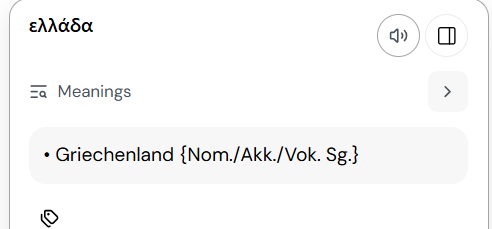
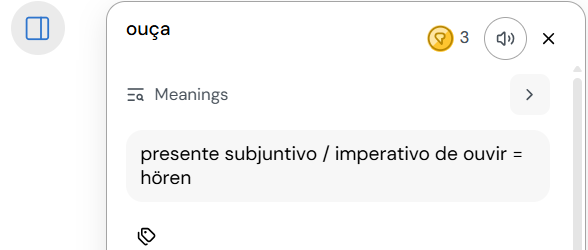
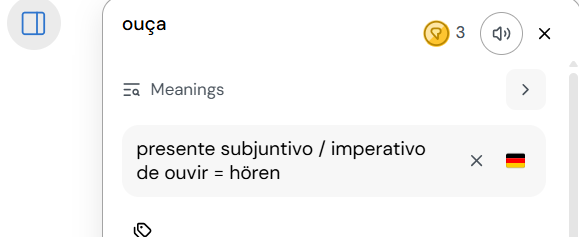
I had a look at the changing format for my saved meaning(s) again. With most meanings there are no changes. But with some, there are. (The 2nd picture is when the mouse hovers over the meaning):